


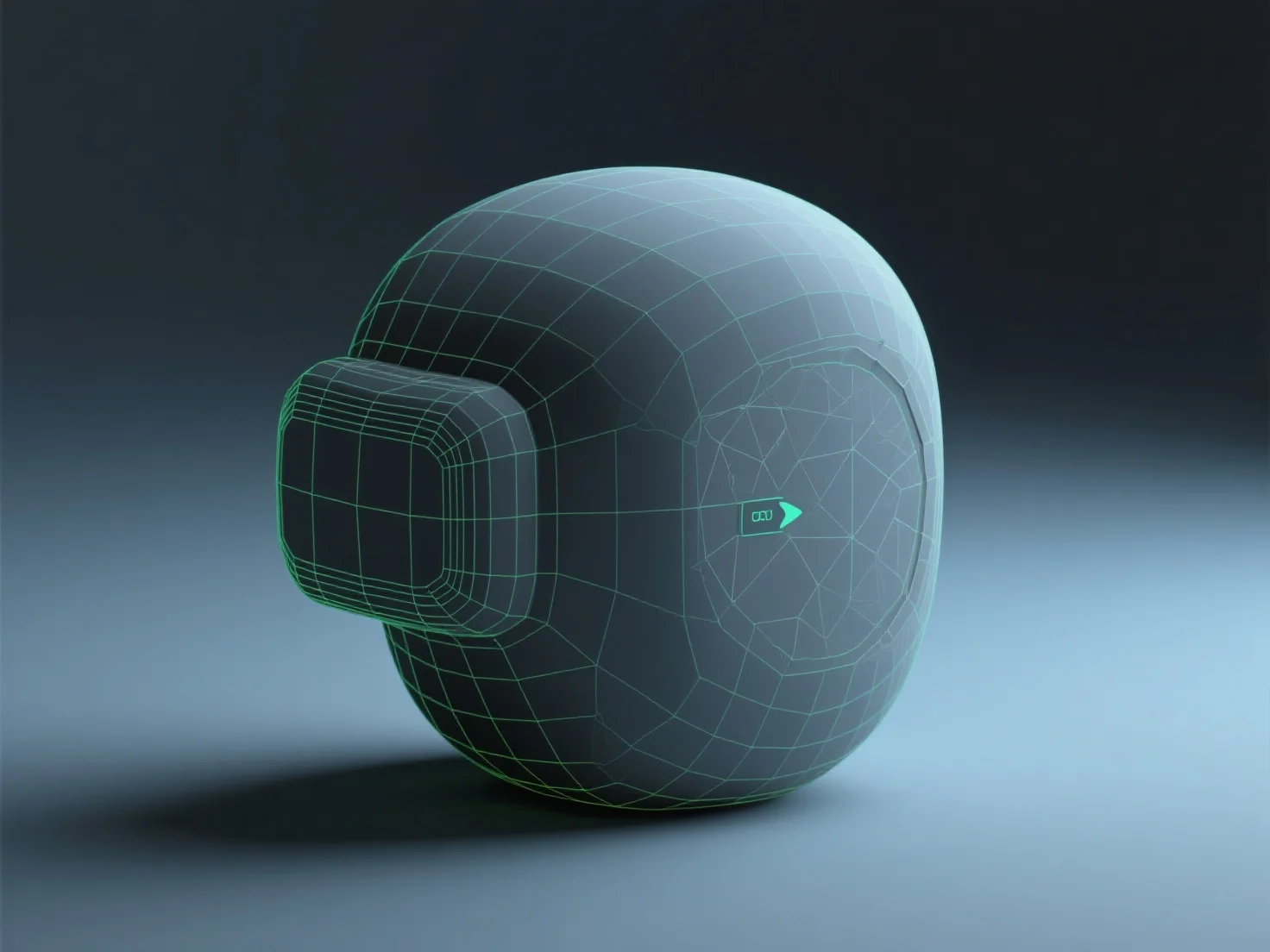
Preparing a 3D model for real-time engines like Unity or Unreal involves optimizing geometry, texturing efficiently, rigging (if animated), exporting in compatible formats, and testing in-engine. This balances visual quality with performance for smooth real-time rendering.
Geometry optimization reduces polygon count to lower GPU load, trimming unnecessary details while preserving key shapes to keep the model lightweight.
Texturing uses PBR (Physically Based Rendering) materials to mimic real-world lighting, with compressed maps (albedo, normal, metallic) for efficient rendering.
Rigging (for animated models) sets up a bone structure aligned with natural movement points, enabling smooth animations without excessive complexity.
Export in engine-compatible formats like FBX or GLB, avoiding proprietary files to ensure seamless import into Unity or Unreal.
Testing in the engine allows adjusting LOD (Level of Detail) or material settings, fine-tuning performance and appearance for optimal real-time results.