


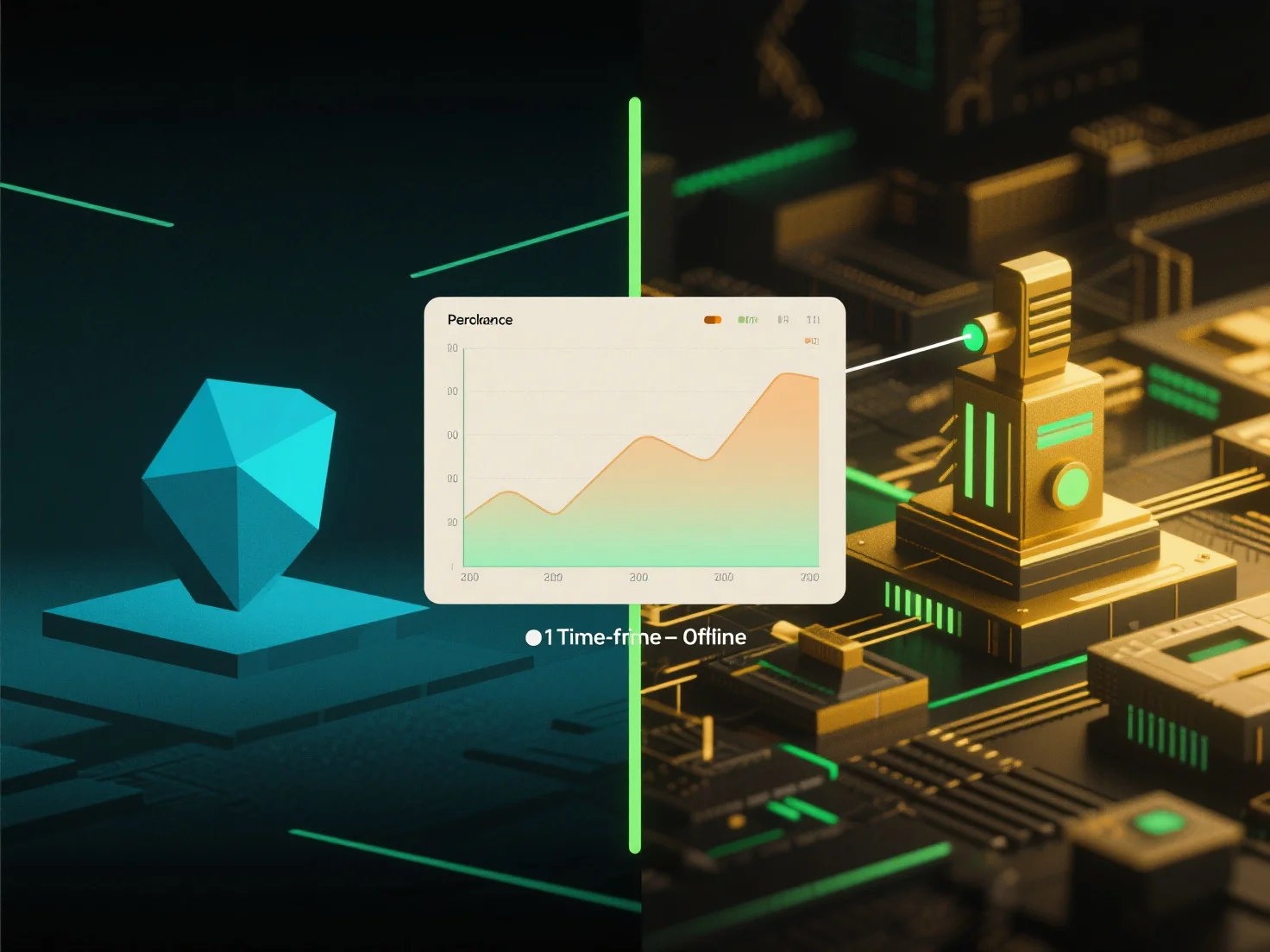
To manage frame rates and performance during transitions between real-time and offline rendering in 3D environments, focus on adaptive asset and rendering adjustments tailored to each mode.
- Real-time rendering prioritizes speed: use lower polygon counts, simplified textures, and optimized shaders to maintain target frame rates. - Offline rendering leverages higher detail: increase polygon density, high-resolution textures, and complex lighting for quality output. - Dynamic level of detail (LOD) systems and adaptive resolution scaling smooth transitions by adjusting detail based on rendering mode.
Additionally, use profiling tools to identify bottlenecks (e.g., excessive asset detail or shader complexity) and optimize accordingly, ensuring seamless performance shifts.