


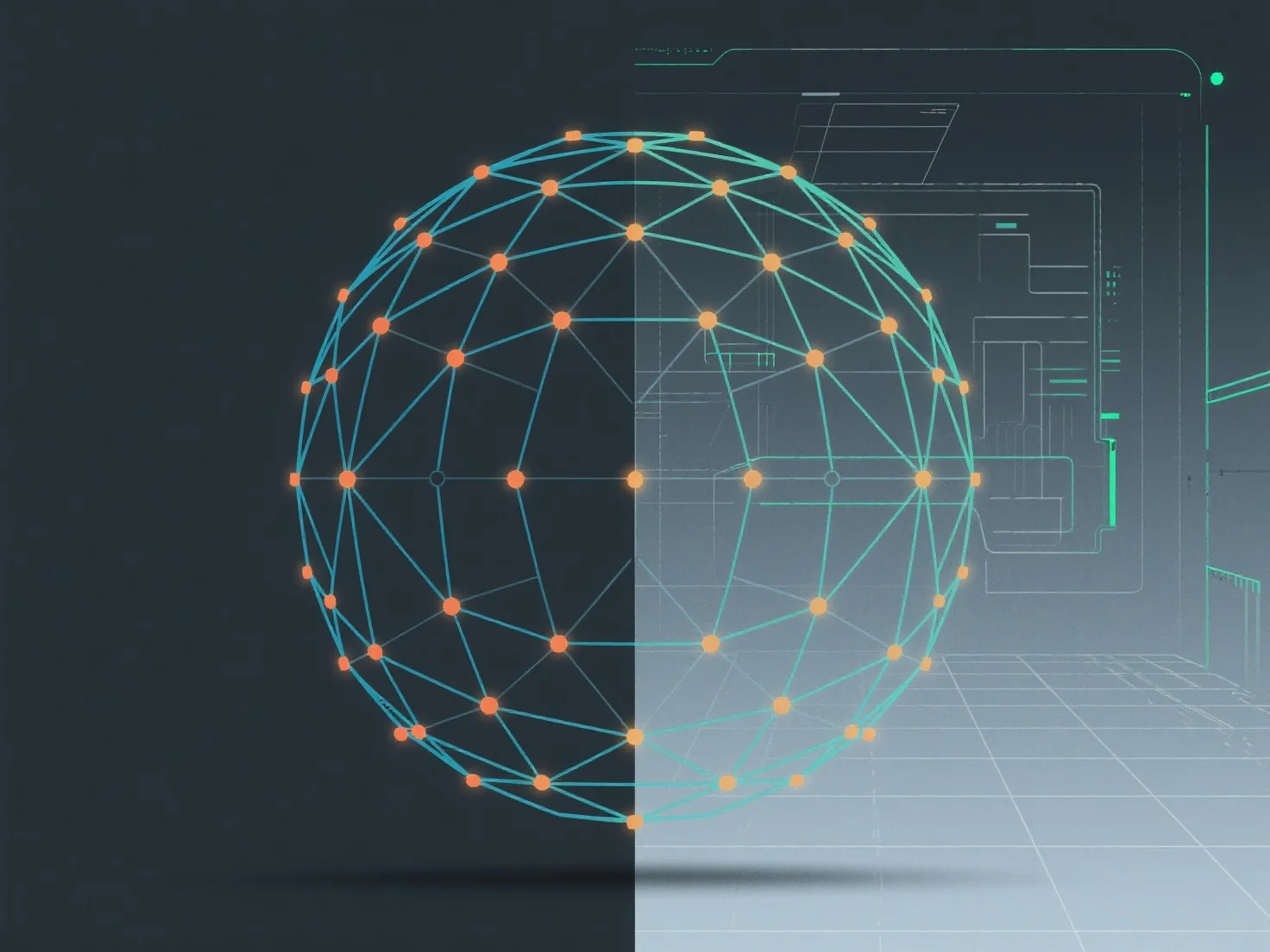
To maintain symmetrical topology in modeling, using mirroring tools and enabling symmetrical editing modes are core methods, ensuring consistent geometry across specified axes.
- **Mirroring tools**: Duplicate geometry across X, Y, or Z axes, creating identical left/right, front/back, or top/bottom sides automatically. - **Symmetrical editing modes**: Lock edits to one side (e.g., left half), so changes reflect instantly on the opposite side, avoiding manual symmetry errors. - **Central reference axis**: Start with a clear central axis as a guide; preview symmetry in real-time during modeling to catch inconsistencies early.
These approaches streamline symmetry maintenance, keeping topology balanced and modeling efficient.