


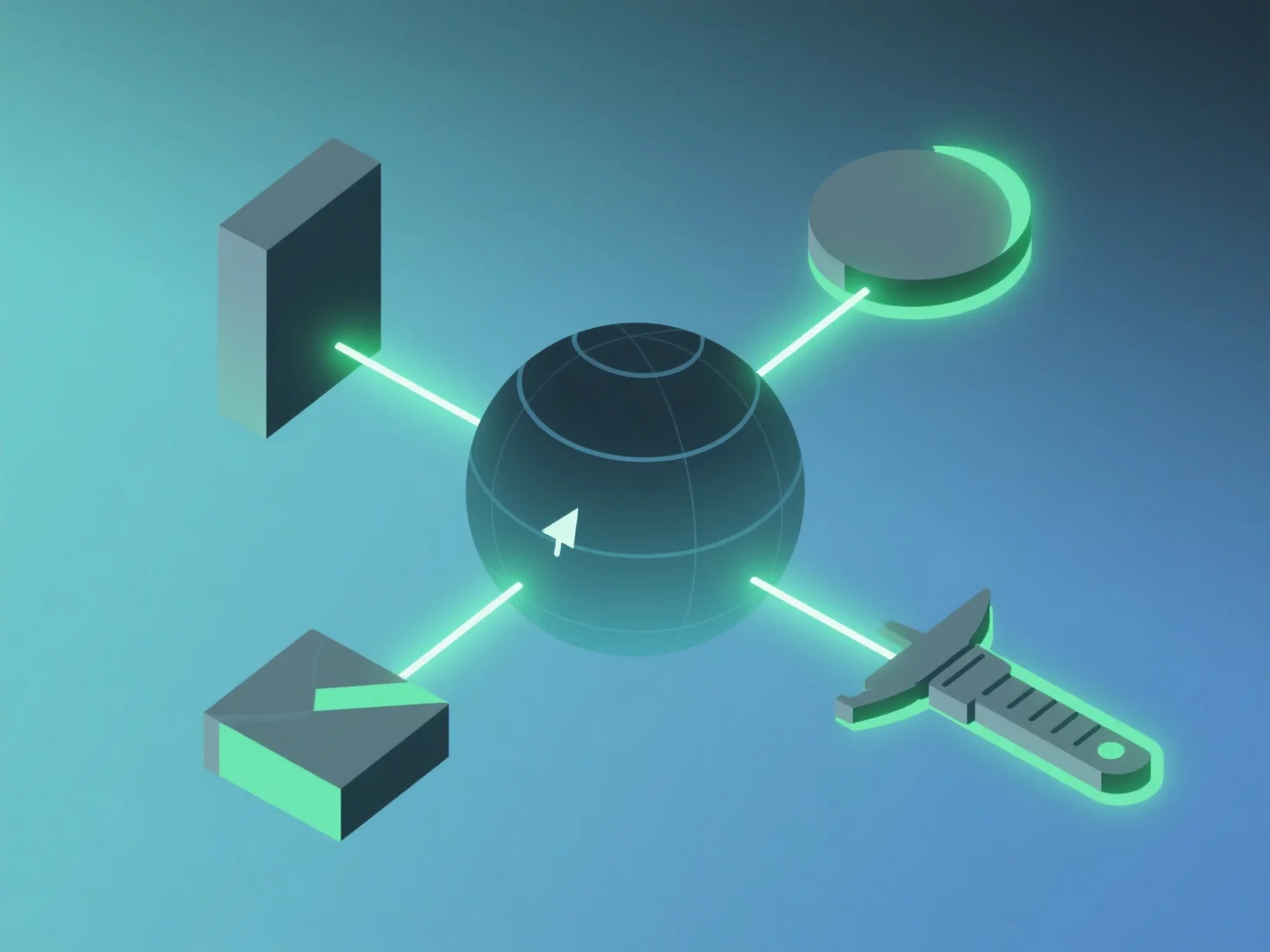
To ensure compatibility between multiple 3D modeling and rendering tools, focus on standardized file formats, optimized settings, and auxiliary tools.
- **Adopt standardized formats**: Use universal formats like OBJ, FBX, or GLB, which preserve geometry, textures, and animations across software (e.g., Blender to 3ds Max). - **Optimize export/import settings**: Check texture embedding (e.g., embedded vs. external), polygon limits, and coordinate systems to avoid data loss during transfers. - **Use format converters**: For niche tools, employ converters (e.g., Autodesk FBX Converter) to bridge format gaps and maintain asset integrity.
These steps ensure seamless collaboration and consistent results in cross-tool 3D workflows.