


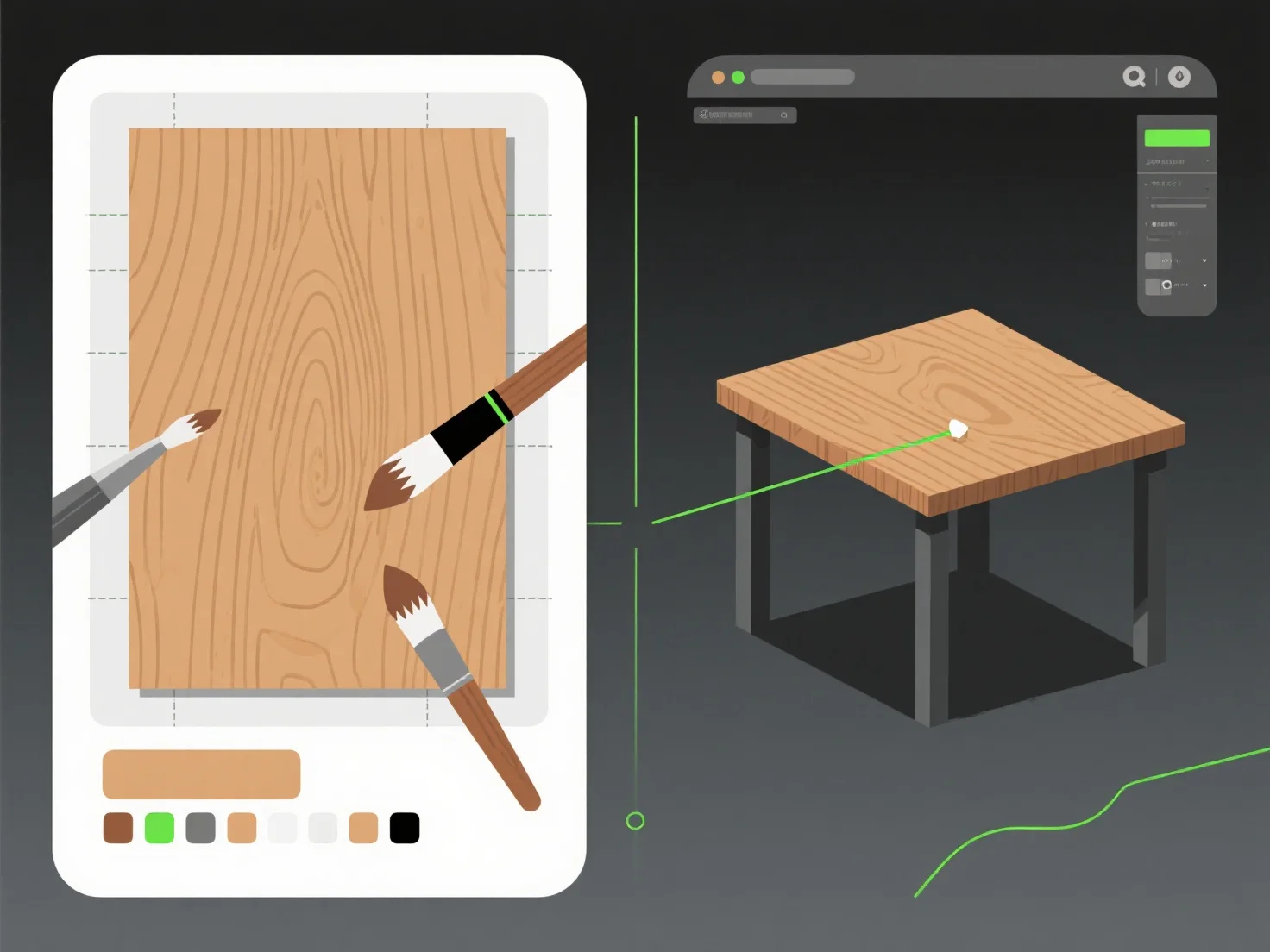
Combining texture mapping tools with modeling software for enhanced realism involves three core steps: exporting UV maps from modeling software, creating/editing textures in specialized tools, and reimporting to apply to the model—this workflow merges 3D geometry with lifelike surface details.
Modeling software (e.g., Blender, Maya) first handles UV unwrapping, which maps 3D surfaces to 2D texture coordinates, ensuring textures align without distortion.
Texture tools (e.g., Substance Painter, Photoshop) then add details like color gradients, roughness, or scratches, simulating real-world materials (e.g., weathered metal, fabric weave).
Finally, reimporting the edited textures into the modeling software applies these details, making the model visually authentic. For beginners, start with a simple object (e.g., a mug): unwrap UVs, export the layout, paint basic textures in GIMP, and reimport to observe realism improvements.