


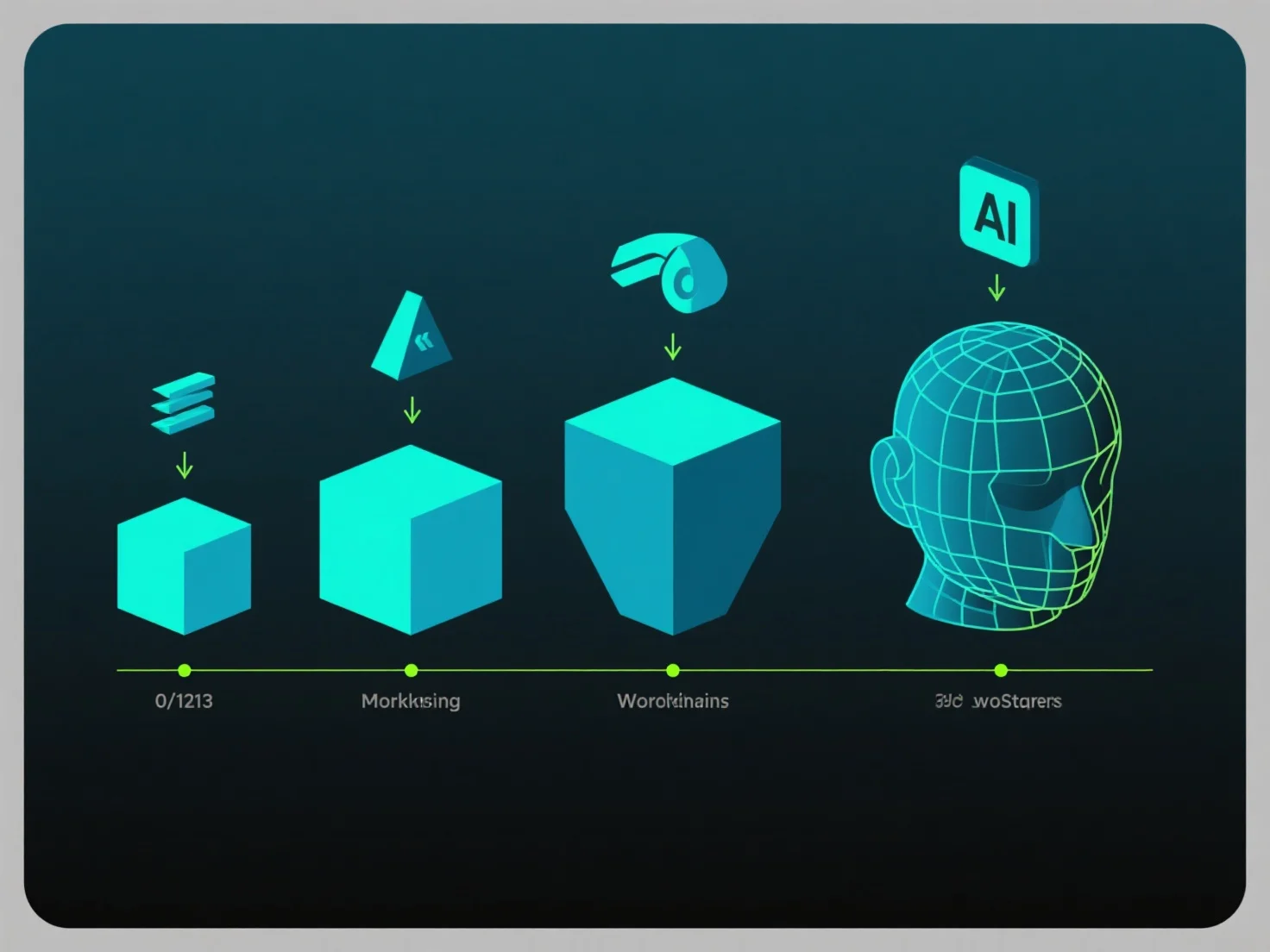
Diferentes aplicaciones de software afectan las etapas de modelado 3D al proporcionar herramientas especializadas para tareas como la creación de mallas, la texturización y el renderizado, lo que influye directamente en la eficiencia del flujo de trabajo y la calidad de los resultados.
Las etapas clave experimentan impactos distintos del software: en el modelado inicial, las herramientas CAD
Hacer coincidir el software con las etapas dominantes optimiza los resultados. Blender se adapta a flujos de trabajo versátiles y de múltiples etapas, mientras que las herramientas especializadas se centran en fases específicas, asegurando que cada etapa se beneficie de una funcionalidad a medida.