


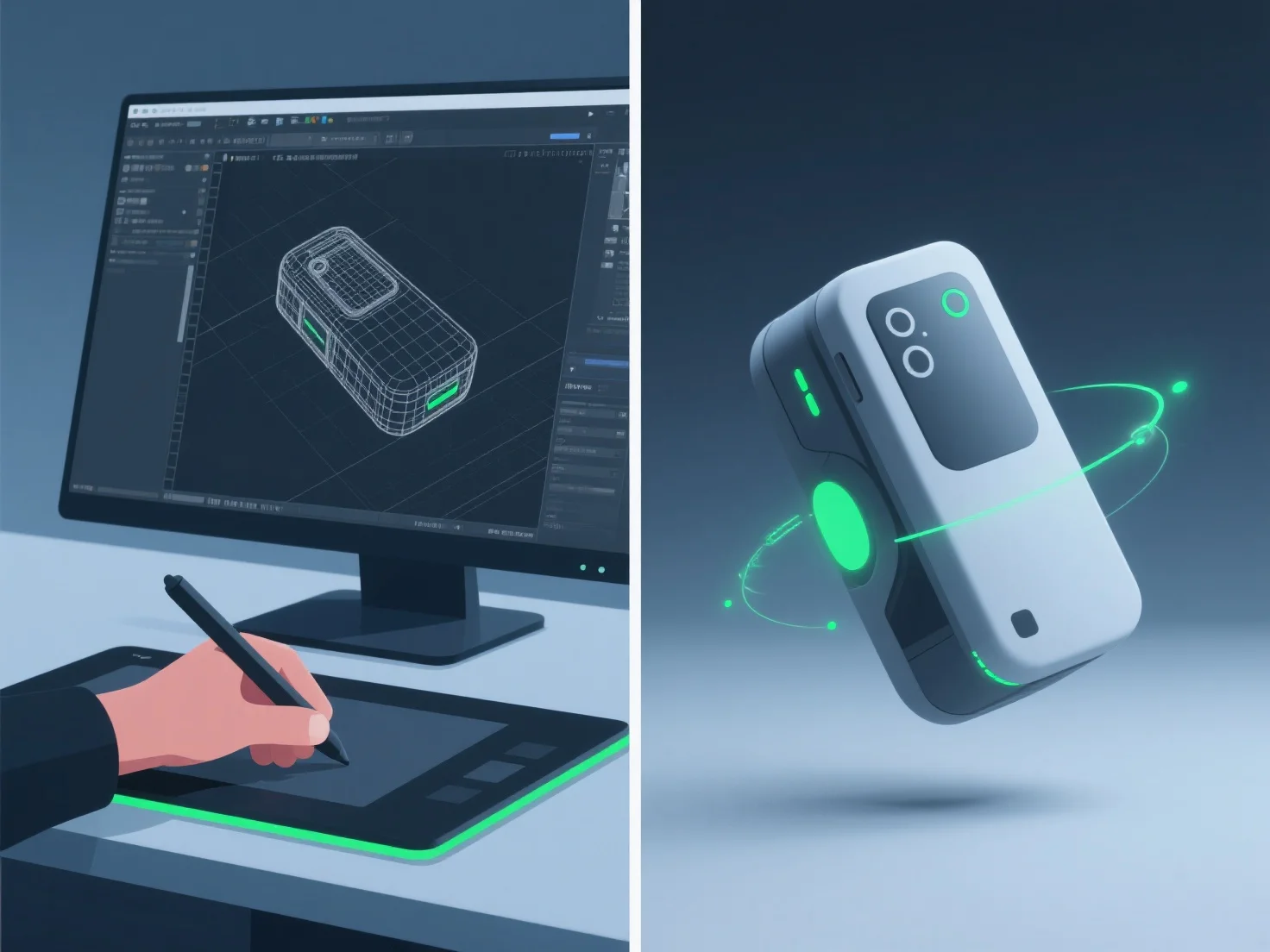
Les modélisateurs 3D créent des animations de démonstration de produits réalistes en intégrant une modélisation 3D détaillée, un rigging précis, une animation d'images clés et une simulation de matériaux/textures, assurant ainsi une représentation précise de la forme, du mouvement et des détails de surface du produit.
- **Modélisation 3D** : Créer des répliques numériques détaillées, en capturant les dimensions et les caractéristiques exactes pour refléter le produit réel. - **Rigging** : Ajouter des structures squelettiques pour permettre un mouvement naturel, comme les charnières de couvercle ou les pressions de boutons, imitant les mécanismes du monde réel. - **Animation par images clés** : Définir des poses clés pour définir des séquences de mouvement, en alignant le timing avec la façon dont le produit fonctionne dans la réalité (par exemple, une ouverture de couvercle en douceur). - **Simulation de matériaux/textures** : Appliquer des propriétés de surface réalistes, telles que la réflectivité du métal ou la finition mate du plastique, pour améliorer l'authenticité visuelle.
Cette combinaison garantit que les animations reflètent l'utilisation réelle du produit, rendant les démonstrations à la fois réalistes et engageantes.