


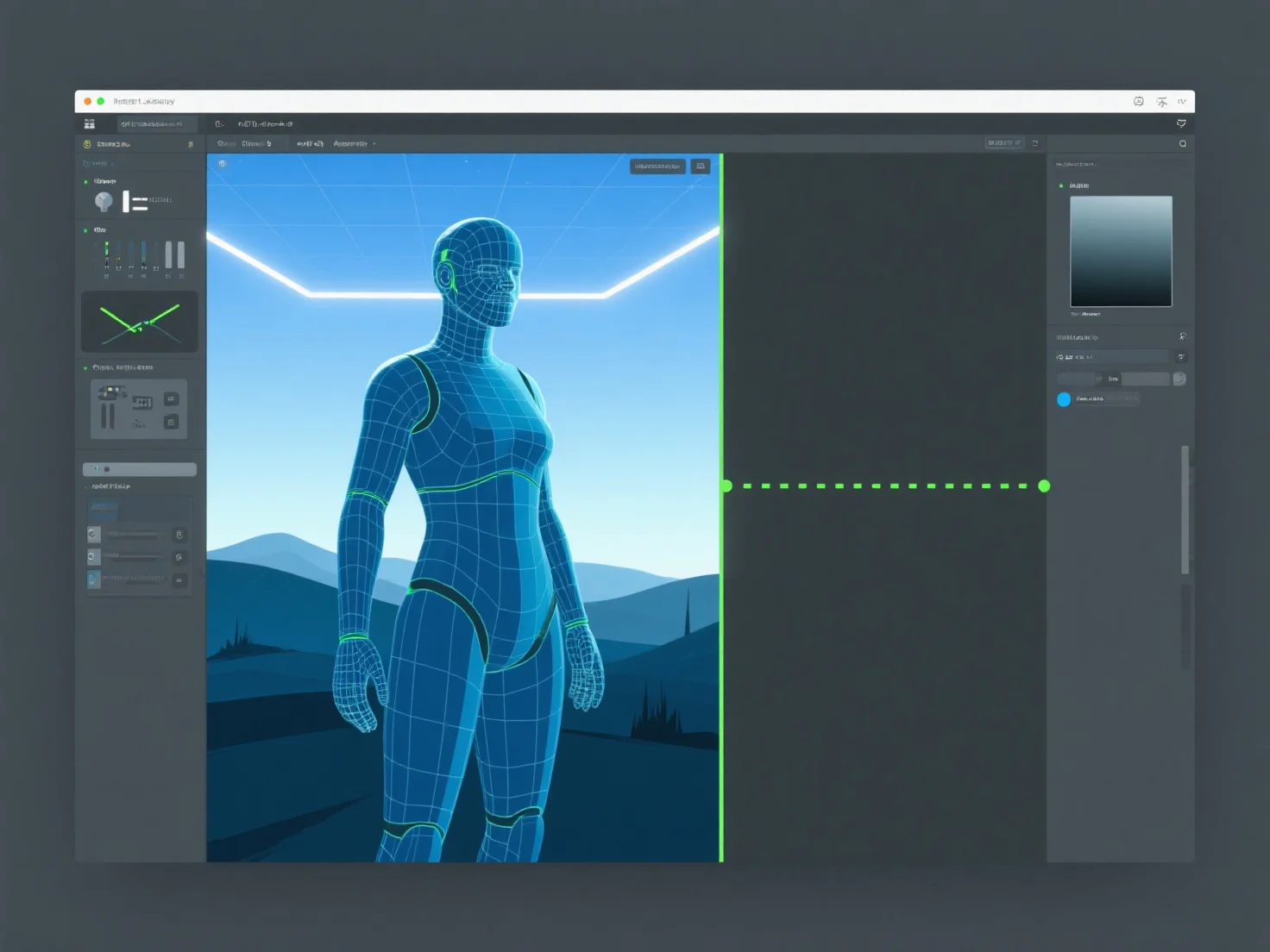
3D assets transition from design to game engine implementation via five key steps: creation, optimization, export, import, and in-engine setup.
1. Creation: Assets are modeled and textured in tools like Blender or Maya, defining their shape, details, and visual appearance. 2. Optimization: Polygon counts are reduced, textures (e.g., normal maps) baked, and data streamlined to ensure engine performance. 3. Export: Saved in engine-compatible formats (FBX, GLB) to preserve geometry, textures, and animations. 4. Import: Loaded into the game engine (e.g., Unity, Unreal), with checks for asset integrity. 5. Setup: Configured with animations, collision meshes, or scripts to enable in-game interaction and functionality.
This workflow ensures 3D assets integrate smoothly into the engine, balancing quality and performance.