


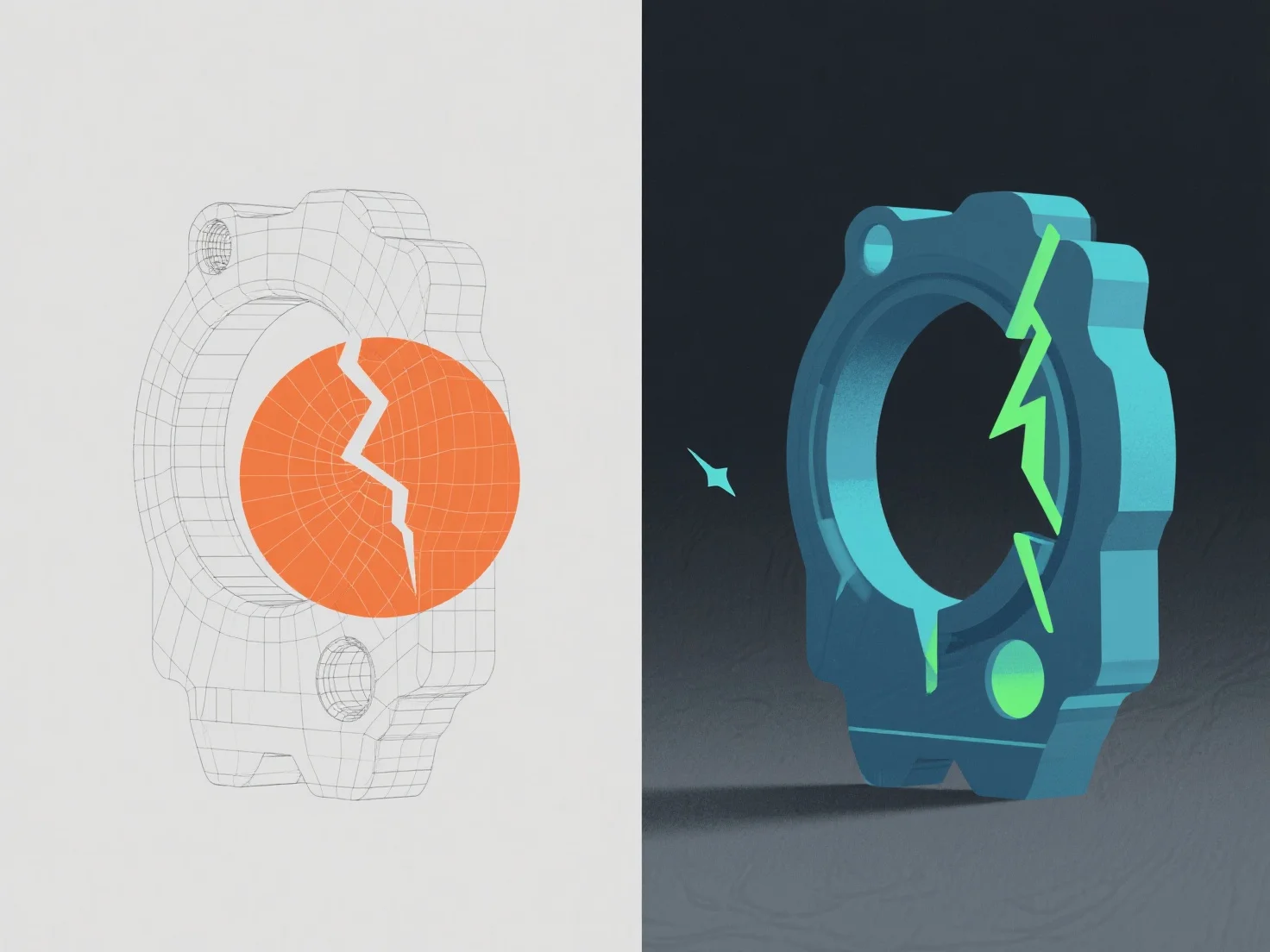
Errors in a 3D model are identified through software validation tools and manual inspection, then corrected by adjusting geometry, topology, or texture data.
Common issues include non-manifold edges (flagged by tools like Blender’s Mesh Analysis, fixed by merging or deleting excess vertices), flipped normals (detected via shading gaps, corrected by recalculating normals), and texture stretching (spotted in UV unwrapping tools, adjusted by refining UV maps).
Automated checks in Maya or ZBrush first catch basic errors, while manual review ensures visual/technical consistency, ensuring the model meets project standards like mesh integrity and rendering readiness.