


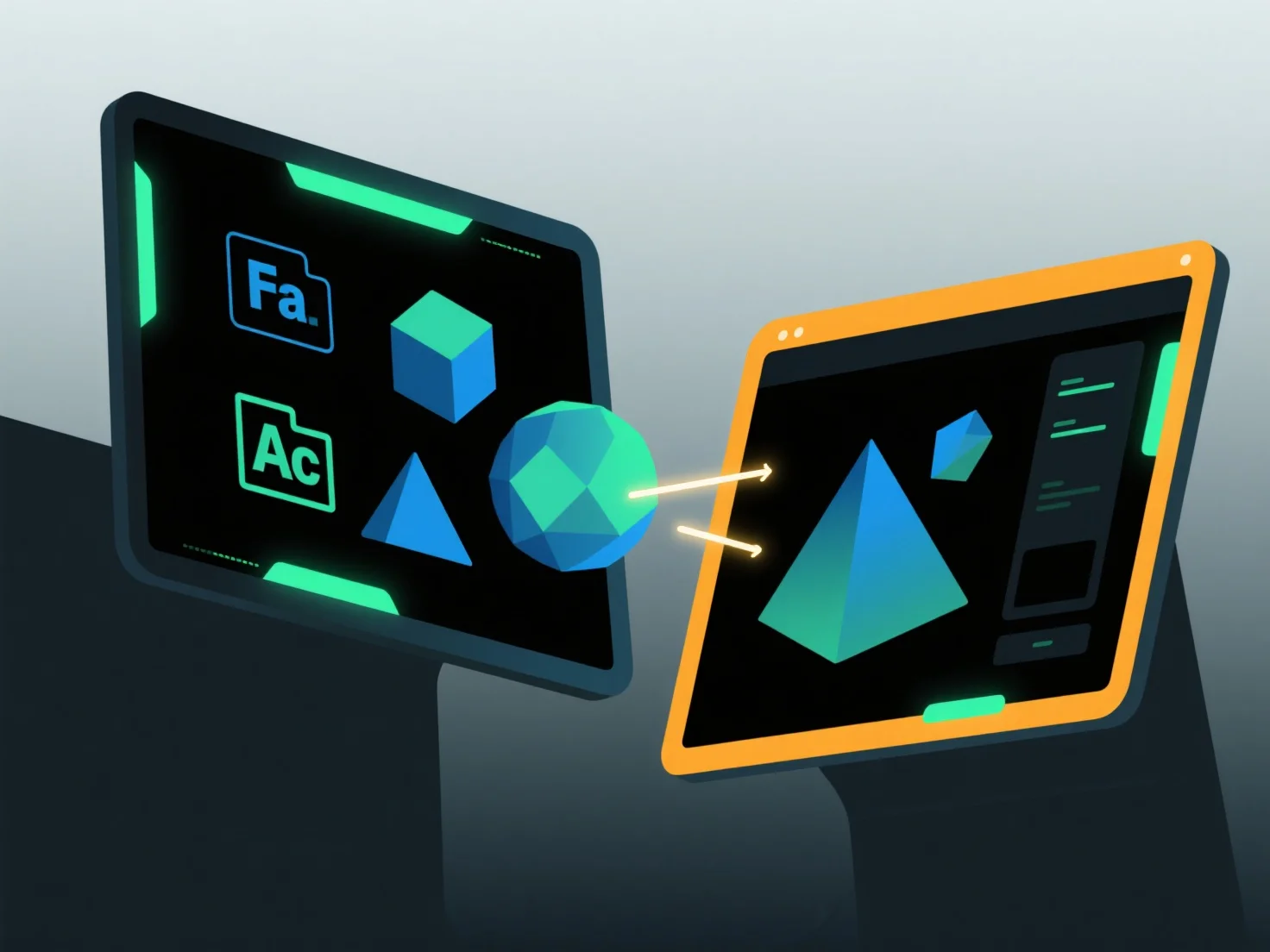
To import and export models between software applications, use common interchange formats supported by both tools, paired with built-in import/export functions and compatibility adjustments.
First, select shared formats: Choose widely supported types like OBJ (preserves geometry/textures), FBX (handles animations), or STL (ideal for 3D printing), as these maintain key data across apps.
Next, use software tools: Access the “Import” or “Export” feature in the application’s menu, select the target format, and follow prompts to load or save files.
Finally, adjust settings: Ensure texture embedding, unit scaling, or coordinate alignment match both software to prevent data loss (e.g., scaling units to avoid size mismatches).
This method ensures smooth model transfer across different applications.