


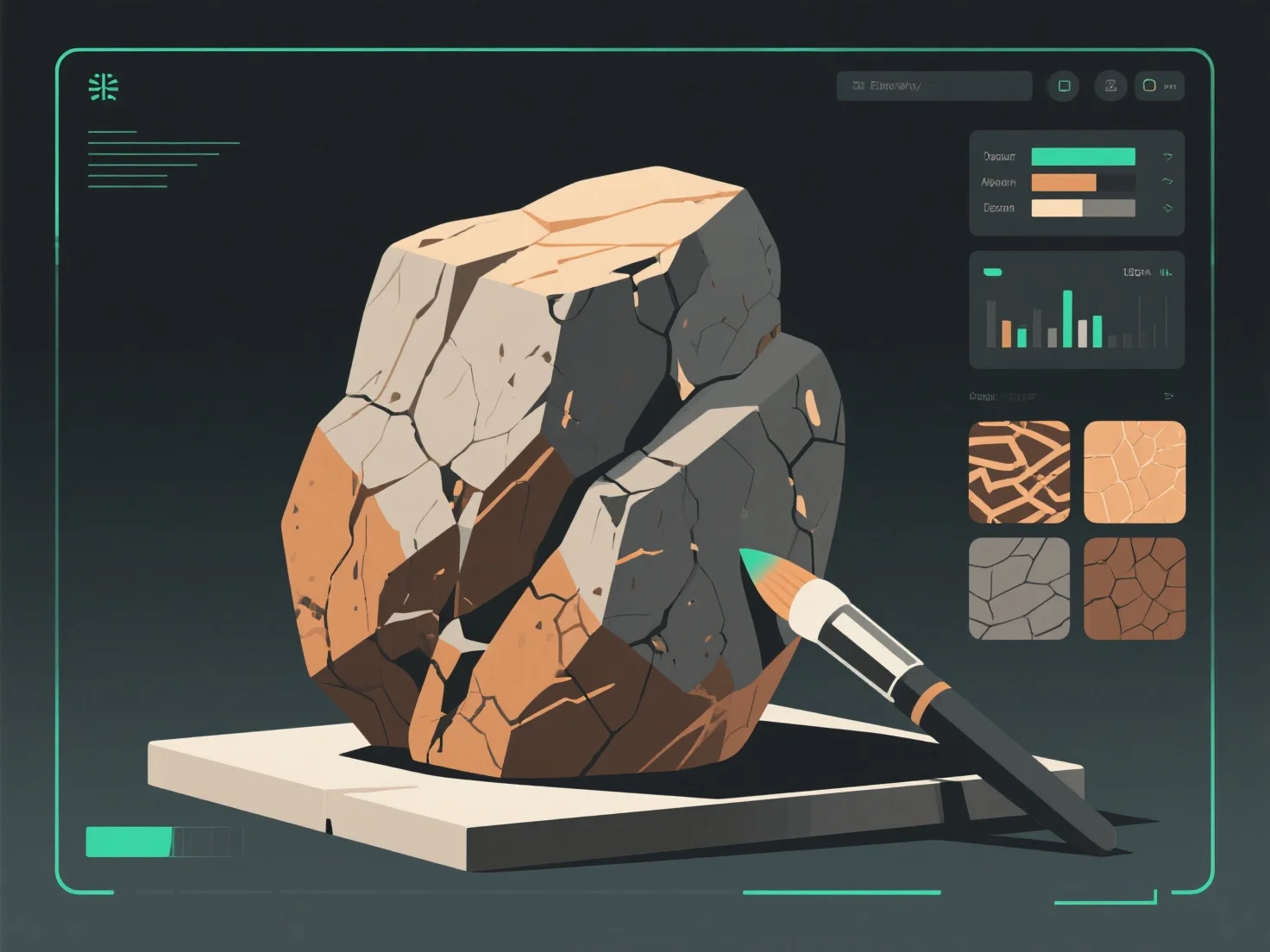
To create realistic stone and rock textures for 3D models, focus on replicating natural features like surface roughness, color variation, and weathering using texture maps and reference analysis.
First, study real rock samples: Observe details such as color gradients (earthy tones, mineral veins), surface irregularities (cracks, pits), and weathering signs (moss, erosion) to guide texture design.
Second, use key texture maps: Albedo maps set base color; bump/displacement maps add depth (e.g., simulating cracks or uneven surfaces); roughness maps control light interaction, mimicking matte or glossy rock finishes.
Third, layer details with software: Tools like Substance Painter or Blender let you add fine elements—moss patches, water stains, or chipped edges—to enhance realism, matching how rocks appear in nature.
These steps ensure textures align with real-world rock behavior, boosting immersion in games, architectural visualizations, or simulations.