Home/Hitem3D FAQ/What is the difference between .obj and .fbx file formats?

What is the difference between .obj and .fbx file formats?

.obj is text-based for static geometry, while .fbx is binary for animations, rigging, and complex data transfer.

What is the difference between .obj and .fbx file formats?

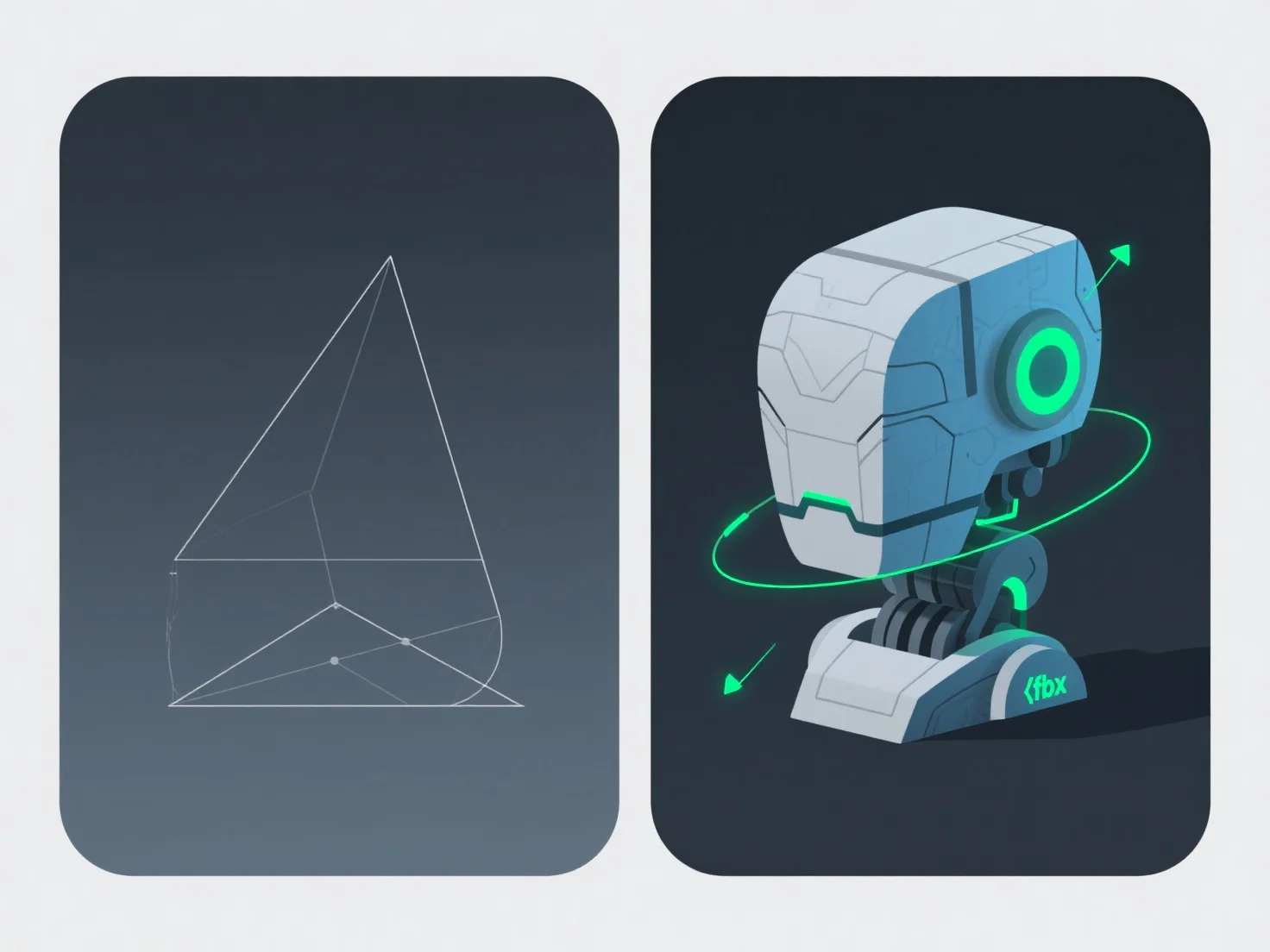
The key difference between .obj and .fbx file formats lies in data support and use cases: .obj is text-based for basic static geometry, while .fbx is binary, enabling animation, rigging, and complex data transfer.

.obj files store static 3D shapes and basic materials (via .mtl files), simple but limited to static data. .fbx files, being binary, handle animations, rigs, and cross-software asset relationships, offering richer functionality.

Typical applications: - Static Models/3D Printing: .obj is ideal for simple sharing or 3D printing due to broad software compatibility. - Animation/Game Dev: .fbx is preferred for projects needing to preserve animations, rigs, or complex data in tools like Unity, Blender, or Unreal Engine.

Choose .obj for static models; use .fbx for animations or complex data transfer.

PreviousNext
产品
Web 工作室
API 平台
功能
图片转 3D
多视图转 3D
浮雕
分割
模型
通用模型
人像模型
资源
博客
常见问题
API 文档
关于我们
定价