Home/Hitem3D FAQ/How does the roughness map contribute to material appearance in 3D modeling?

How does the roughness map contribute to material appearance in 3D modeling?

A roughness map in 3D modeling controls light scattering to determine a material's smoothness, texture, and realism without extra geometry.

How does the roughness map contribute to material appearance in 3D modeling?

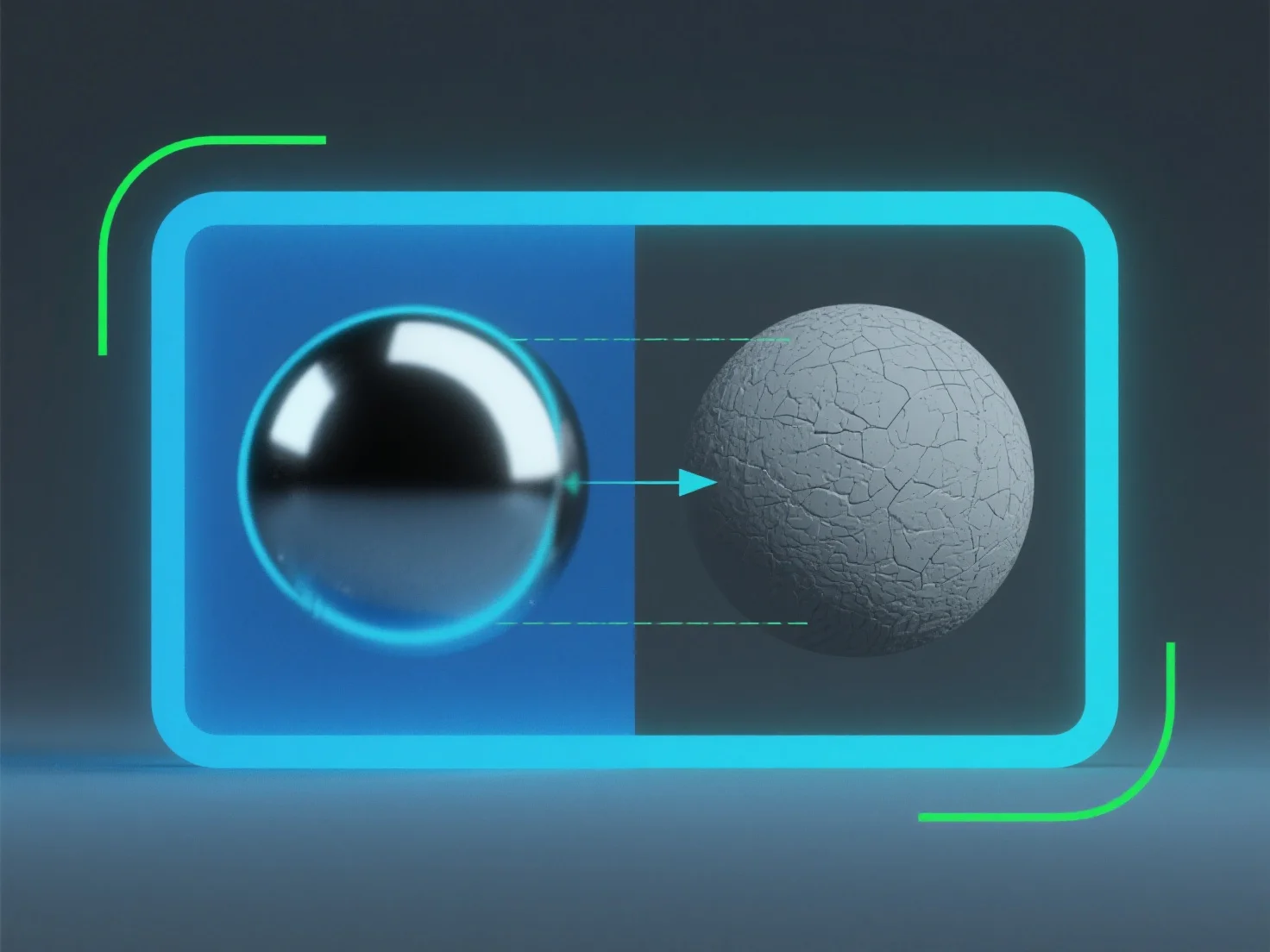
A roughness map in 3D modeling controls how light scatters on a material’s surface, directly determining its perceived smoothness or texture.

It simulates micro-surface details: Lower roughness values create glossy, reflective appearances (e.g., polished metal), as light bounces uniformly. Higher values result in matte, diffused looks (e.g., rough stone), with light scattering randomly.

This mimics real-world light interaction, enhancing material realism. Adjusting roughness maps helps achieve precise material traits without extra geometry, making it key for lifelike surface rendering.

PreviousNext
产品
Web 工作室
API 平台
功能
图片转 3D
多视图转 3D
浮雕
分割
模型
通用模型
人像模型
资源
博客
常见问题
API 文档
关于我们
定价