Home/Hitem3D FAQ/How do you integrate motion capture data with 3D modeling and animation tools?

How do you integrate motion capture data with 3D modeling and animation tools?

Integrating motion capture data with 3D tools involves importing, aligning with the rig, and refining for natural motion transfer.

How do you integrate motion capture data with 3D modeling and animation tools?

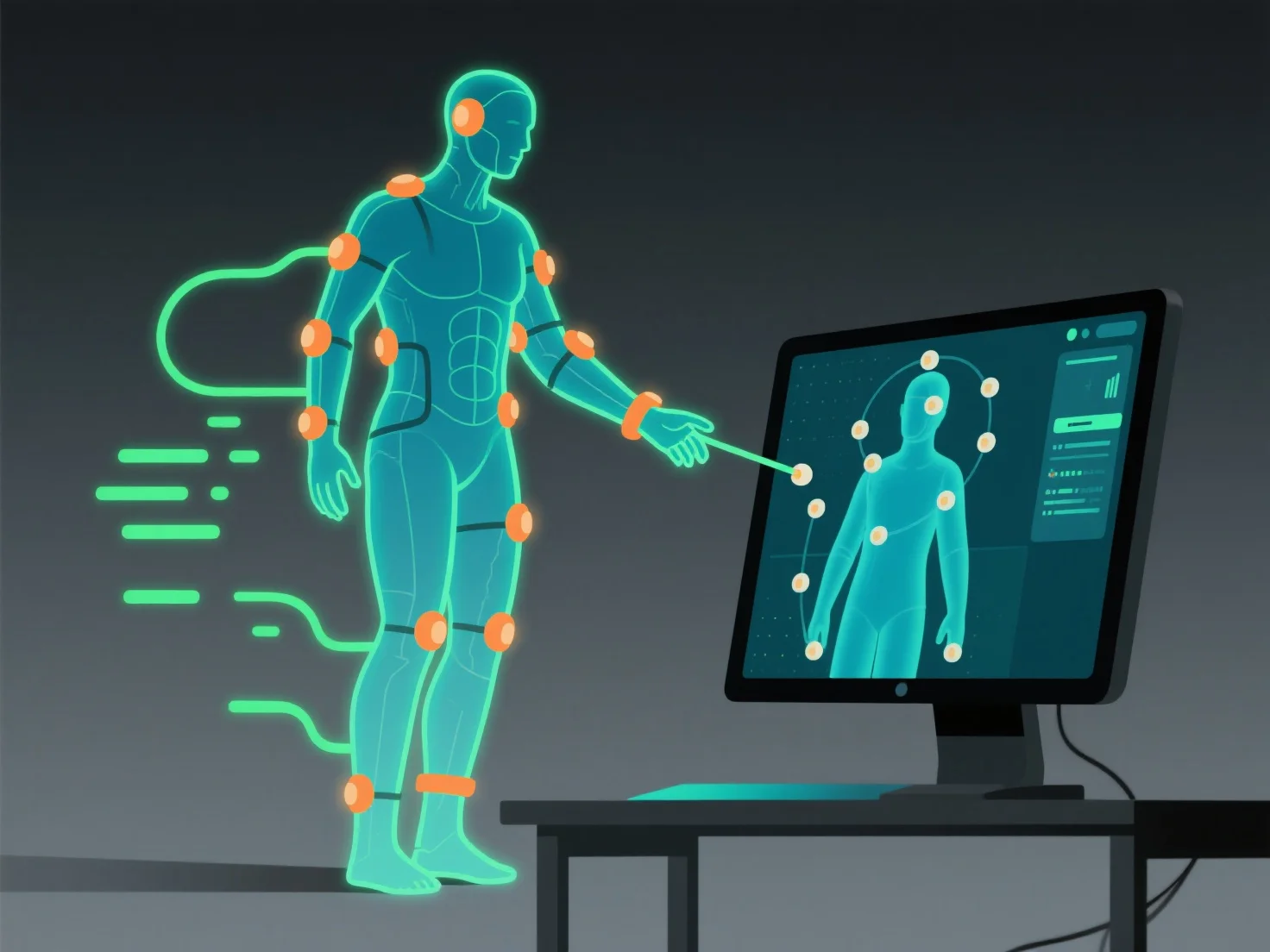
Integrating motion capture data with 3D modeling and animation tools involves importing the data file, aligning it with the 3D model’s rig, and refining adjustments to ensure natural motion transfer, allowing the model to accurately replicate recorded movements.

- **Import the data file**: Use standard formats like FBX or BVH. Most tools (e.g., Blender, Maya, Unity) support these; check format compatibility first for smooth import. - **Align with the model’s rig**: Match captured joint movements to the model’s skeletal structure, ensuring each recorded motion maps correctly to the rig’s bones. - **Refine adjustments**: Fix minor mismatches (e.g., joint misalignment) using tool-specific features to smooth out movements, ensuring the animation looks natural.

These steps ensure seamless integration, making the 3D model move as intended with the captured motion data.

PreviousNext
产品
Web 工作室
API 平台
功能
图片转 3D
多视图转 3D
浮雕
分割
模型
通用模型
人像模型
资源
博客
常见问题
API 文档
关于我们
定价