Home/Hitem3D FAQ/How do 3D models in Unity use .fbx or .obj formats?

How do 3D models in Unity use .fbx or .obj formats?

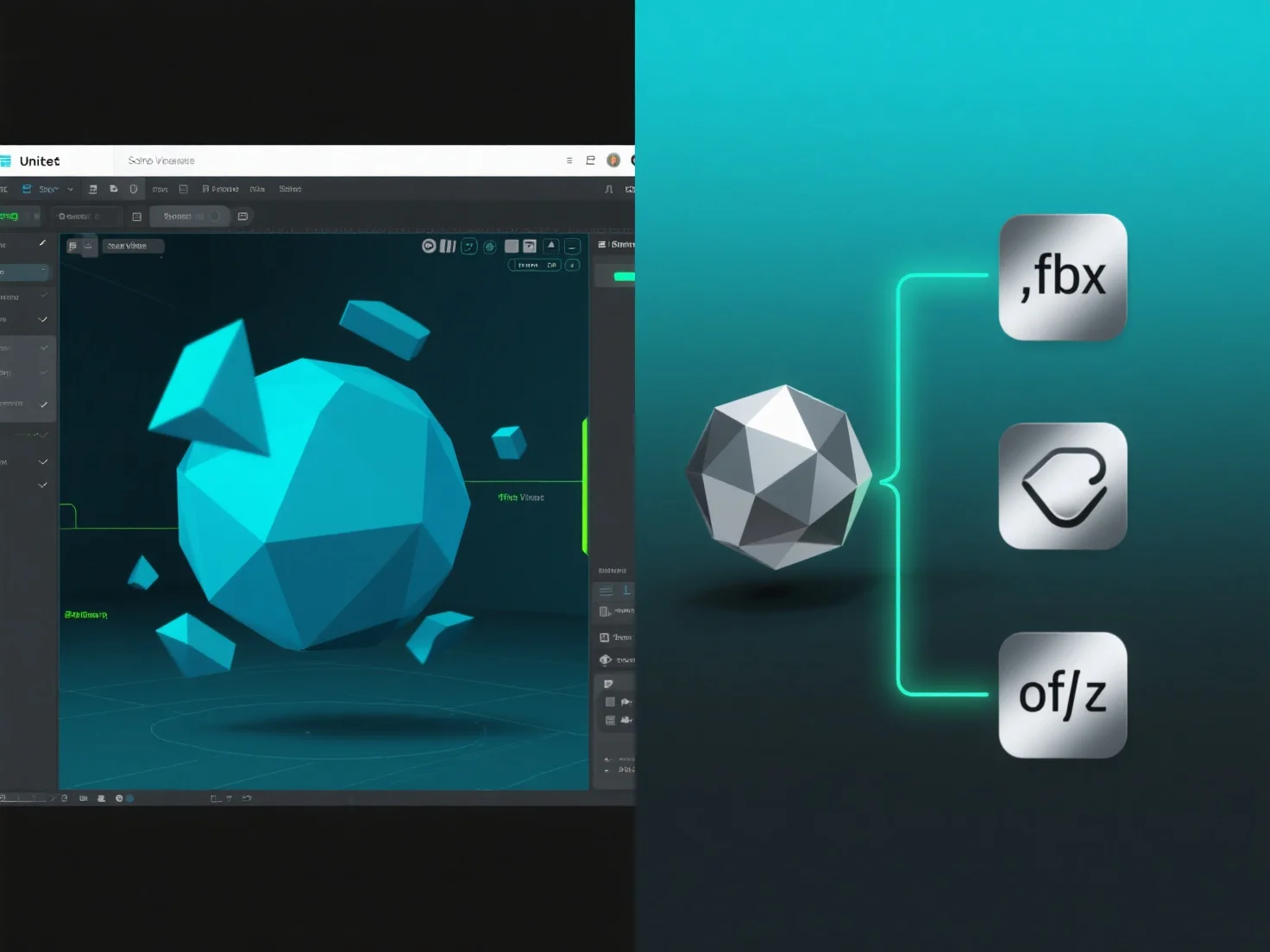
Unity imports .fbx/.obj 3D models as assets, processing geometry, textures, animations for seamless project integration.

How do 3D models in Unity use .fbx or .obj formats?

3D models in Unity use .fbx or .obj formats by importing them as asset files, enabling integration of 3D geometry, textures, and animations into the project.

Unity’s import pipeline processes these files upon import, extracting mesh data (vertices, polygons) and material references, which are essential for rendering.

For .fbx files, additional animation clips (e.g., character movements) are also extracted, supporting dynamic animations in scenes.

Once imported, the models become editable assets, usable in scenes, prefabs, or as components of game objects, streamlining development workflows.

This import method ensures .fbx and .obj models are seamlessly integrated into Unity, providing flexibility for 3D content creation.

PreviousNext
产品
Web 工作室
API 平台
功能
图片转 3D
多视图转 3D
浮雕
分割
模型
通用模型
人像模型
资源
博客
常见问题
API 文档
关于我们
定价