Home/Hitem3D FAQ/How do 3D modelers create realistic textures for their designs?

How do 3D modelers create realistic textures for their designs?

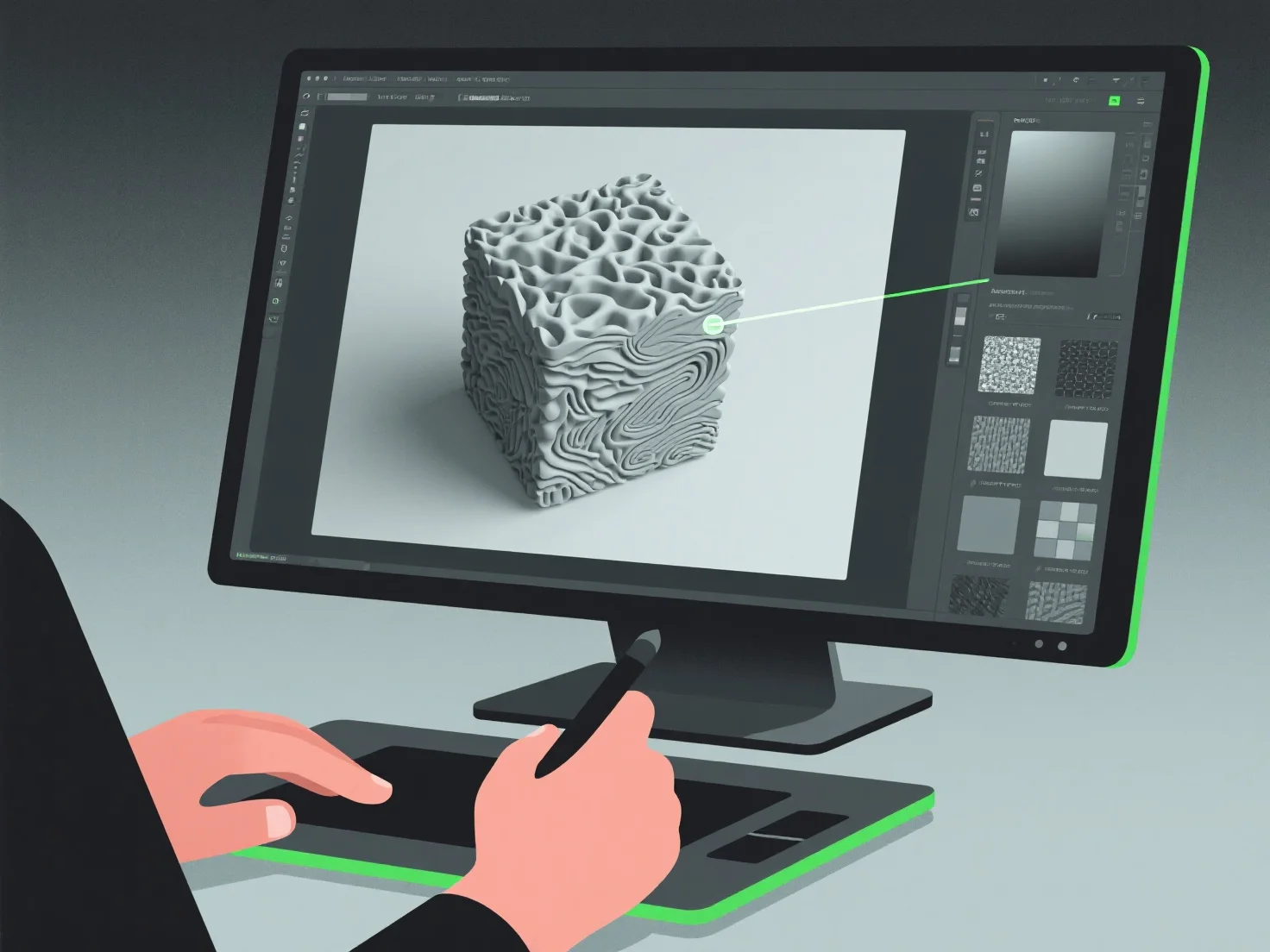
3D modelers create realistic textures using digital painting, PBR, UV mapping, and references, with beginners starting via libraries.

How do 3D modelers create realistic textures for their designs?

3D modelers create realistic textures by integrating digital painting, texture mapping, and material simulation, focusing on replicating surface details like color, roughness, and reflectivity to mimic real-world materials.

They often use Physically Based Rendering (PBR) workflows, which simulate light-material interactions to boost realism. Reference real-world photos or scans to capture specific textures, such as wood grain, metal scratches, or fabric weaves. Apply these via UV mapping, a process that "wraps" 2D texture images onto 3D surfaces for precise detail alignment.

For efficiency, beginners can start with texture libraries, then refine by adjusting parameters like albedo (base color) or normal maps (surface depth) to build foundational skills in realistic texture creation.

PreviousNext
产品
Web 工作室
API 平台
功能
图片转 3D
多视图转 3D
浮雕
分割
模型
通用模型
人像模型
资源
博客
常见问题
API 文档
关于我们
定价