


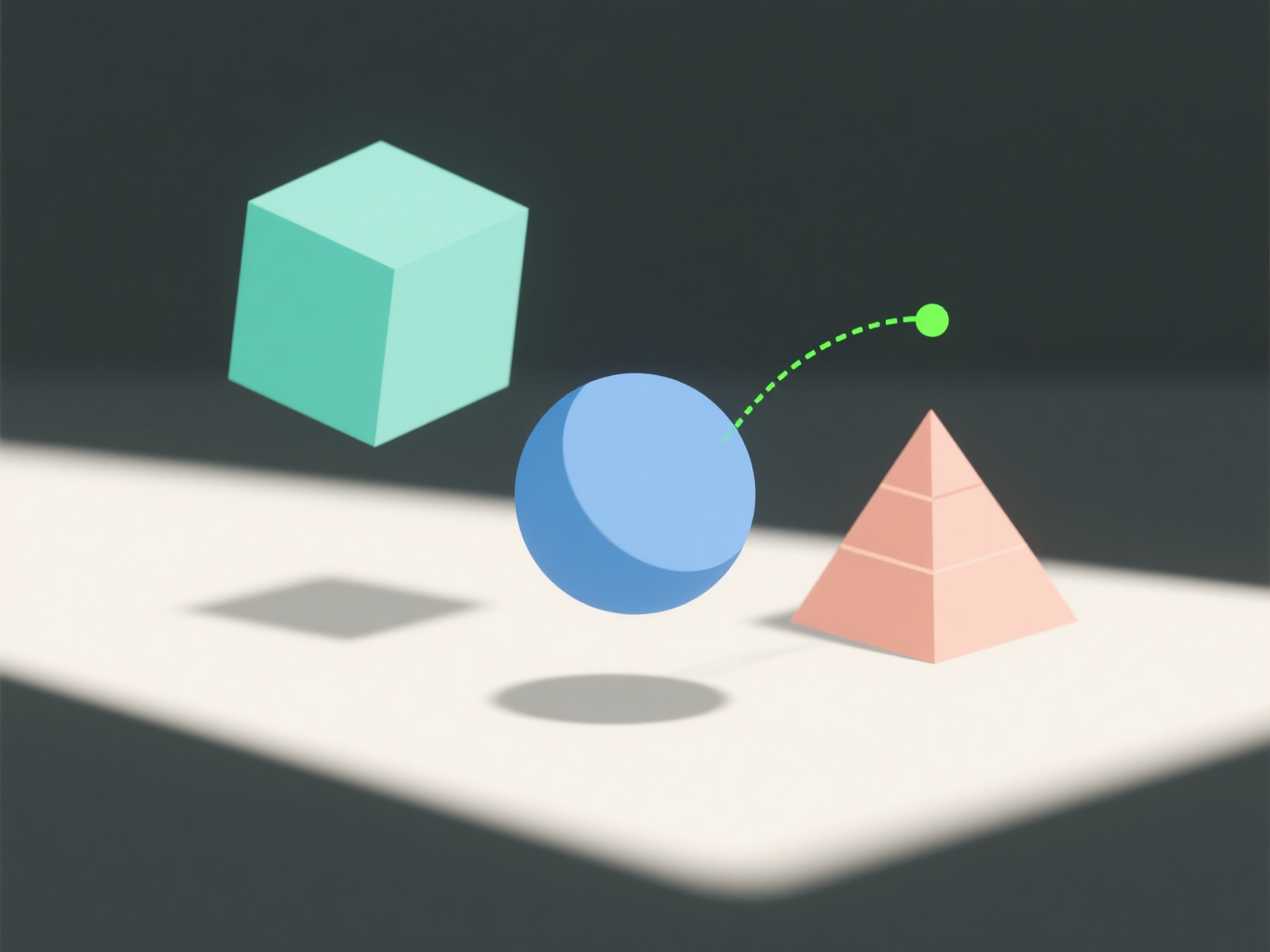
3D-моделі під час рендерингу миготять в основному через перекриття геометрії, непослідовне зразкування освітлення або недостатню антиализацію. Ці проблеми заплутують рендерер або створюють нерівномірний візуальний вихід.
- Перекриття геометрії: коли частини моделі займають одне і те саме простір, рендер не може вирішити, яку з них відображати, що призводить до мерехтіння. - Непослідовне освітлення: нерівномірне вибіркове освітлення призводить до випадкових змін яскравості, через що вузли мерехтять. - Низька антиализація: погане згладжування країв призводить до нерівних ліній, які мерехтять при русі.
Щоб вирішити цю проблему, перевірте, чи немає у вашій моделі перекриваючих один одного об'єктів, збільште кількість зразків освітлення або підвижте рівень антиалізування у вашому рендер-движку.