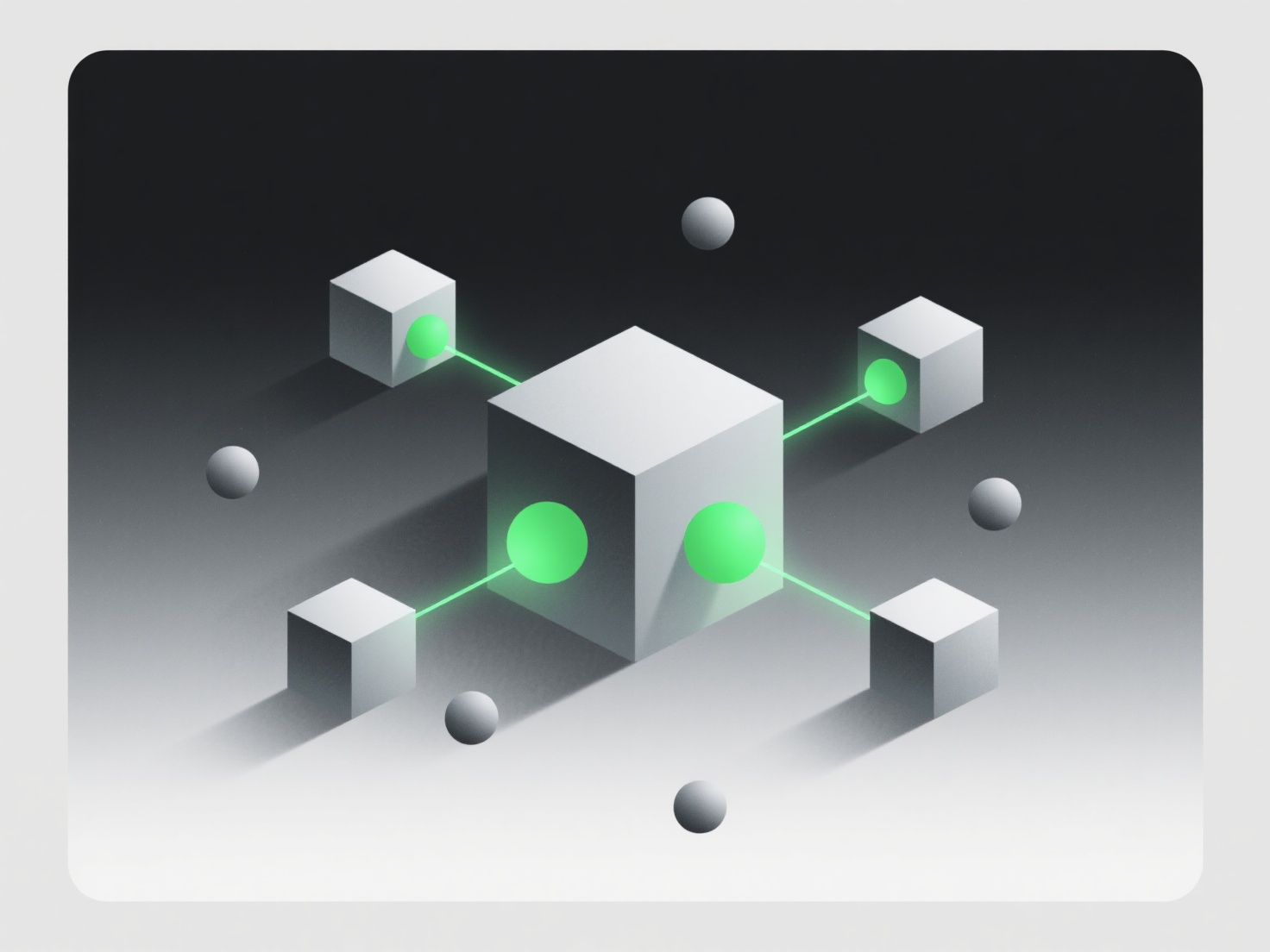
Для новачків у розмальовуванні ізометричних 3D-моделей основними кроками є налаштування керованого робочого простору, застосування базових кольорів, додавання плоских тіней та уточнення деталей. Використовуйте такі інструменти, як Blender (безкоштовний) або Procreate з ізометричними сітками. Вони допомагають вирівняти кольори відносно кутів моделі (зверху, спереду, збоку). Заповніть кожен кут однотонним базовим кольором, використовуючи краї в якості направляючих, щоб уникнути розмиття. Додайте м'які тіні до "відступаючих" областей (наприклад, під навісами) за допомогою темнішого відтінку. Тримайте все просто, без різких градієнтів (ізометричний стиль залишається простим). Потім додайте легкі блиски або текстури (наприклад, дерев'яна текстура) для додання глибини. Почніть з основних форм (куби, призми). Це допоможе швидко розвинути навички вирівнювання кольорів, перш ніж переходити до складніших моделей.


Які кроки необхідно виконати для розфарбування ізометричної 3D-моделі для новачків?
Для новачків, які розфарбовують ізометричні 3D-моделі, основними кроками є налаштування керованого робочого простору, застосування базових кольорів, додавання плоских тіней і удосконалення.