


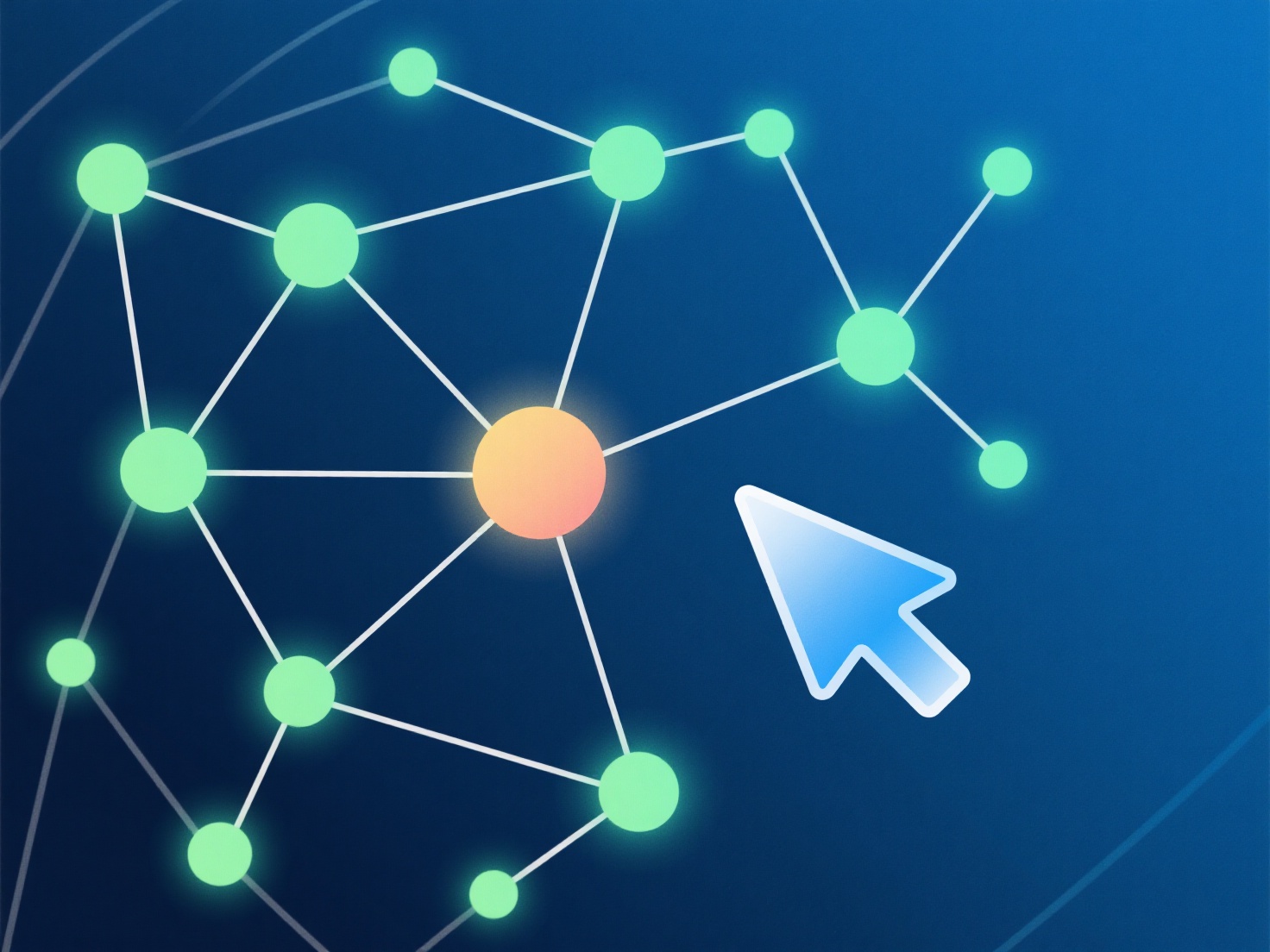
Початківці можуть перетворювати фотографії на 3D-моделі за допомогою зручних інструментів фотограмметрії, які автоматизують процес створення з багатокутних знімків.
- **Як це працює**: Фотограметрія аналізує більш ніж 20 перекриваючих фотографій, щоб зіставити об'єкти, створити 3D-хмару точок (з'єднані точки) та генерувати сітку (поверхню). - **Інструменти для використання**: Спробуйте Polycam (для мобільних пристроїв) або Meshroom (для ПК). Вони допомагають завантажувати файли, автоматично створювати моделі та налаштовувати основні параметри (наприклад, якість текстури) без необхідності програмування. - **Поради для новачків**: Почніть з невеликих об'єктів із текстурою.
Спочатку користуйтеся простими інструментами та предметами, щоб вивчити процес без розчарувань.