


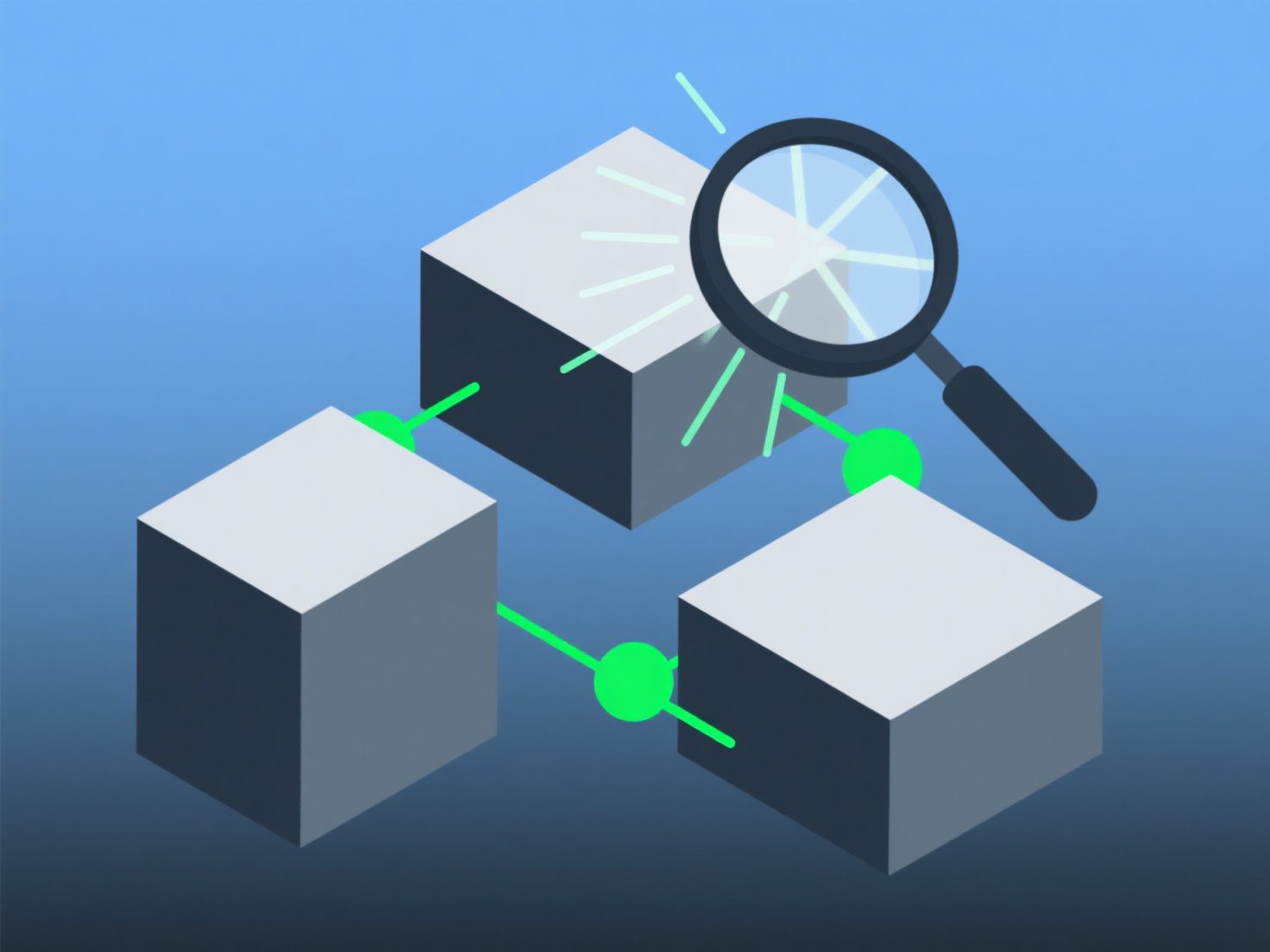
Для новачків, які оптимізують 3D-модель в Unity Assets, зосередьтеся на двох простих, але ефективних кроках: зменшіть кількість полігонів (спрощення сітки) та стисніть текстури. Це підвищить продуктивність без необхідності володіти передовими навичками.
Менша кількість полігонів знижує навантаження на графічний процесор: використовуйте компонент Mesh Simplifier у Unity або безкоштовний модифікатор Decimate у Blender (перед імпортом), щоб усунути зайві елементи. Для мобільних пристроїв цільове значення має бути менше 10 000, а для ПК — 20 000. Якщо ви відчуваєте затримки, перевірте вікно "Статистика" у Unity.
Стиснення текстур економить пам'ять: у налаштуваннях імпорту текстур у Unity встановіть формат "Стиснений". Одним кліком, мінімальна втрата якості.
Ці основні рекомендації допоможуть швидко вирішити більшість проблем новачків. Почніть з цього, перш ніж намагатися застосувати складні налаштування.