


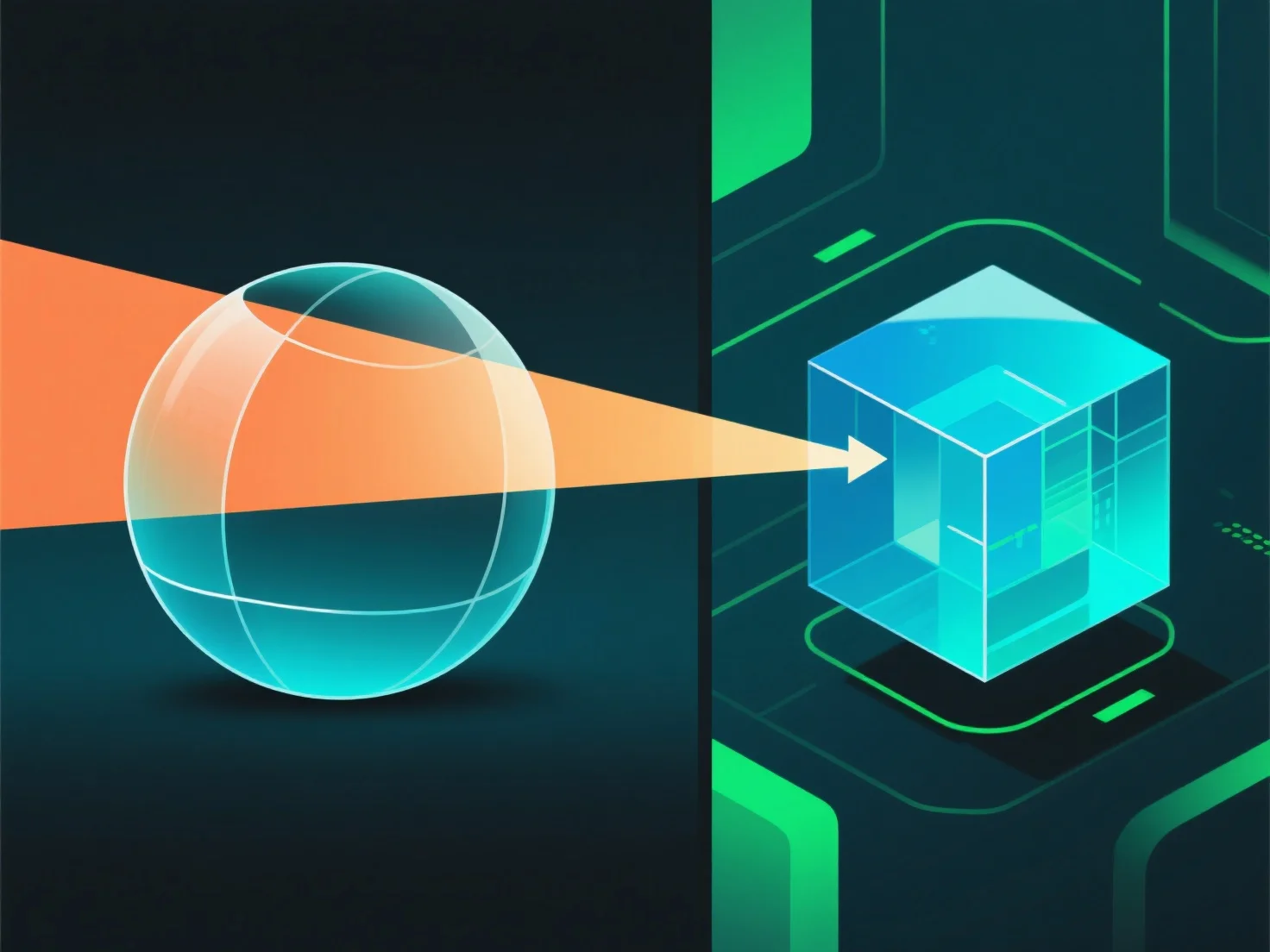
У 3D-рендерингу прозорість матеріалів працює шляхом симуляції взаємодії світла, включаючи передачу, поглинання та відбивання, для відтворення візуальних ефектів реального світу.
- **Непрозорність**: контролює передачу світла. Висока непрозорність блокує більшу частину світла (наприклад, непрозорий пластик), а низька непрозорність пропускає світло (наприклад, прозоре скло). - **Заломлення**: викривляє світло, коли він потрапляє у матеріал, спотворюючи об'єкти позаду (наприклад, соломинка, яка здається зігнутою у воді). - **Поверхневе відображення**: частина світла відбивається від поверхні. Навіть прозорі матеріали мають незначні відблиски.
Ці параметри разом імітують поведінку світла, створюючи переконливі прозорі ефекти.