


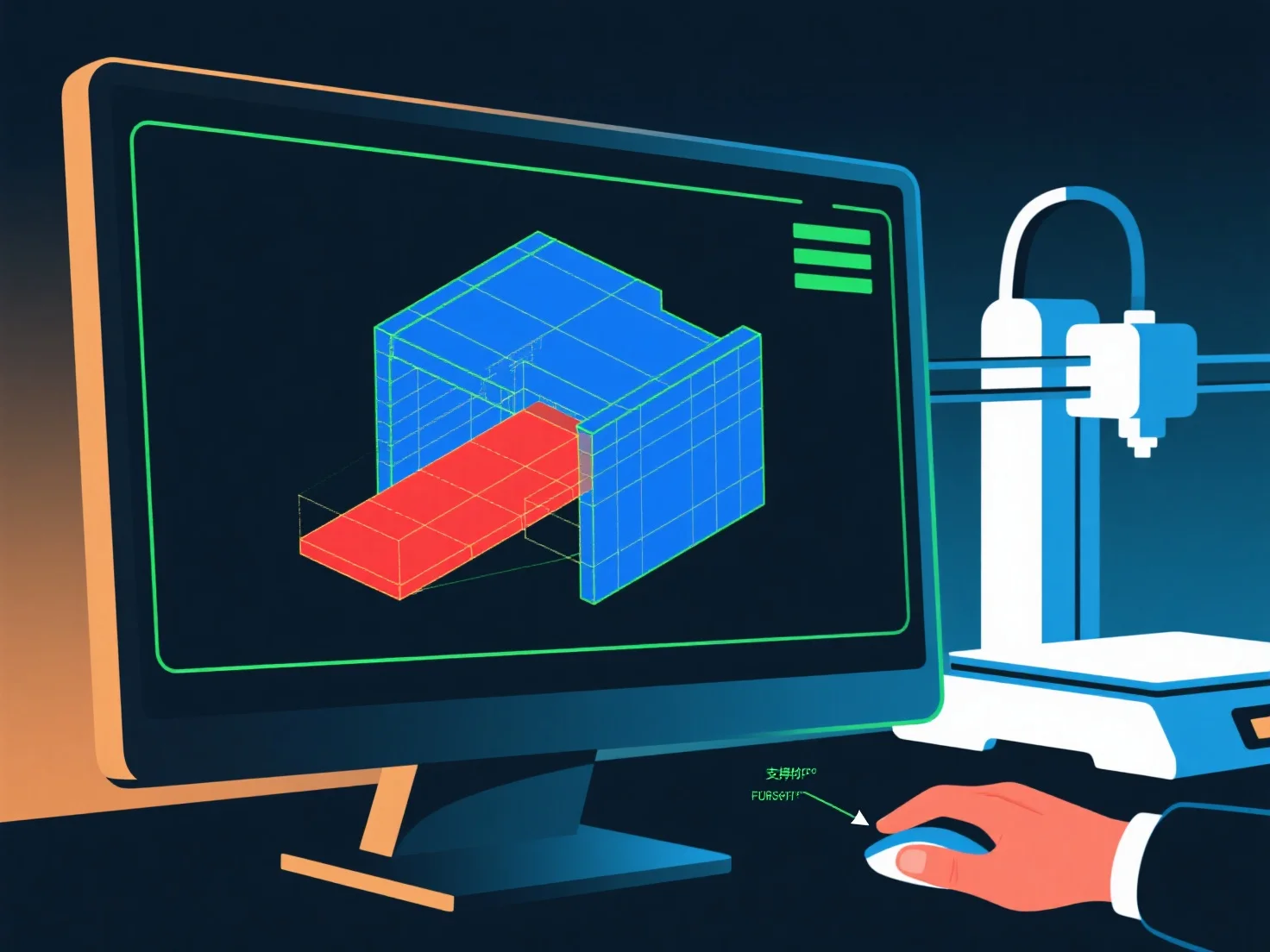
3D-моделер забезпечує готовність до 3D-друку, перевіряючи геометричну цілісність, структурну стабільність і здатність до друку, а також проводячи ключові перевірки для запобігання поширеним невдачам.
По-перше, переконайтеся, що модель водонепроникна: виправте зазори, отвори або неманіфельні краї (крайки, які з'єднують <2 або >2 грані), оскільки вони викликають помилки слайсінгу.
По-друге, підтримуйте належну товщину стін: переконайтеся, що стіни достатньо товсті (1-3 мм, залежно від матеріалу), щоб уникнути їх розламаності; усуньте надто тонкі ділянки, схильні до обвалу.
По-третє, керуйте виступами: по можливості тримайте кути ≤45°; для більш крутих виступів додайте опори за допомогою програмного забезпечення для моделювання або переробіть конструкцію, щоб зменшити непідтримувані ділянки.
Нарешті, перевірте за допомогою інструментів слайсера: перегляньте шари, перевірте на наявність помилок і відрегулюйте налаштування.