


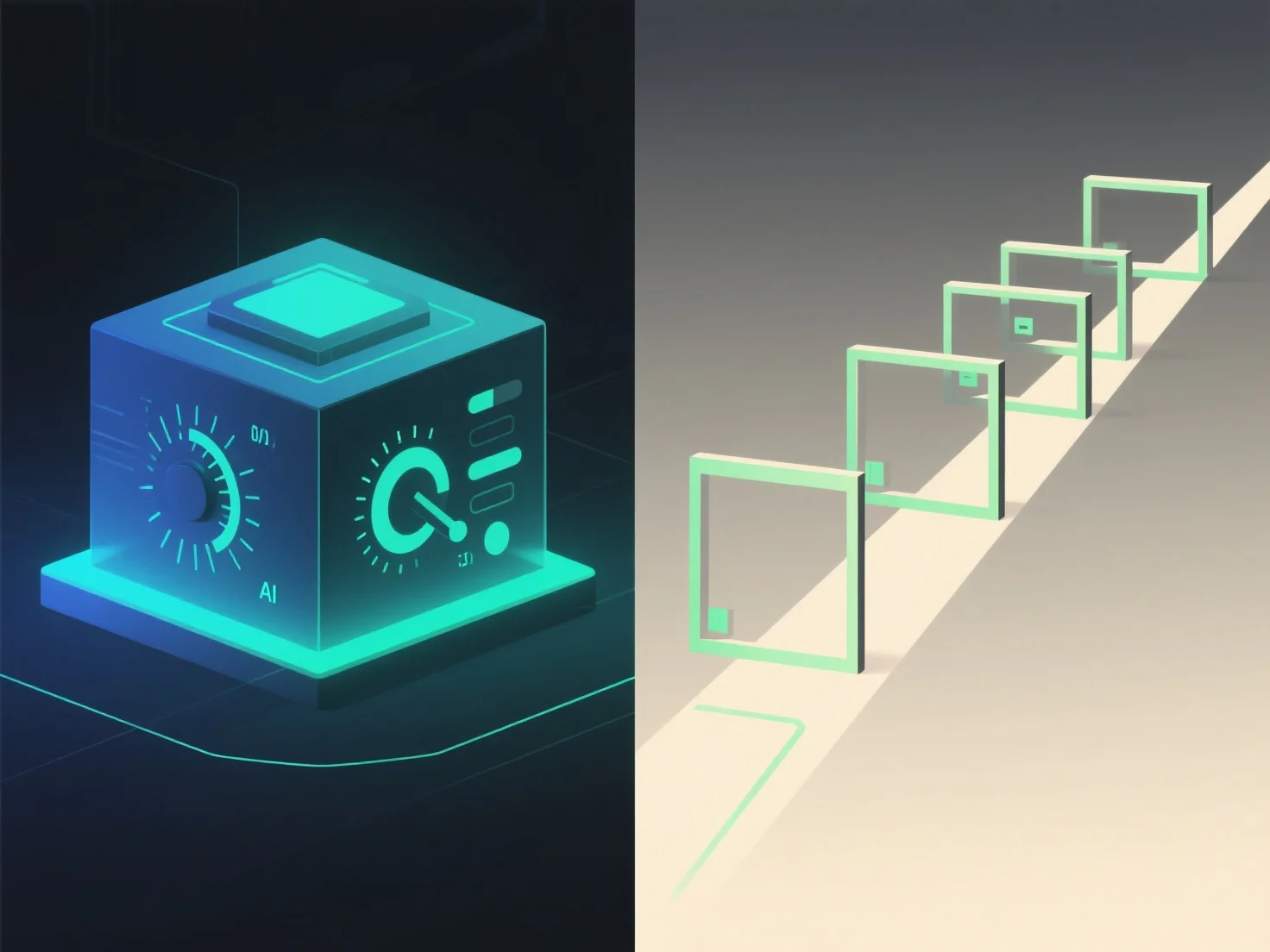
3D-презентації з користувацьким контролем і керовані презентації відрізняються головним чином інтерактивністю і контролем над досвідом. У 3D-презентаціях з користувацьким контролем глядачі можуть самостійно переміщатися, обертати або збільшувати 3D-контент, тоді як керовані презентації слідують заздалегідь визначеній послідовності під керівництвом ведучого.
Рівень інтерактивності: контроль користувача дає глядачам можливість досліджувати в своєму власному темпі, зосереджуючись на зонах, що представляють інтерес. Ідеально підходить для детальних перевірок або персоналізованого навчання. Натомість, керовані презентації підтримують структурований порядок, гарантуючи, що ключові повідомлення будуть доставлені в певному порядку.
Ідеальні застосування: сценарії з керованими користувачем 3D-костюмами, наприклад, демонстрації продуктів.
Коротко кажучи, 3D, контрольоване користувачем, пропонує свободу дослідження, а керовані презентації забезпечують структуроване, навмисне спілкування.