


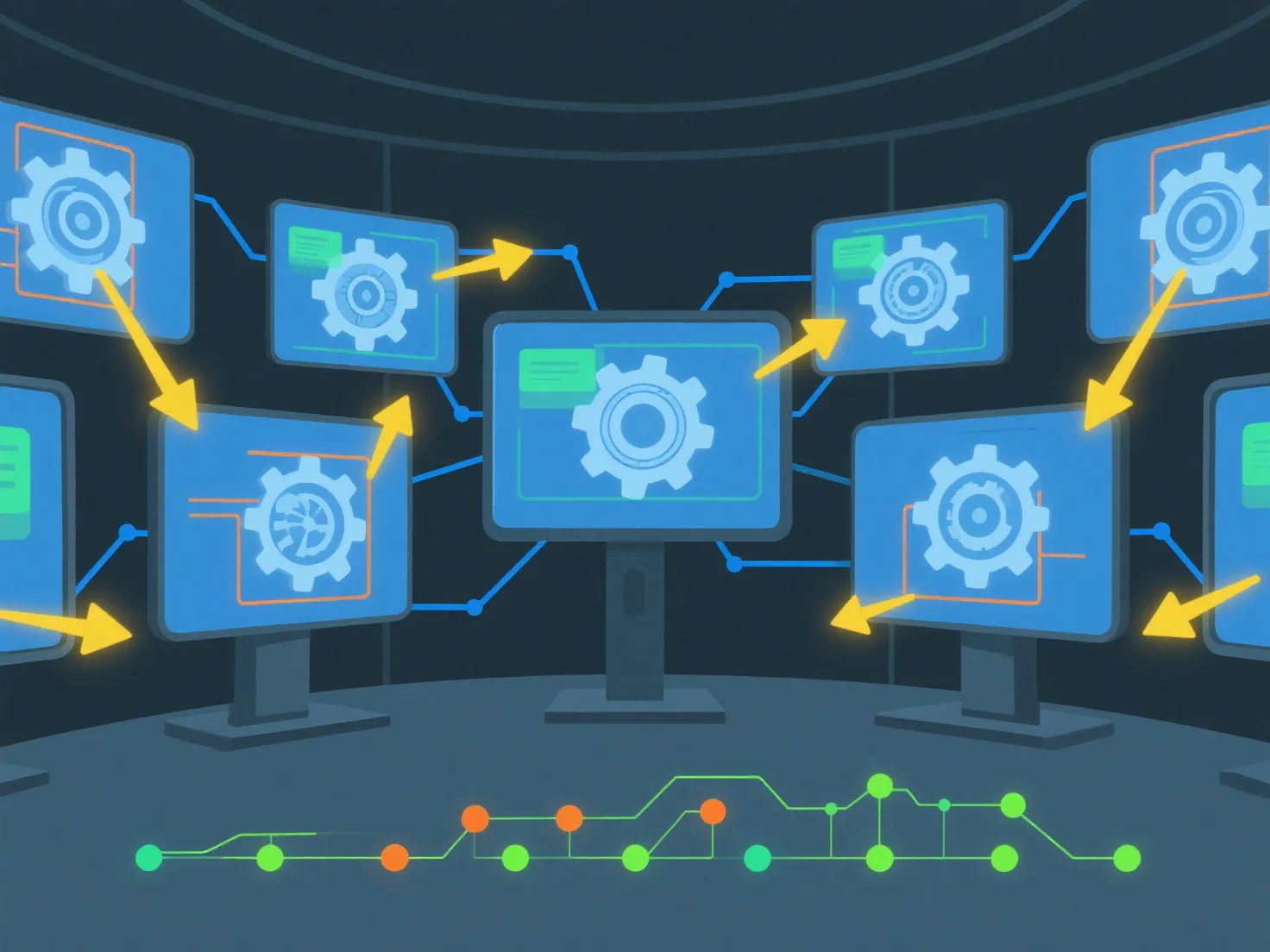
Щоб ділитися 3D-активами та відстежувати зміни в режимі реального часу за допомогою програмного забезпечення для спільної роботи, почніть із завантаження 3D-файлів у спільний хмарний робочий простір і налаштування дозволів на доступ для команди. Ця настройка забезпечує одночасний перегляд/редагування та автоматично реєструє історію змін для прозорості.
По-перше, завантажте та налаштуйте доступ: додайте 3D-файли.
Далі увімкніть спільну роботу в режимі реального часу: використовуйте інструменти з синхронізацією в реальному часі, щоб декілька користувачів могли працювати над одним і тим самим ресурсом одночасно, уникаючи конфліктів версій.
Нарешті, автоматичне відстеження змін: програмне забезпечення записує редагування з іменем користувача, часовим штампом і деталями змін, щоб команди могли легко переглядати історію або відновлювати версії.
Це забезпечує безперешкодний обмін, оновлення в режимі реального часу та чітку відстежуваність змін для ефективної роботи в команді над 3D-активами.