


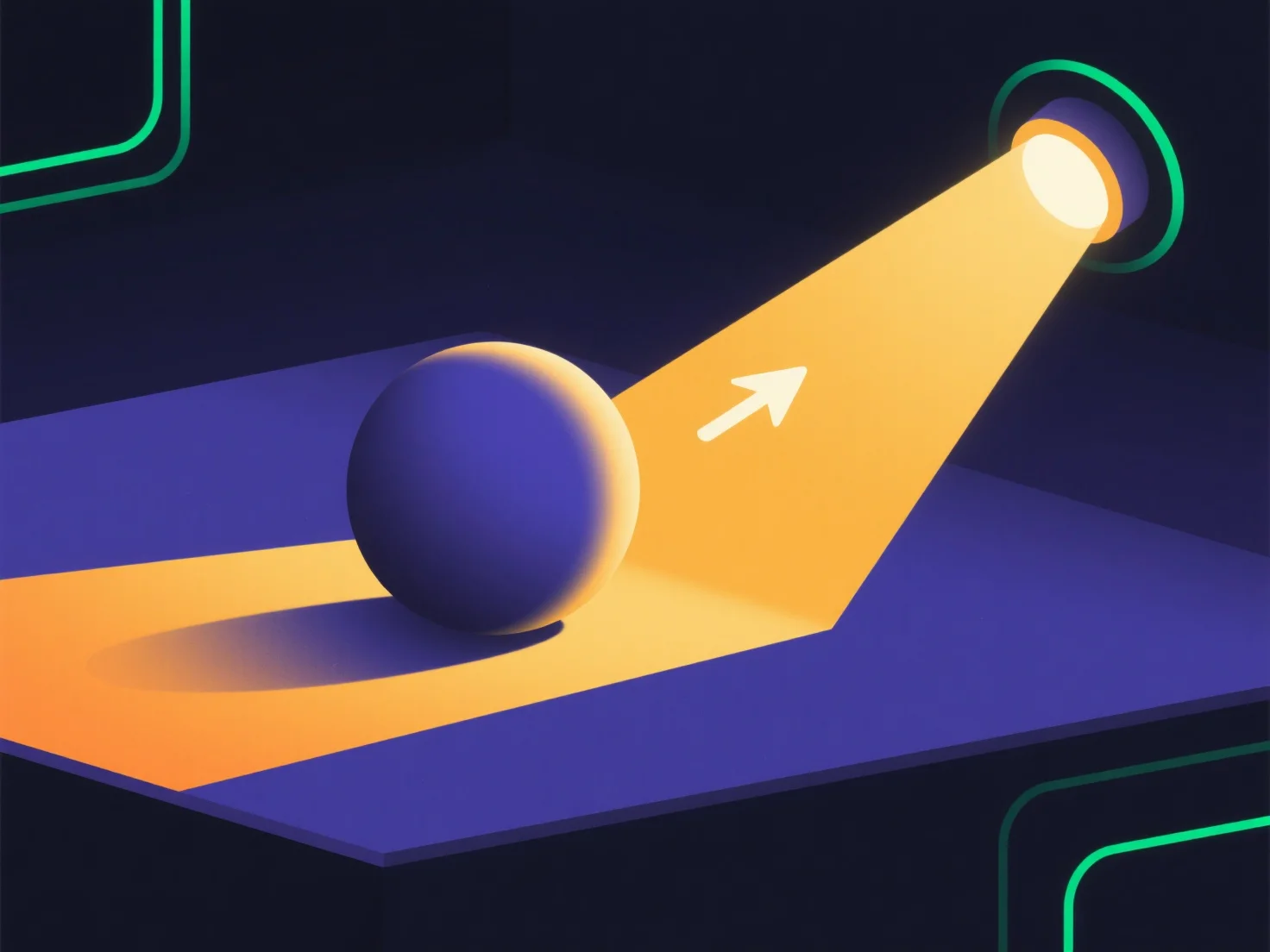
Моделювання сонячного світла у 3D-рендерингу в основному використовує направлені джерела світла для відтворення паралельних, віддалених променів сонця, посилених регулюванням інтенсивності, кольору, кута та атмосферних ефектів для досягнення реалізму.
- **Налаштування направленого світла**: Випромінює паралельні промені (без перспективної спотворення) і діє як джерело на нескінченній відстані, імітуючи віддалене положення сонця. - **Інтенсивність і колір**: Регулюйте яскравість (вища для полудня, нижча для сходу сонця) і температуру кольору (теплий жовтий/помаранчевий для світанку/сутінків, холодний білий для полудня), щоб відповідало часу доби. - **Кут і тіні**: Налаштуйте кут світла (низький для світанку/сутінків, високий для полудня) і м'якість тіней (м'якіші при більшому розмірі світла або атмосферному розсіюванні). - **Атмосферні ефекти**: Додайте ефект розмиття (світіння навколо яскравих областей), туман або розсіювання світла, щоб відтворити взаємодію повітряних частинок, підвищуючи реалізм.
Об'єднання цих елементів створює реалістичне сонячне світло, яке відповідає поведінці освітлення у реальному світі.