


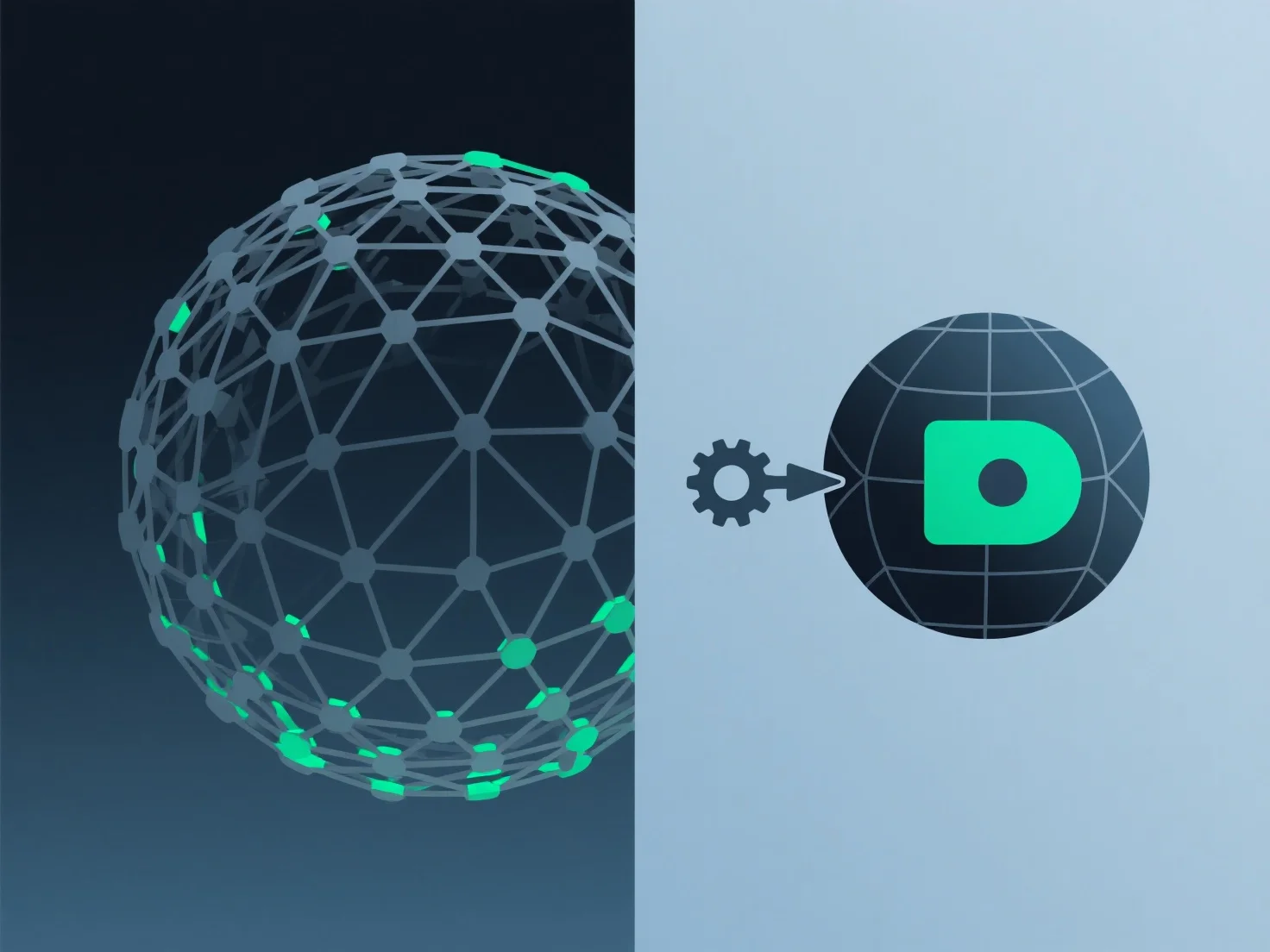
Щоб зменшити використання пам'яті при роботі з 3D-моделями, зосередьтеся на оптимізації геометрії, текстур і складності сцени.
По-перше, спростіть геометрію: використовуйте інструменти декамування або ретопології, щоб зменшити кількість полігонів, видаливши зайві вершини, особливо у невидимих зонах.
По-друге, стисніть текстури: використовуйте ефективні формати, такі як JPEG, BCn або WebP, щоб зменшити розмір файлів, зберігаючи при цьому важливі деталі; уникайте нестиснутих форматів, якщо це не потрібно.
По-третє, оптимізуйте сцену: видаліть невикористані активи, сховайте об'єкти за кадром або застосуйте методи LOD (рівень деталізації), щоб завантажувалися моделі з меншою кількістю полігонів, коли вони не знаходяться у фокусі.
Ці кроки мінімізують навантаження на пам'ять, орієнтуючись на ключові елементи, що вимагають великих ресурсів.