


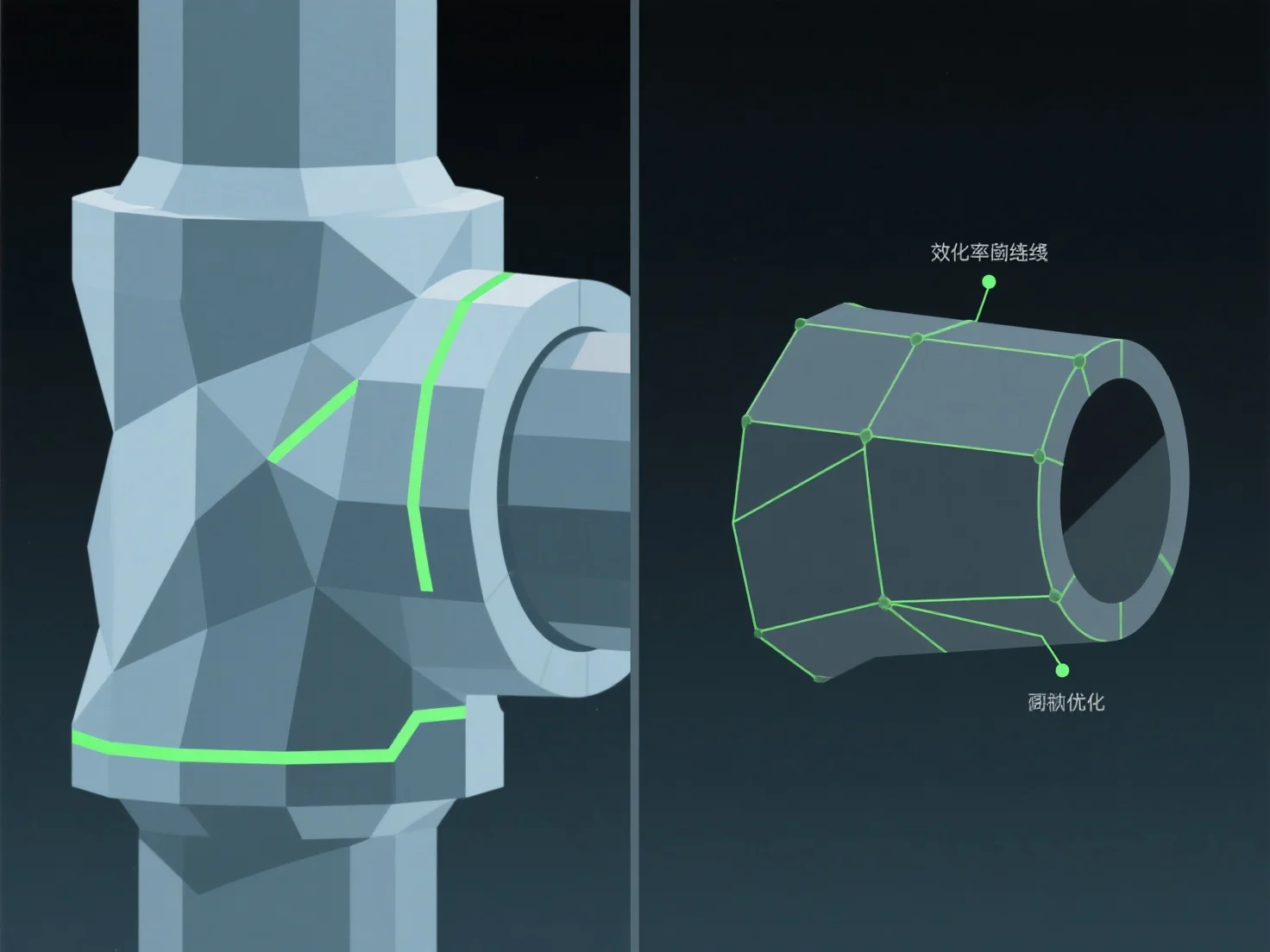
Щоб оптимізувати топологію 3D-моделі для анімації, зосередьтеся на чистому потоці країв, вирівняному відповідно до природних шляхів руху, і використовуйте полігони, в яких переважають чотирикутники. Це забезпечує плавну деформацію під час ригінгу та анімації, уникаючи таких проблем, як розтягування сітки або здавлювання у суглобах.
Ключові практики включають: - Вирівнювання крайових петель із точками артикуляції (наприклад, лікті, коліна) для підтримки природного згинання та обертання. - Підтримання рівномірної щільності полігонів для розподілу навантаження від руху по всій сітці.
Для складних зон з високою кількістю рухів додайте цільові петлі країв, щоб підвищити гнучкість, не ускладнюючи сітку, і зробити риггинг та анімацію більш ефективними.