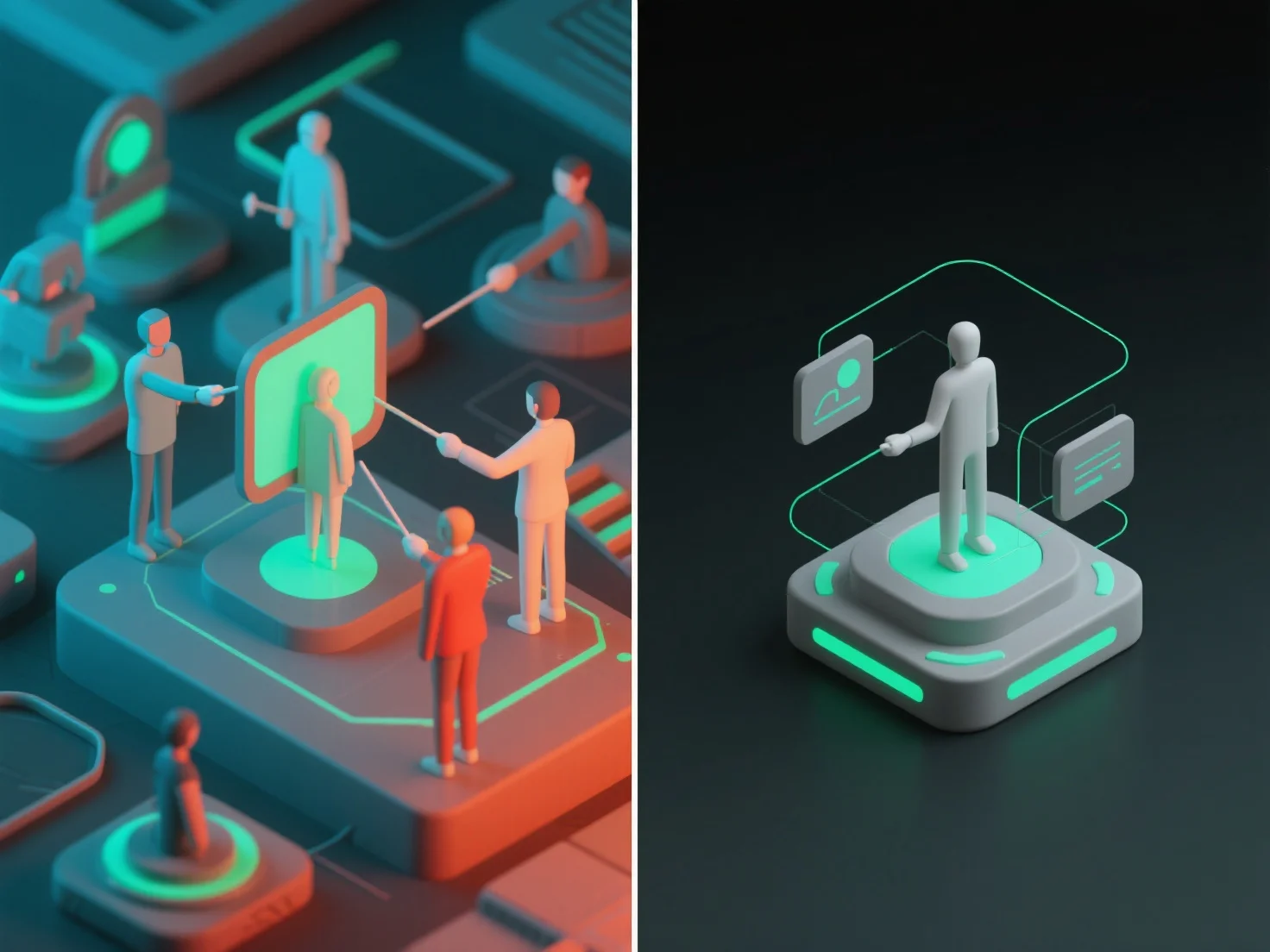
При співпраці над 3D-моделями дозволи та контроль доступу забезпечуються шляхом визначення ролей користувачів і встановлення детальних рівнів доступу, гарантуючи, що члени команди взаємодіють лише з частинами моделі, що відповідають їх завданням. Ключові ролі користувачів включають: переглядачі (доступ тільки для читання для перегляду моделей), редактори (зміна певних розділів або компонентів) і адміністратори (управління дозволами для всіх користувачів). Рівні доступу додатково обмежують дії, наприклад, обмеження завантаження, коментування або повного редагування моделі для авторизованих користувачів. На практиці хмарні інструменти 3D-співпраці часто пропонують заздалегідь налаштовані шаблони ролей.


Як ви керуєте дозволами та контролем доступу під час співпраці над 3D-моделями?
Співпраця над 3D-моделями використовує ролі користувачів і гранульовані рівні доступу для управління дозволами, а хмарні інструменти пропонують готові шаблони для забезпечення безпеки і підвищення ефективності.