


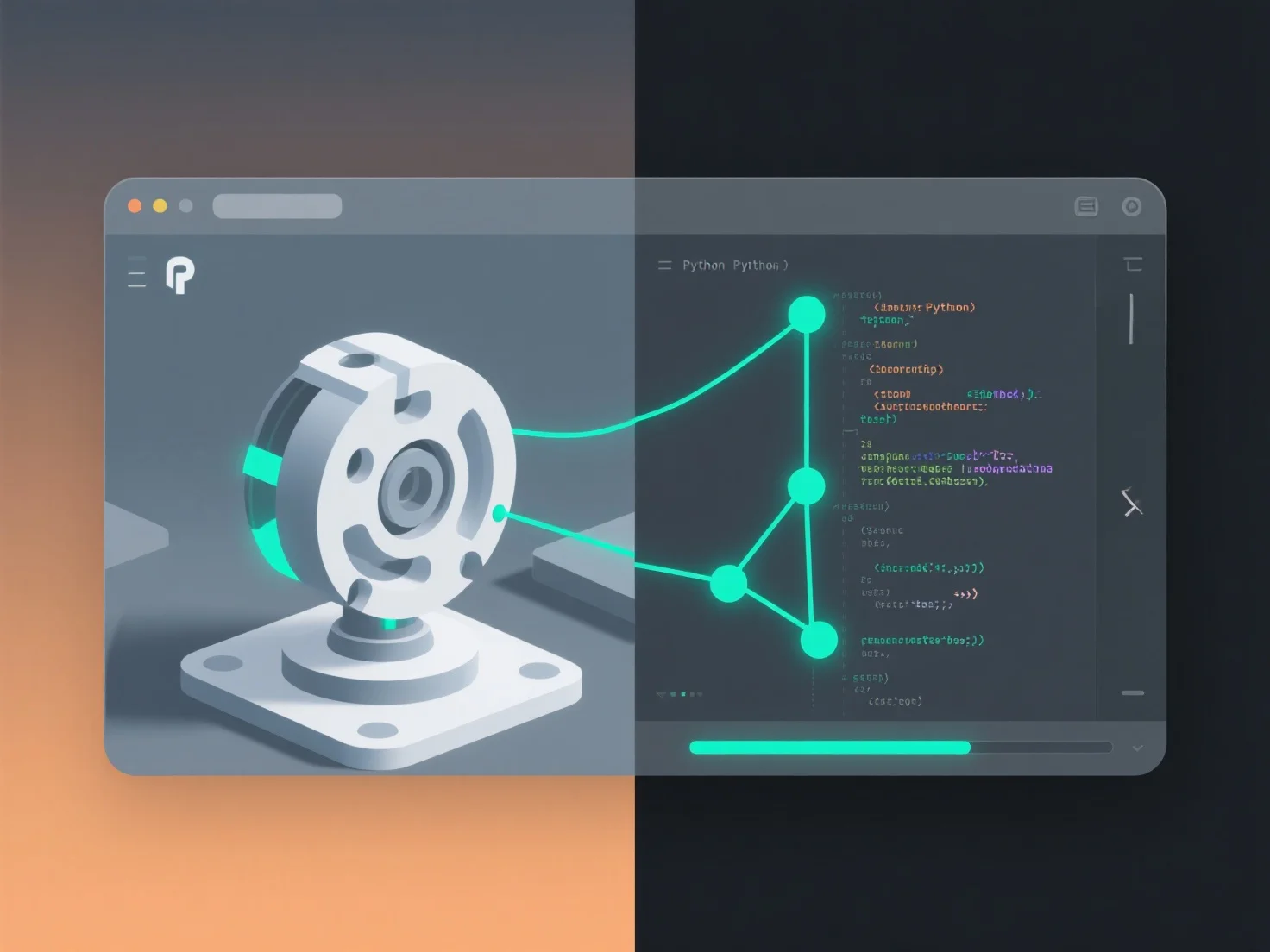
Інтеграція скриптових інструментів з програмним забезпеченням для 3D-моделювання з метою автоматизації завдань в основному включає використання вбудованих API або скриптових інтерфейсів програмного забезпечення, що дозволяє користувацьким скриптам взаємодіяти з його об'єктною моделлю.
Ключові кроки включають: - **Вибір мови**: Використовуйте мови, сумісні з програмним забезпеченням, такі як Python (широка підтримка), MEL (Maya) або C# (Unity), відповідно до вимог інструменту. - **Написання скриптів**: Зосередьтеся на автоматизації повторюваних завдань. Наприклад, пакетне перейменування об'єктів, генерація параметричних моделей або експортування активів у стандартні формати. - **Тестування та масштабування**: Почніть з простих скриптів.
Цей метод зменшує ручну працю, стандартизує процеси та підвищує ефективність у розробці ігор, архітектурі або анімаційних проектах.