


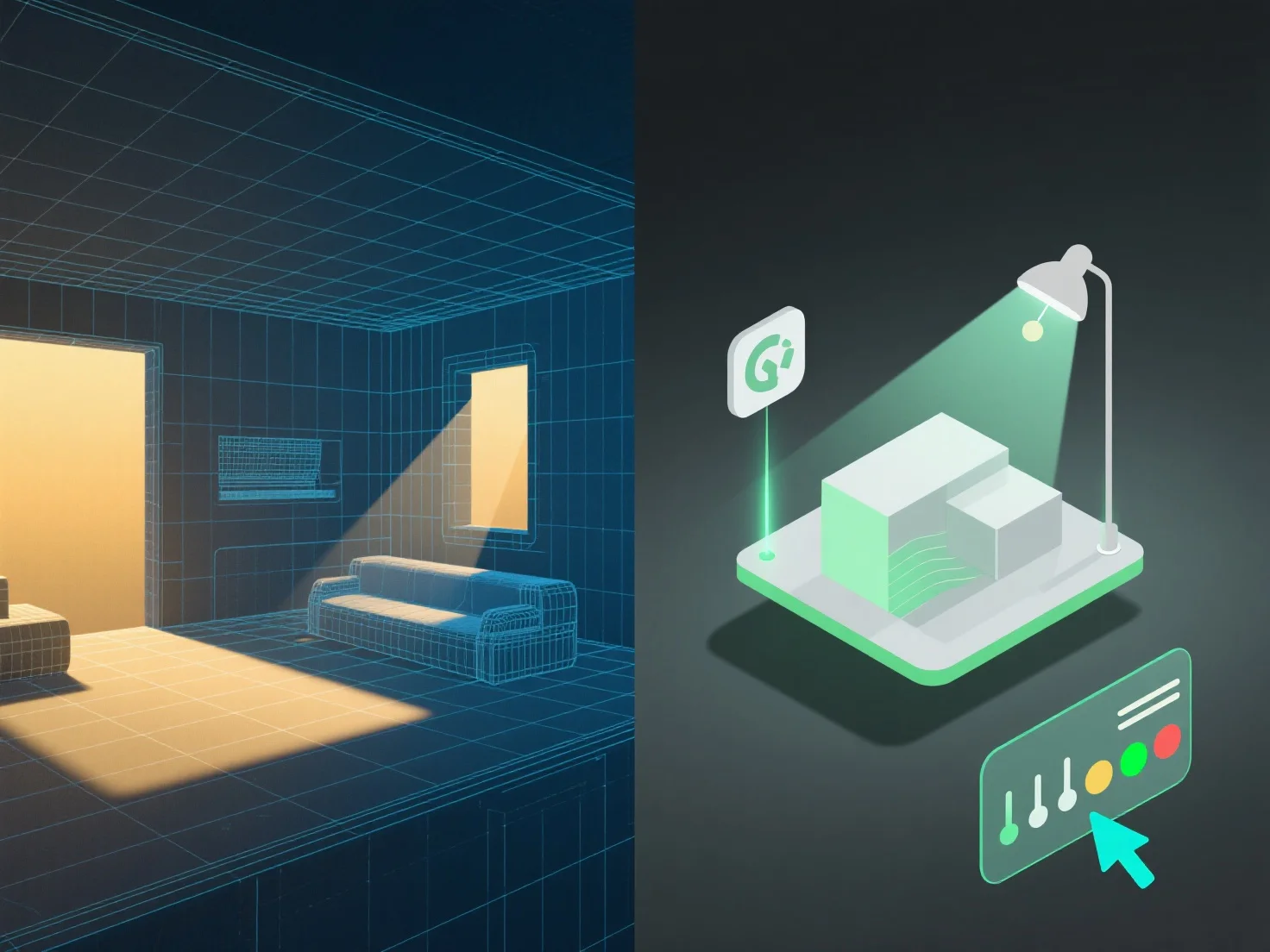
Інтеграція освітлювальних інструментів з 3D-моделюванням для кращого управління сценою вимагає узгодження параметрів освітлення зі структурою, матеріалами та контекстом моделі для підвищення реалізму та ефективності робочого процесу.
По-перше, пов'яжіть джерела світла (направлене, точкове або зональне освітлення) з геометрією та текстурними деталями моделі. Це забезпечує точну взаємодію світла, таку як тіньоутворення, відображення та заломлення, що імітує поведінку у реальному світі.
По-друге, синхронізуйте освітлення з прикладами використання сцени: у архітектурній візуалізації необхідно узгодити його з розмірами моделі, щоб імітувати природне світло.
По-третє, використовуйте шаблони освітлення для частої зміни моделей. Шаблони автоматично оновлюються з урахуванням змін у моделі, забезпечуючи стабільне освітлення без ручного налаштування та спрощуючи управління.
Об'єднавши ці кроки, освітлення та 3D-моделі працюють в гармонії, забезпечуючи реалістичні, ефективно керовані сцени.