


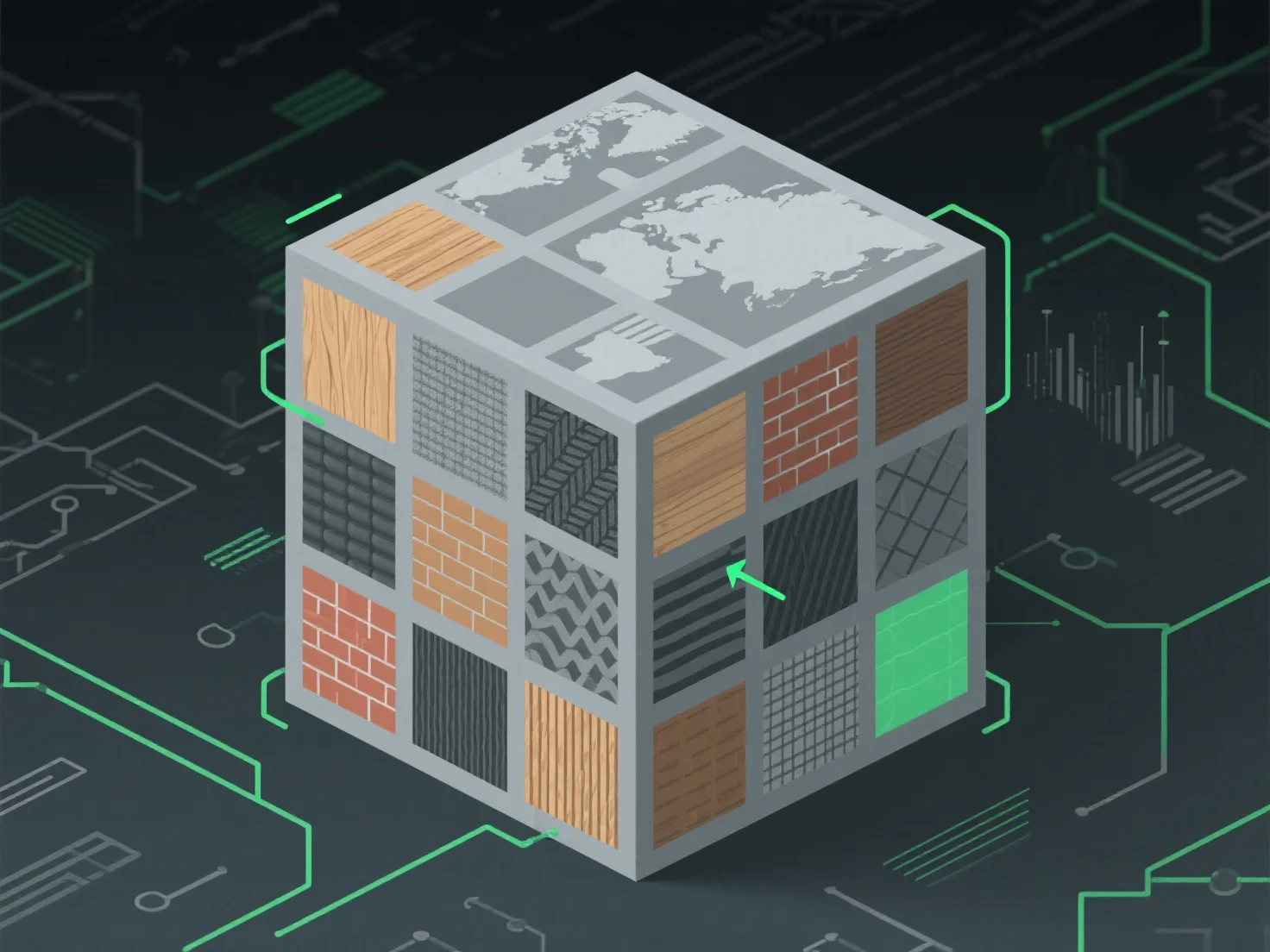
Щоб обробити текстурні атласи для оптимального текстурного картування, зосередьтеся на ефективному упакуванні, щоб мінімізувати невикористаний простір і зменшити кількість викликів для малювання, досягнувши цього шляхом об'єднання маленьких текстур в один атлас, вирівнювання координат UV для точного картування поверхні моделі і забезпечення плавних переходів між областями, щоб уникнути візуальних артефактів.
Ключові застосування у різних галузях: - Розробка ігор: Знижує навантаження на графічний процесор за рахунок зменшення кількості замін текстур під час рендерингу. - Тривимірна графіка в режимі реального часу (AR/VR): Підвищує продуктивність завдяки оптимізації доступу до текстурних даних.
Для різних розмірів текстури використовуйте автоматичні інструменти упаковки з наповнювачем, щоб запобігти витіканню та зберегти візуальну якість.