


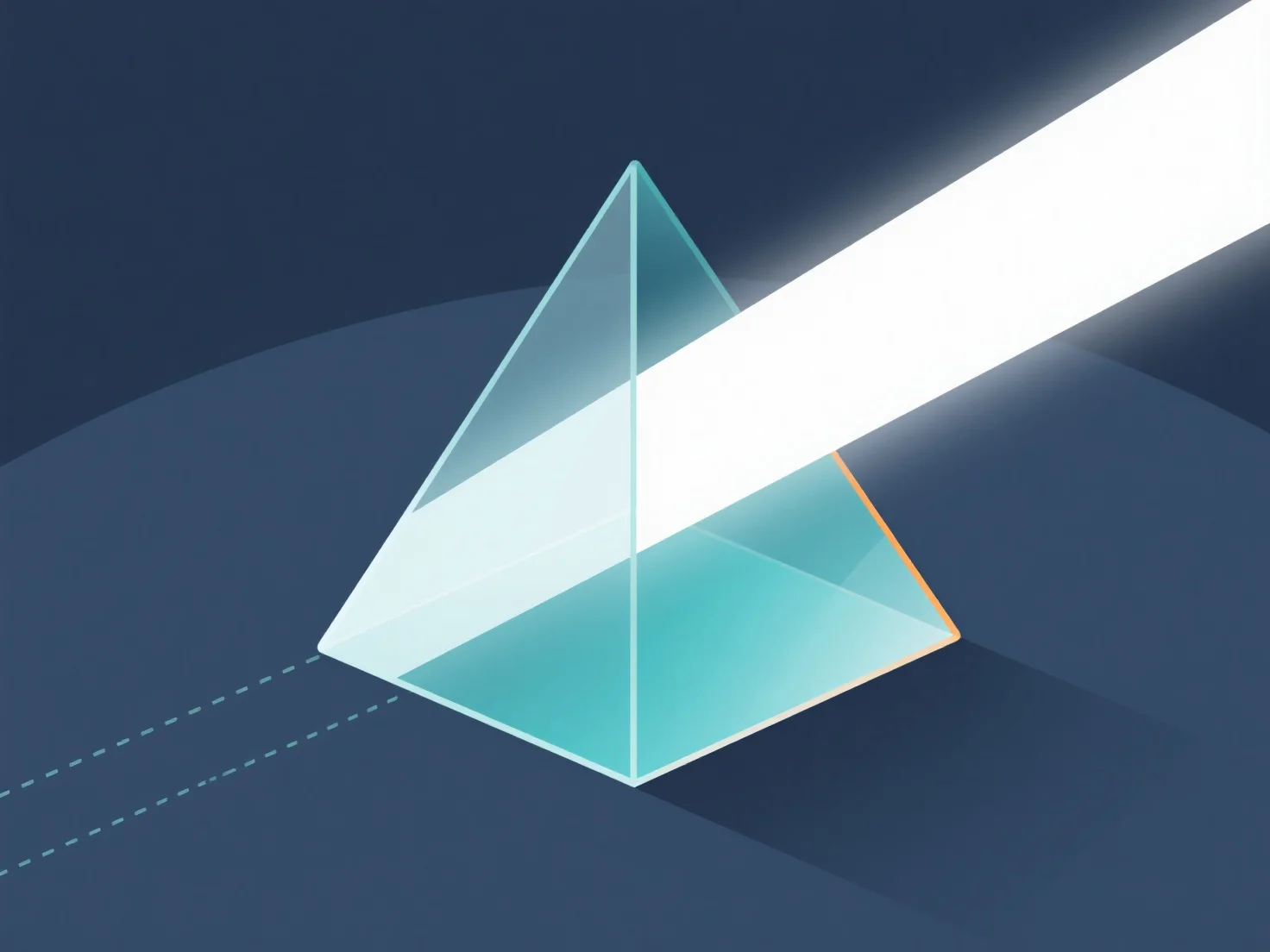
Опрацювання заломлення світла через матеріали в 3D-моделях в основному здійснюється шляхом встановлення властивостей матеріалів.
- **Встановіть показник заломлення (RI):** RI визначає кут заломлення світла. Типові значення: скло ~1,5, вода ~1,33, повітря ~1,0. Призначте RI у налаштуваннях матеріалу, щоб визначити інтенсивність заломлення. - **Використовуйте методи рендерингу:** Трасування променів простежує шляхи світла через матеріали; PBR використовує фізичні закони реального світу. Обидва дозволяють точно моделювати заломлення. - **Налаштуйте параметри програмного забезпечення:** У 3D-інструментах увімкніть заломлення у налаштуваннях рендерингу, призначте RI матеріалу та відрегулюйте блиск/непрозорність, щоб удосконалити ефекти.
Цей процес імітує поведінку світла у реальному світі, створюючи реалістичні ефекти прозорих/напівпрозорих матеріалів у 3D-моделях.