


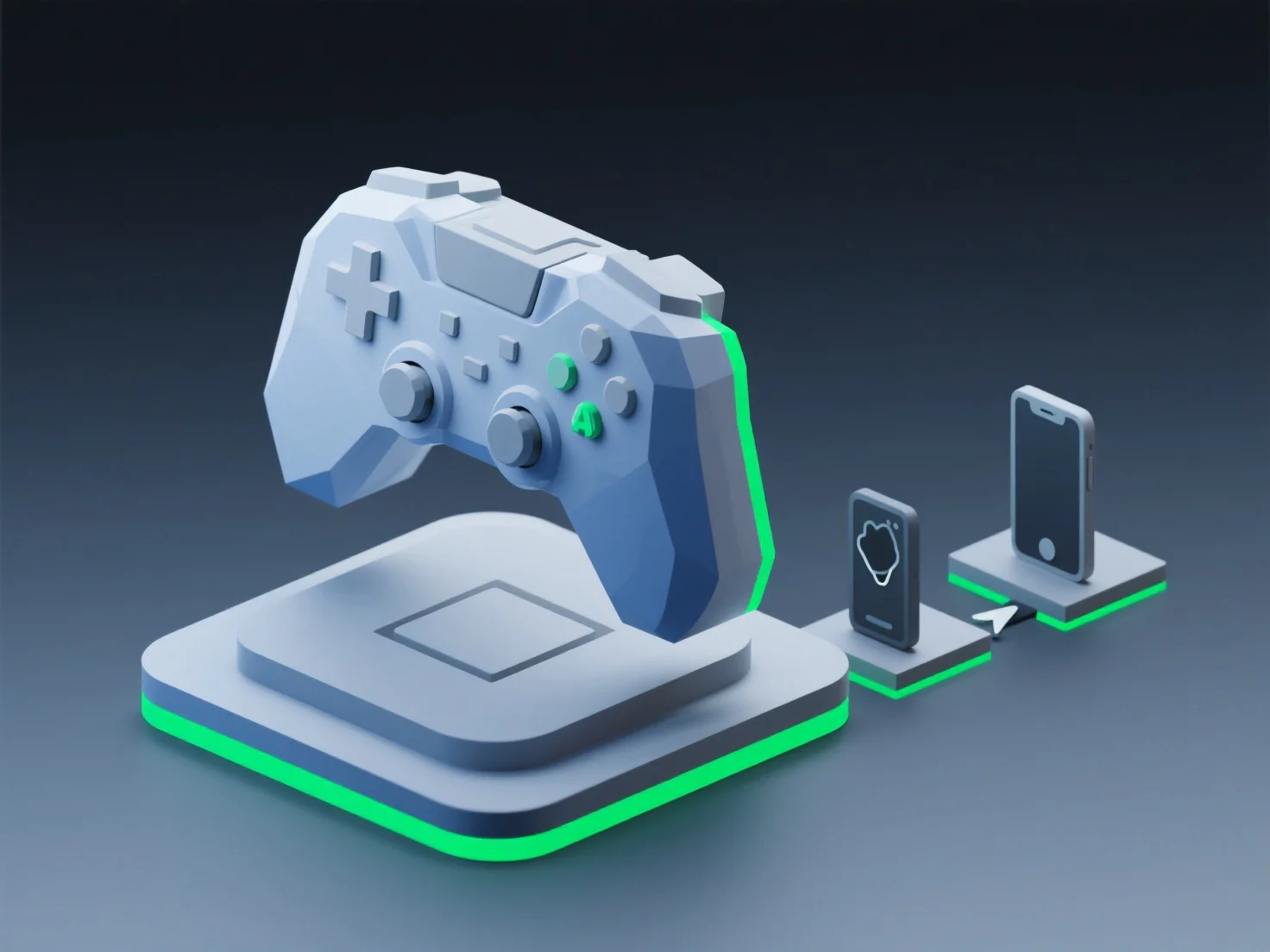
Налаштування 3D-моделей для оптимальної продуктивності відповідно до стандартів платформи включає оптимізацію кількості полігонів, роздільної здатності текстур і розміру ресурсів відповідно до апаратних обмежень платформи, забезпечення плавної роботи без затримок, будь то на мобільних пристроях, консолях або в Інтернеті.
Ключові налаштування для конкретних платформ включають: - Мобільні пристрої: Зменшити кількість полігонів (часто менше 10 тисяч) і стиснути текстури до 2К або менше, щоб заощадити пам'ять. - Консолі: Збалансувати деталізацію та частоту кадрів за допомогою середньої кількості полігонів (50-100 тисяч) та оптимізованих шейдерів. - Веб: Мінімізувати розмір файлів за допомогою форматів glTF/GLB і спрощеної геометрії для візуалізації в браузері.
Для крос-платформенних проектів автоматизовані інструменти оптимізації спрощують адаптацію моделей до різних стандартів платформ.