


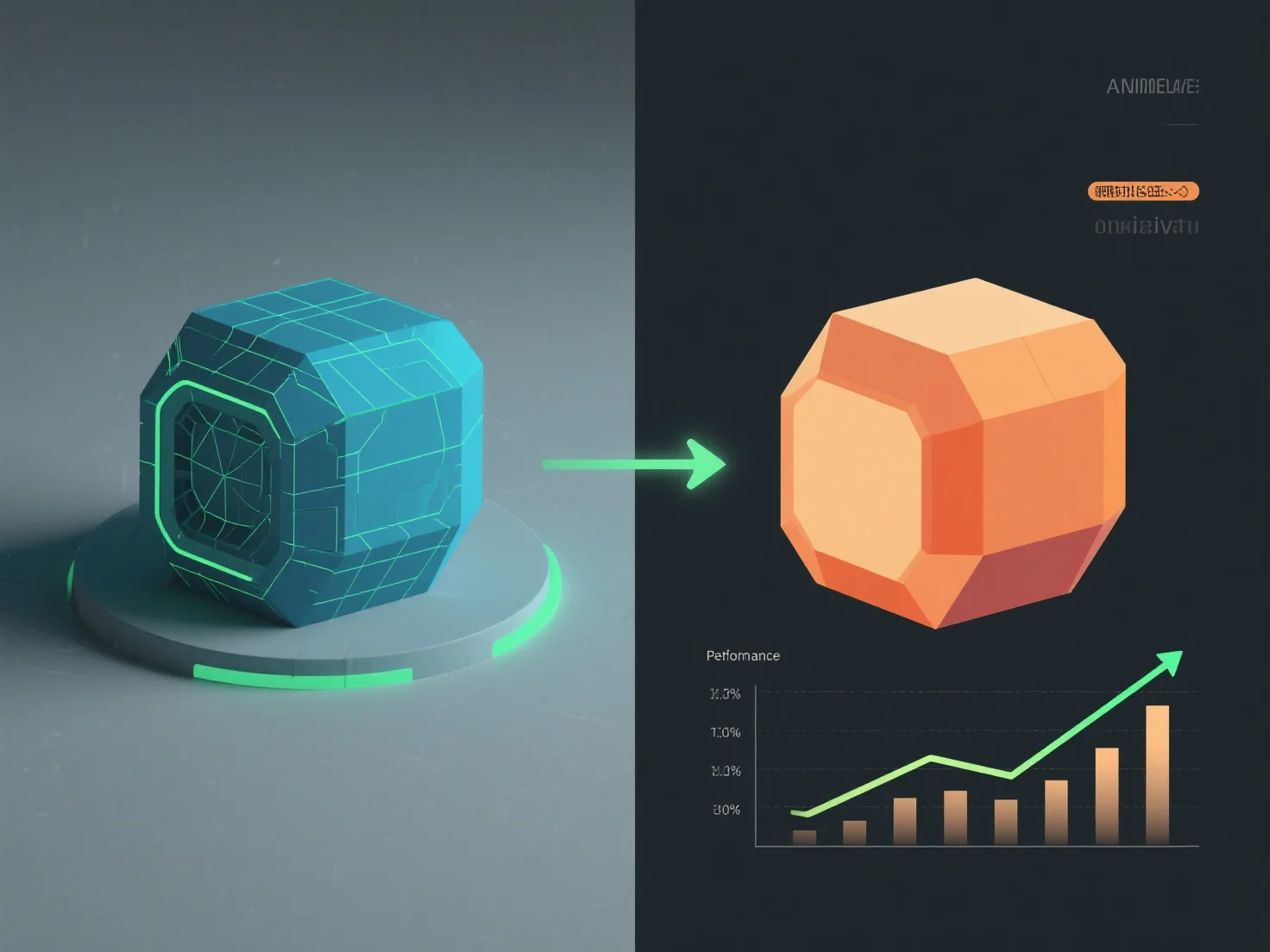
Балансування візуальної точності та продуктивності у стандартах 3D-якості включає в себе визначення пріоритетів ключових візуальних елементів та оптимізацію неважливих деталей відповідно до цільового обладнання, забезпечення плавної роботи без втрати важливої візуальної зв'язкості.
- **Пріоритет фокусних елементів**: Використовуйте текстури високої роздільної здатності для основних об'єктів (наприклад, персонажів) і зменшуйте кількість полігонів для фонів, щоб знизити навантаження на графічний процесор. - **Використовуйте LOD**: Спрощуйте моделі віддалених об'єктів. Віддалені об'єкти використовують основні форми, а близькі об'єкти зберігають детальну геометрію, забезпечуючи чітку візуалізацію там, де користувачі зосереджують свою увагу. - **Адаптуйте до апаратного забезпечення**: Для пристроїв нижчого рівня почніть з базових налаштувань, регулюйте щільність полігонів/текстур під час тестування, щоб уникнути затримок, забезпечуючи стабільну частоту кадрів.
Цей підхід гарантує, що 3D-контент залишається візуально привабливим і працює безперебійно, поєднуючи чіткість і стабільну продуктивність на різних платформах.