


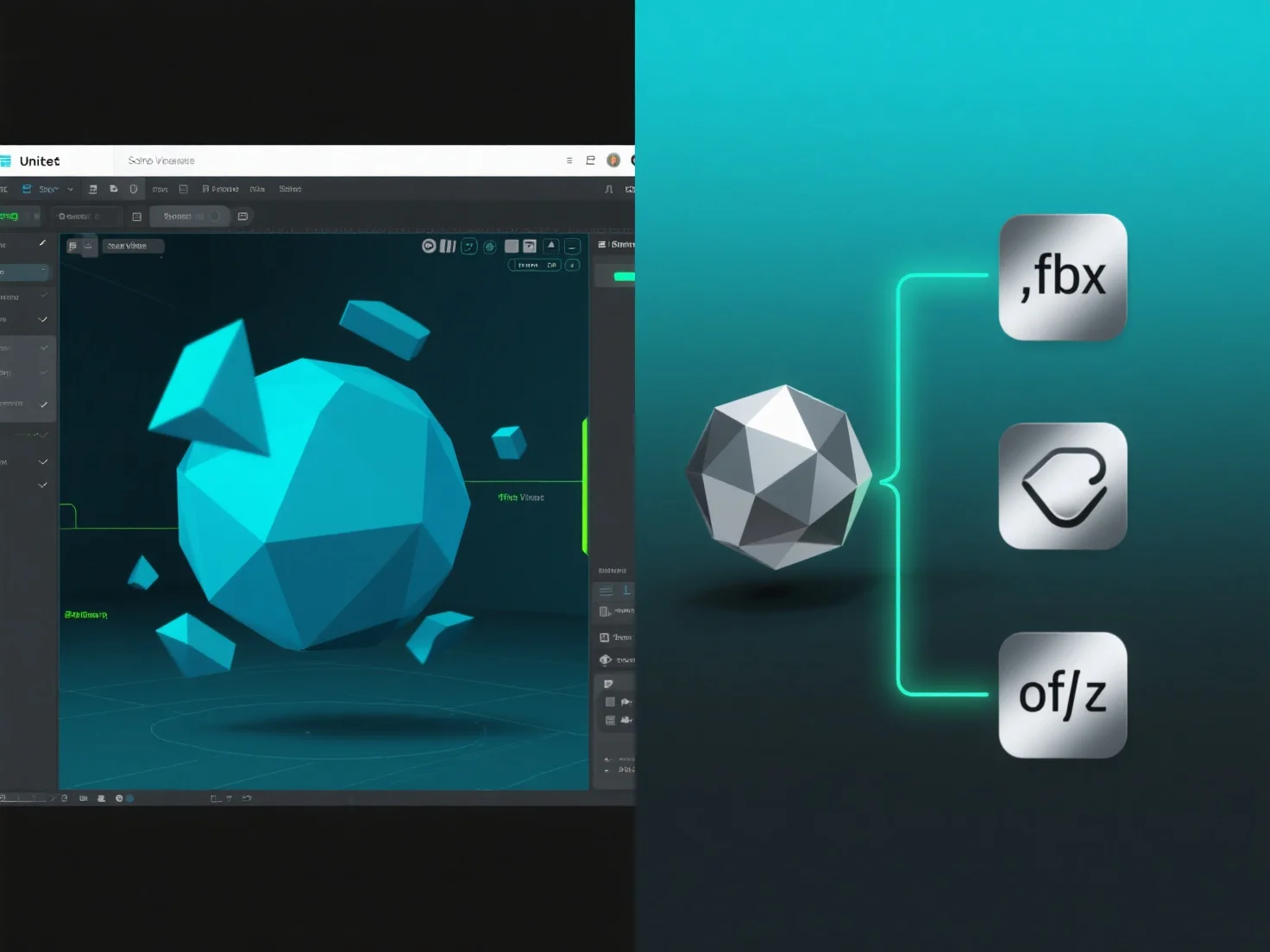
3D-моделі в Unity використовують формати .fbx або .obj, імпортуючи їх як файли ресурсів, що дозволяє інтегрувати 3D-геометрію, текстури та анімації у проект.
Імпортна система Unity обробляє ці файли під час імпорту, витягуючи дані сітки (вериші, багатокутники) та посилання на матеріали, які необхідні для рендерингу.
Для файлів .fbx додаткові анімаційні кліпи.
Після імпорту моделі стають редагованими ресурсами, які можна використовувати у сценах, префабах або як компоненти ігрових об'єктів, що спрощує процес розробки.
Цей метод імпорту забезпечує безперешкодну інтеграцію моделей у форматах .fbx та .obj у Unity, забезпечуючи гнучкість для створення 3D-контенту.