


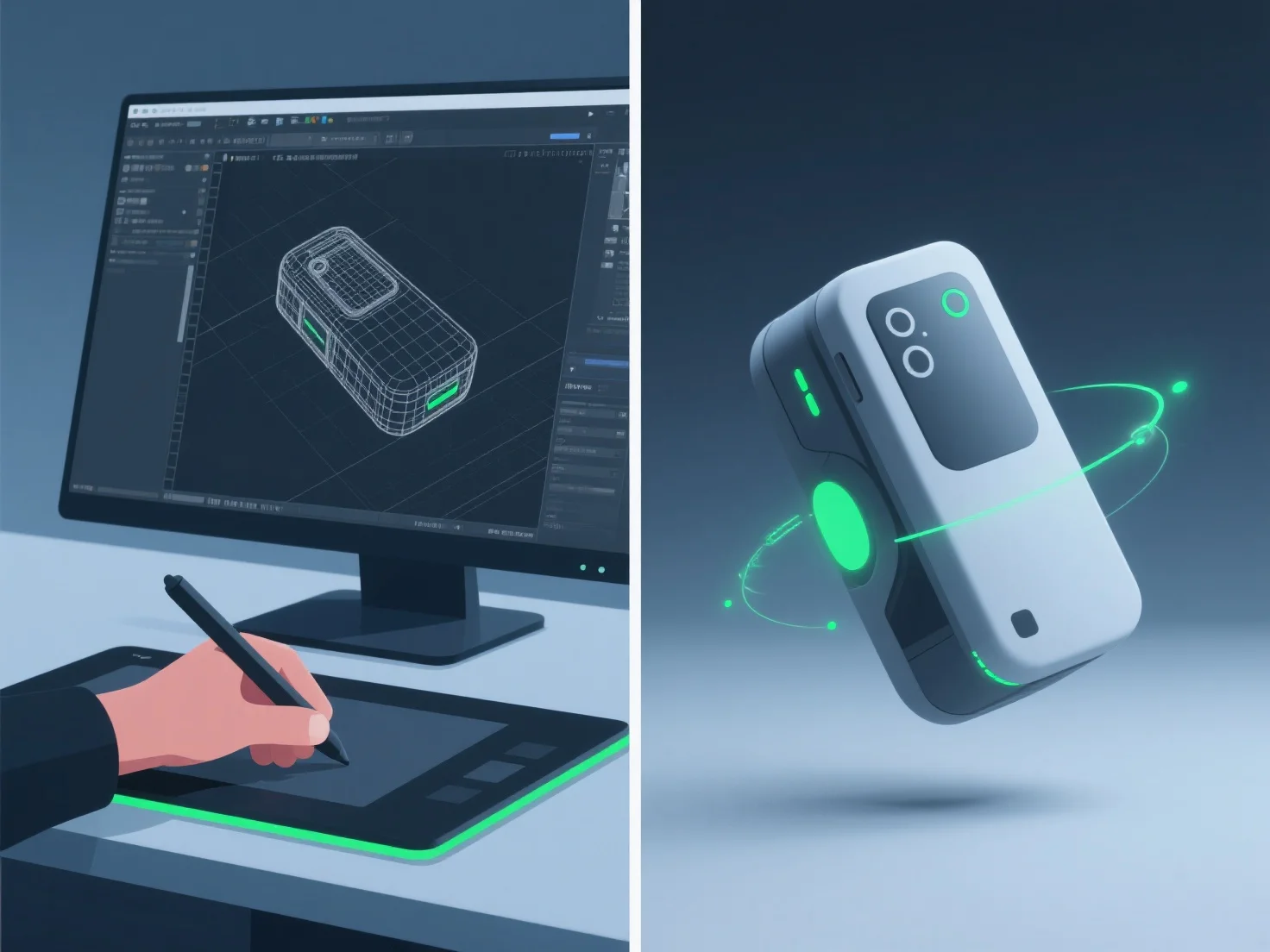
3D-моделери створюють реалістичні анімації демонстрації продукту, інтегруючи детальне 3D-моделювання, точне рагінг, анімацію ключових кадрів і симуляцію матеріалів/текстур, забезпечуючи точну форму, рух і деталі поверхні продукту.
- **3D-моделювання**: створення детальних цифрових копій, що відображають точні розміри та особливості реального продукту. - **Ріггінг**: додавання скелетних структур для забезпечення природного руху, наприклад, петлі кришки або натискання кнопки, що імітує механізми реального світу. - **Анімація ключових кадрів**: встановлення ключових поз для визначення послідовності руху, узгоджуючи часові параметри з тим, як продукт функціонує в реальності (наприклад, плавне відкривання кришки). - **Моделювання матеріалів/текстур**: застосування реалістичних властивостей поверхні, таких як металева рефлективність або матове покриття пластику, для підвищення візуальної достовірності.
Ця комбінація гарантує, що анімації відображають фактичне використання продукту, роблячи демонстрації як реалістичними, так і захопливими.