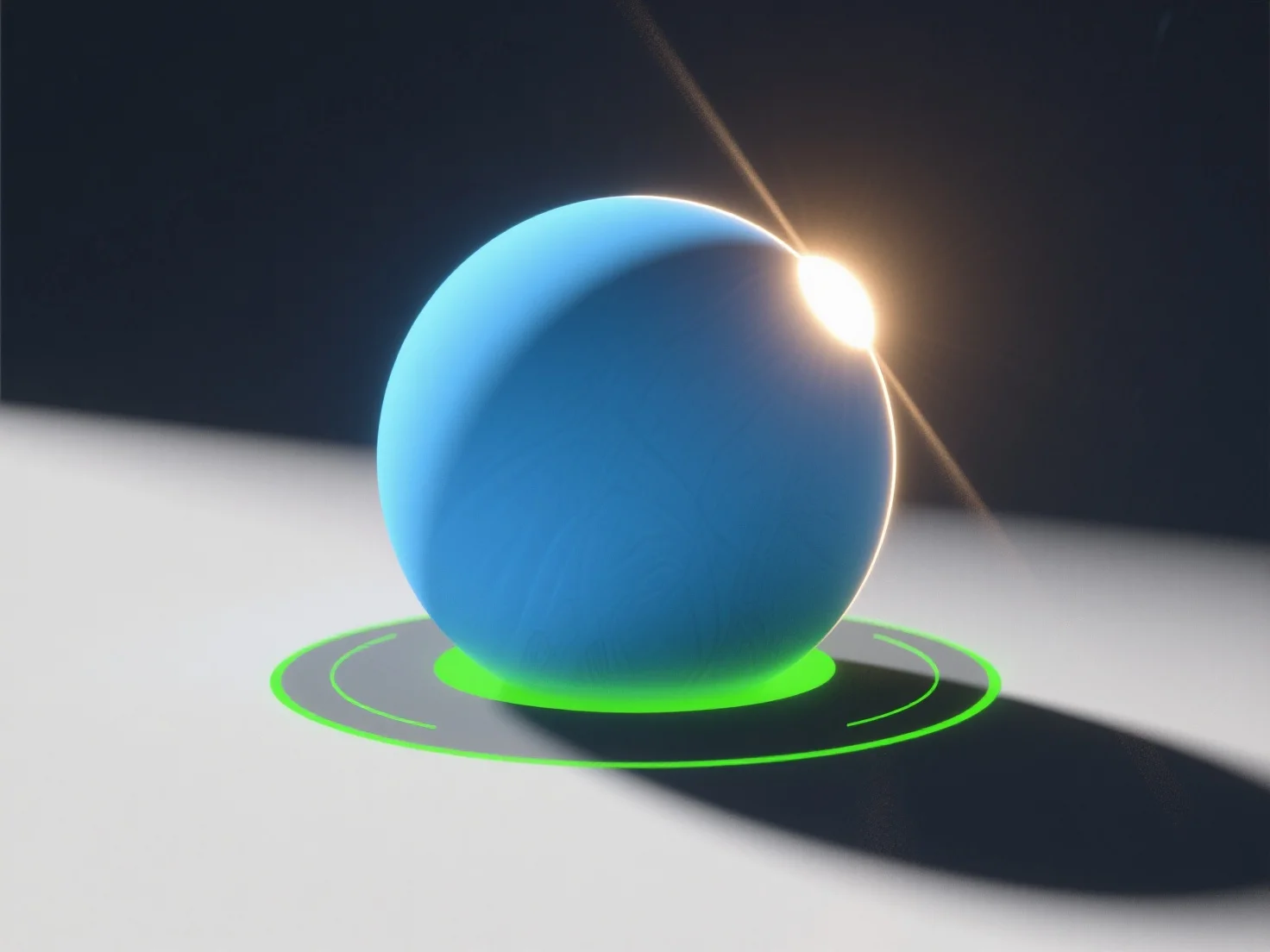
Щоб імітувати природні джерела світла у 3D-сценах, використовуйте направлене світло для сонячного світла, зонувальне світло для розсіяного небесного світла та налаштовуйте такі параметри, як інтенсивність, колірна температура та м'якість тіней. - **Симуляція сонячного світла**: Направлене світло імітує паралельні сонячні промені; встановіть кут (низький для світанку/заходу, високий для полудня) та колірну температуру (теплий жовтий/помаранчевий для золотих годин, нейтральний білий для полудня). - **Небо/розсіяне світло**: Зонувальне або купольне світло імітує розсіяне небесне освітлення з м'якими тінями та більш холодними тонами (наприклад, синій для похмурих днів). - **Підвищення реалізму**: Інтегруйте карти середовища HDRI, щоб захопити амбієнтне світло з реальних сцен, додаючи тонкі відблиски та глобальне освітлення. Початківці можуть почати з цих інструментів у таких програмах, як Blender, зосереджуючись на балансі інтенсивності та кольору для природних результатів.


Як ви можете імітувати природні джерела світла у 3D-сцені?
Щоб імітувати природне 3D-світло, використовуйте направлене/area-світло, налаштуйте параметри та інтегруйте карти HDRI для досягнення реалізму.