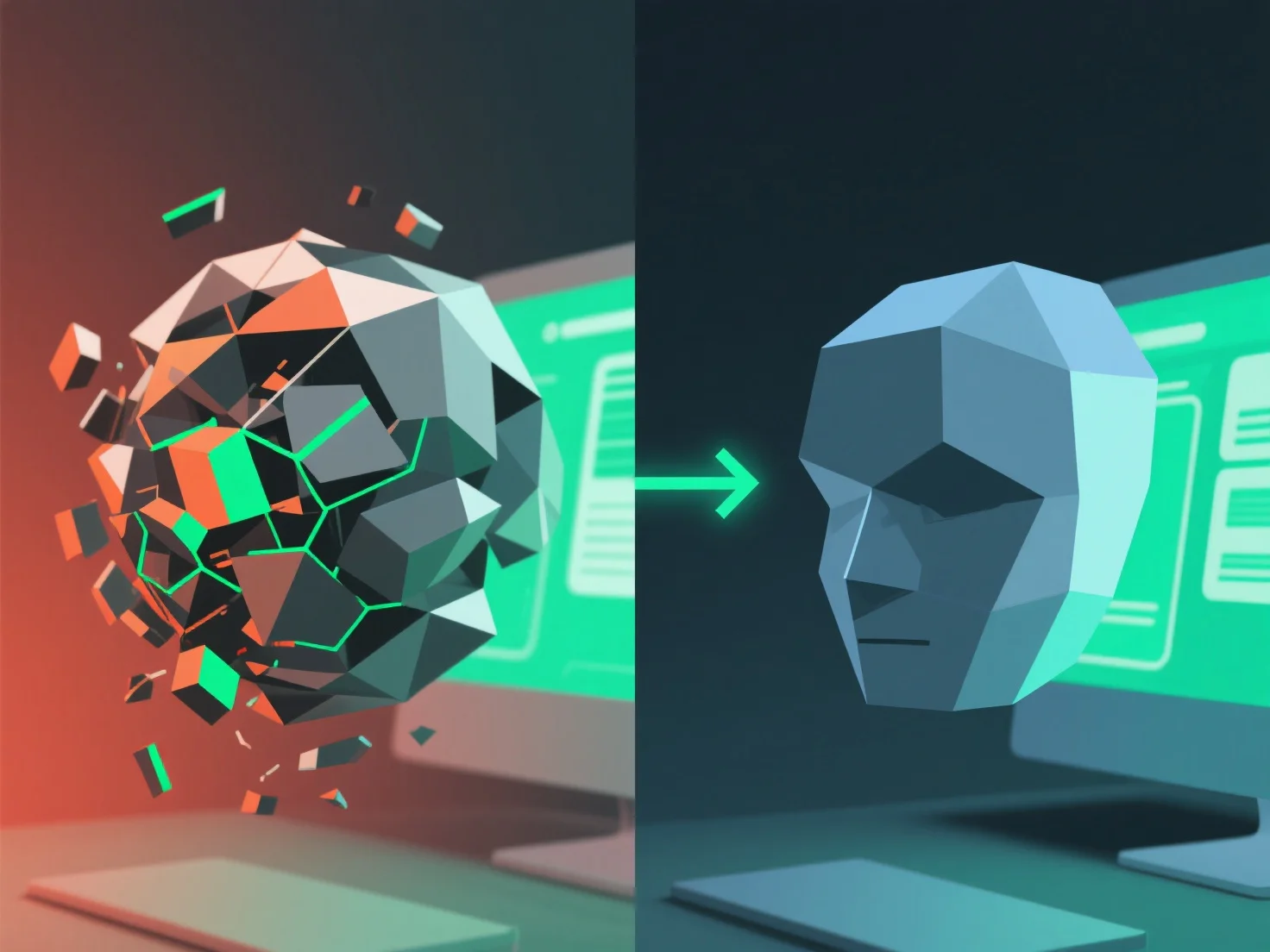
Оптимізація продуктивності для великих 3D-активів в основному включає зниження складності активів для зменшення обчислювального навантаження, забезпечення плавного робочого процесу та рендерингу. Ключові кроки включають: - **Зменшення кількості полігонів**: Використовуйте такі інструменти, як Decimate Modifier у Blender, для обрізання непотрібних вершин, збалансуючи деталізацію та продуктивність. - **Спрощення текстур**: Стискайте файли (наприклад, оптимізація JPEG/PNG) та знижуйте роздільну здатність для некритичних областей. - **Впровадження LOD (рівня деталізації)**: Регулюйте складність залежно від відстані. Висока деталізація поблизу, нижча — на відстані. - **Організуйте активи**: Групуйте їх у шари/папки для спрощення завантаження та редагування. Ці методи в сукупності мінімізують затримки, роблячи великі 3D-активи зручними для роботи в програмному забезпеченні або додатках.


Як ви можете оптимізувати продуктивність при роботі з великими 3D-активами?
Оптимізація великих 3D-активів включає зменшення складності за допомогою спрощення полігонів/текстур, LOD та організації для зниження навантаження та забезпечення плавної роботи.