


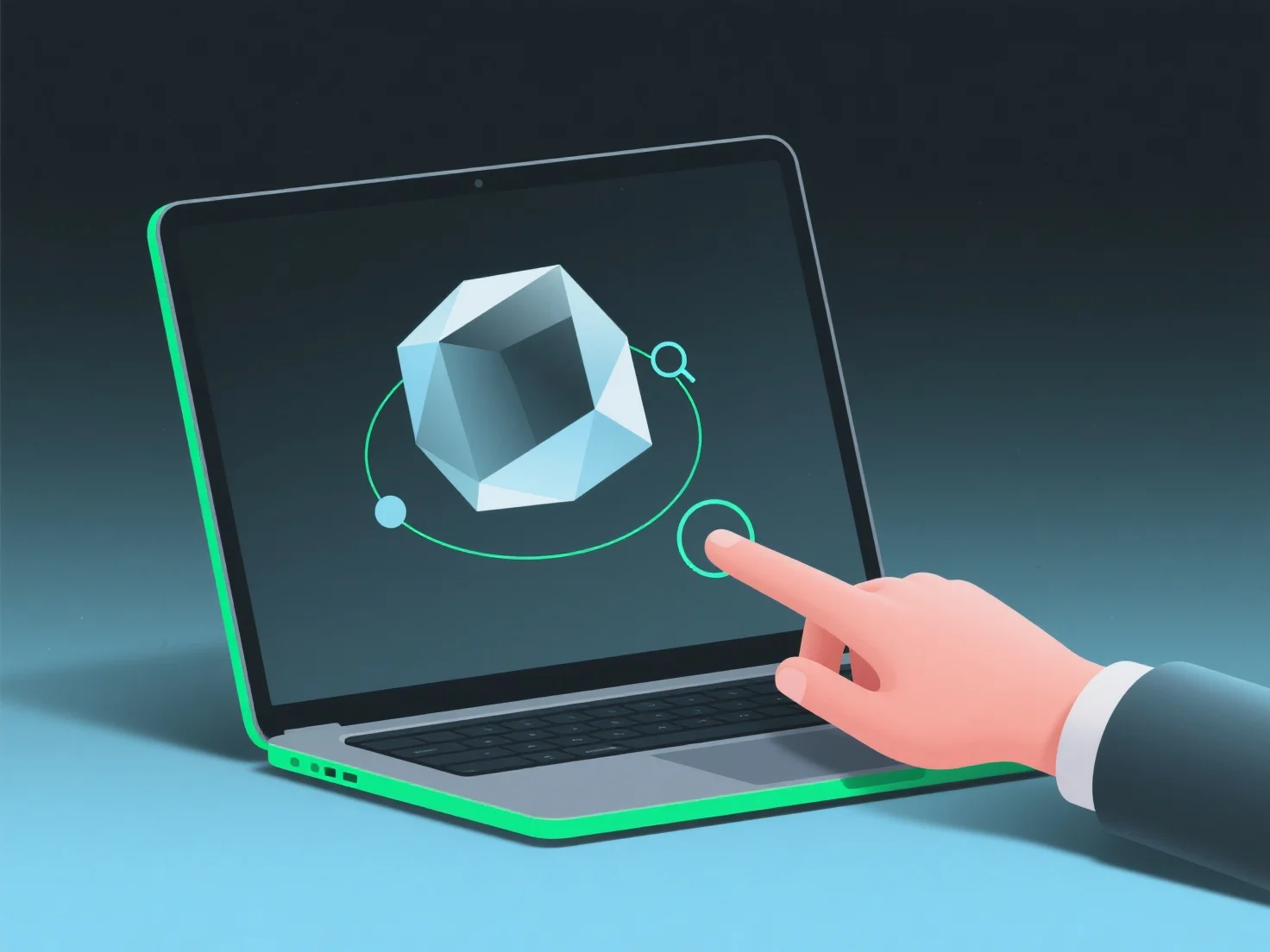
3D-моделі можуть відображатися на веб-сайтах для покращення користувацького досвіду завдяки використанню легких форматів та інтерактивних інструментів, забезпечуючи баланс між швидкістю завантаження та залученням аудиторії.
- **Легкі формати**: Виберіть формати, сумісні з WebGL, такі як GLB/GLTF, які ефективно стискають дані для забезпечення швидкого завантаження, уникаючи розчарування користувачів через затримки. - **Інтерактивні функції**: Вставте переглядачі з можливістю обертання, зума та анотаціями гарячих точок. Це дозволяє користувачам активно вивчати деталі (наприклад, текстури продукту, архітектурні елементи), роблячи досвід більш захопливим, ніж статичні зображення. - **Зручні інструменти для користувачів**: Для новачків використовуйте такі платформи, як Sketchfab або Modelo, які пропонують готові коди для вставки. Це спрощує інтеграцію без необхідності глибоких знань у сфері програмування, забезпечуючи швидке розгортання.
Цей підхід гарантує, що 3D-моделі підвищують залученість, поєднуючи швидкість, інтерактивність і доступність.