


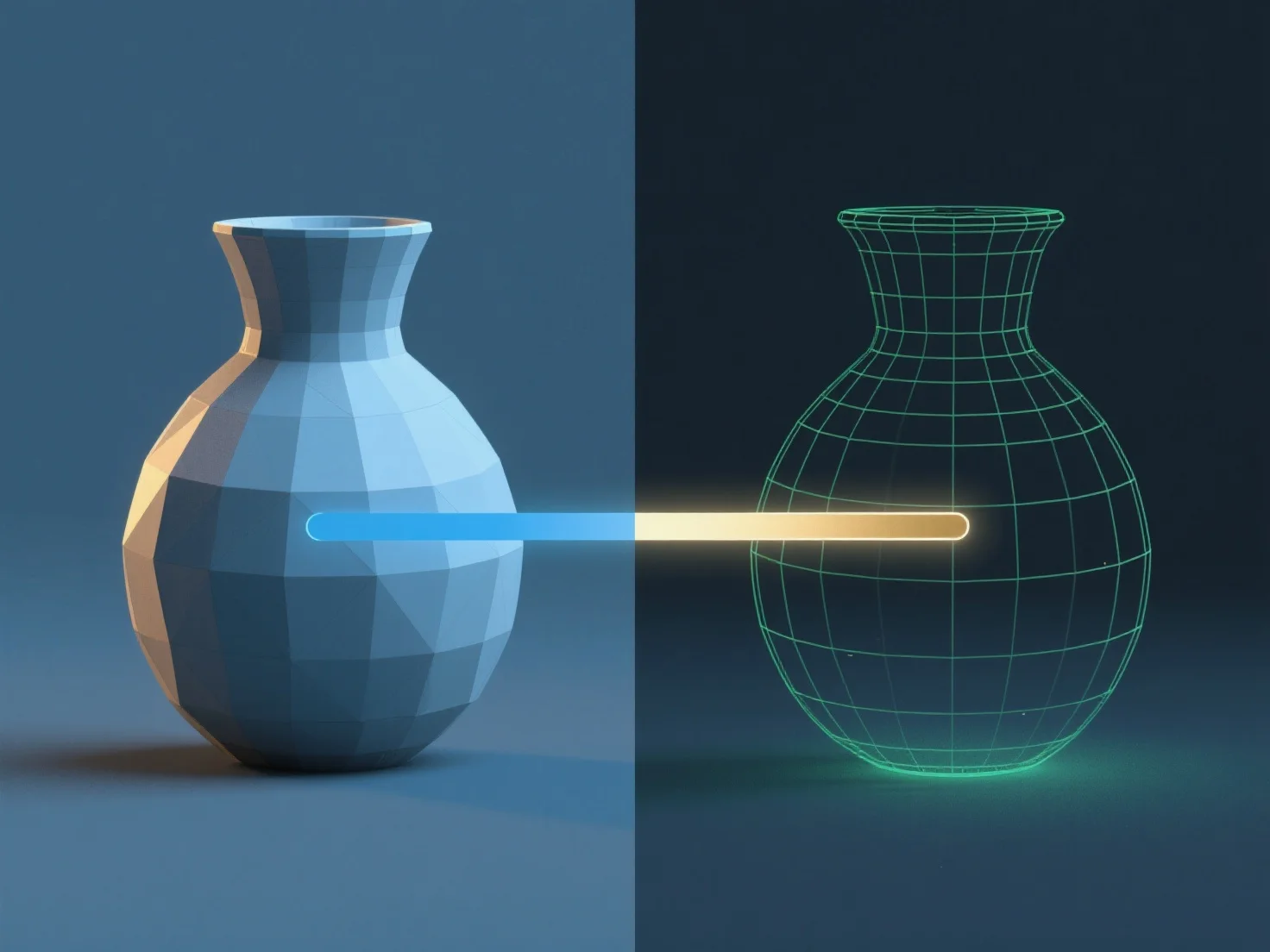
A renderização em modelagem 3D é o processo de converter modelos 3D em imagens ou animações 2D, simulando luz, materiais e texturas para produzir visuais realistas ou estilizados.
Para fazer isso: - Configurar a iluminação: Defina fontes de luz (por exemplo, ambiente, direcional) para imitar a iluminação, afetando as sombras e o brilho. - Definir propriedades do material: Atribua atributos como cor, refletividade ou transparência às superfícies para determinar a interação da luz. - Posicionar câmaras virtuais: Ajuste os ângulos, a distância focal e a profundidade de campo para enquadrar a cena. - Usar motores de renderização: Ferramentas
Software comum como o Blender ou o Maya integra estes passos. Os iniciantes podem começar com predefinições para compreender o fluxo de trabalho antes de ajustar as configurações avançadas.