


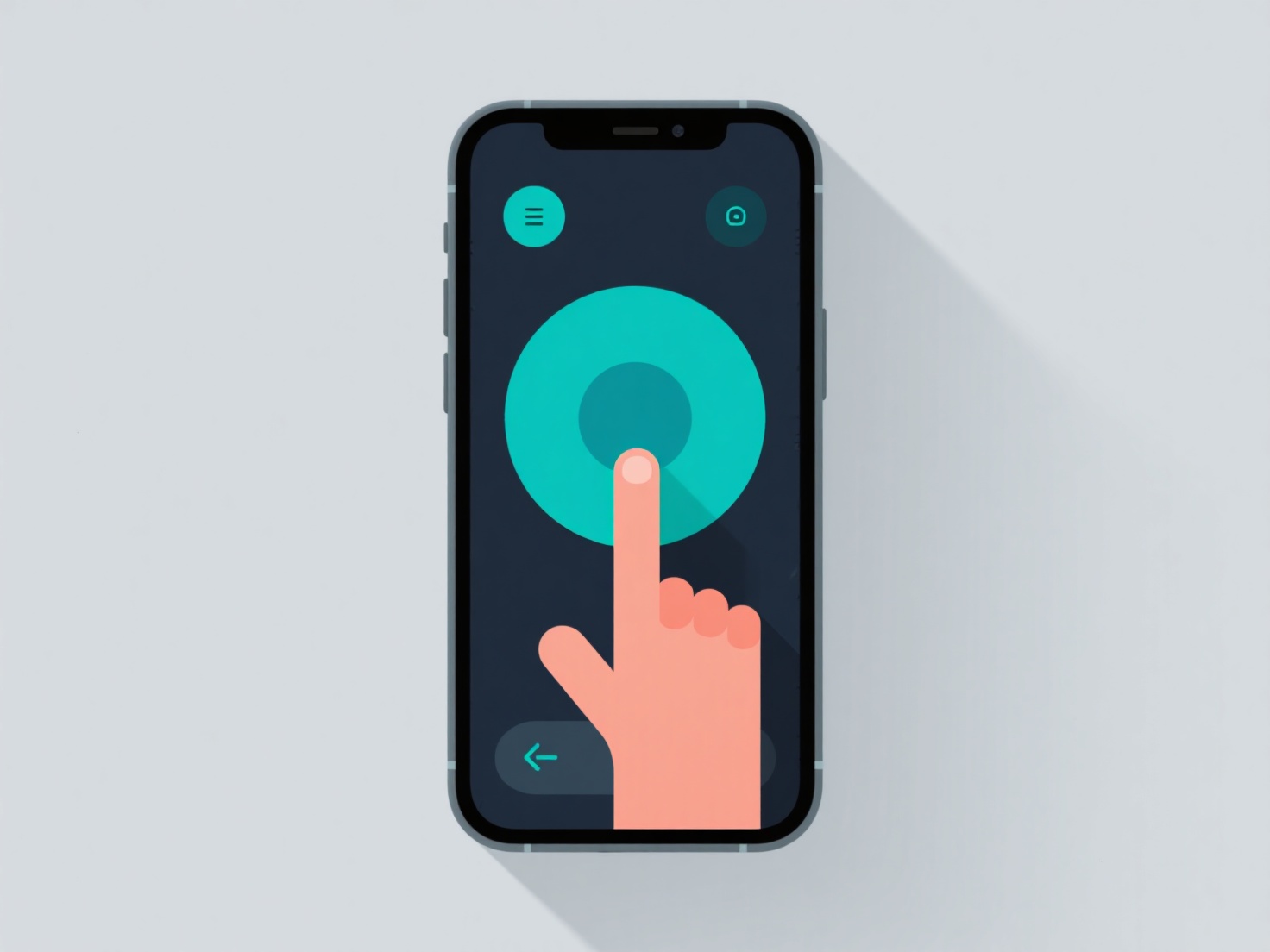
Para texturizar um modelo 3D de eletrônica, comece com materiais de referência.
O desempacotamento UV divide o modelo em "pedaços" 2D editáveis (como desdobrar uma caixa) para que você possa aplicar texturas com precisão. Ferramentas como o Blender (gratuito), o Substance Painter ou o Photoshop funcionam para criar/editar mapas (albedo para cor, aspereza para brilho, metalizado para refletividade).
Corresponder texturas a materiais: plástico mate para uma capa de telemóvel, metal brilhante para uma dobradiça de computador portátil, ou um brilho subtil para um ecrã.
Para iniciantes, comece com modelos simples.