


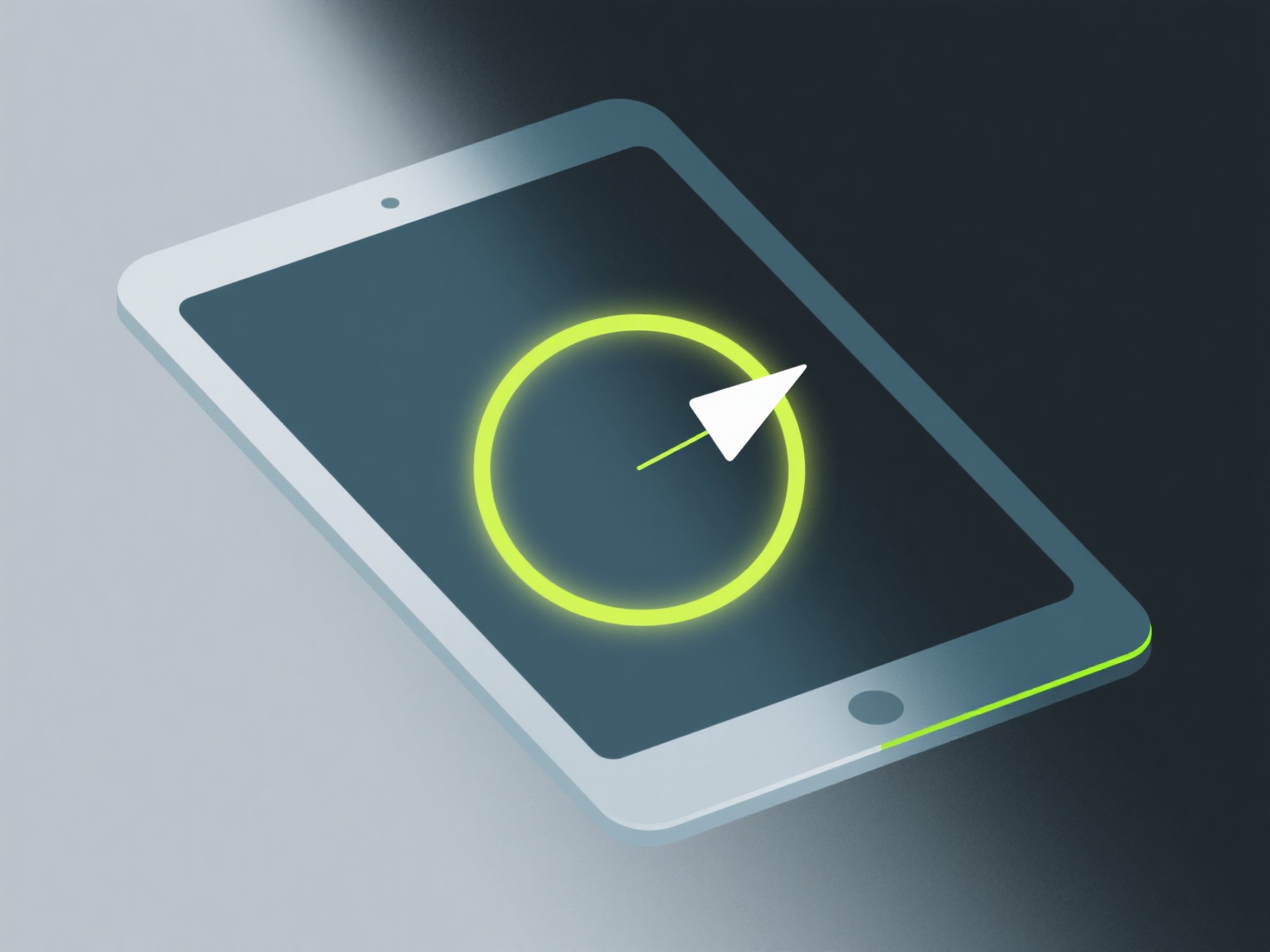
Os programadores independentes podem colorir modelos 3D isométricos utilizando ferramentas como o Blender (para texturização 3D) ou o Aseprite (para pixel art) para aplicar cores planas e ousadas e sombreamento de bordas subtis que complementam as vistas angulares da perspetiva isométrica.
Mantenha uma paleta de cores limitada (4-6 tons) para manter o estilo coeso. As cores planas funcionam melhor para modelos isométricos, pois mantêm a clareza em tamanhos pequenos, o que é comum em jogos indie. Adicione sombreamento ao longo das bordas isométricas (como faces superiores mais claras e faces laterais mais escuras) para definir a profundidade sem complicar demasiado o aspeto.
Se você é novo, comece com uma única cor base por objeto e, em seguida, adicione 1-2 variações de tom. Este fluxo de trabalho simples ajuda-o a praticar a profundidade sem ficar preso em detalhes desnecessários.