


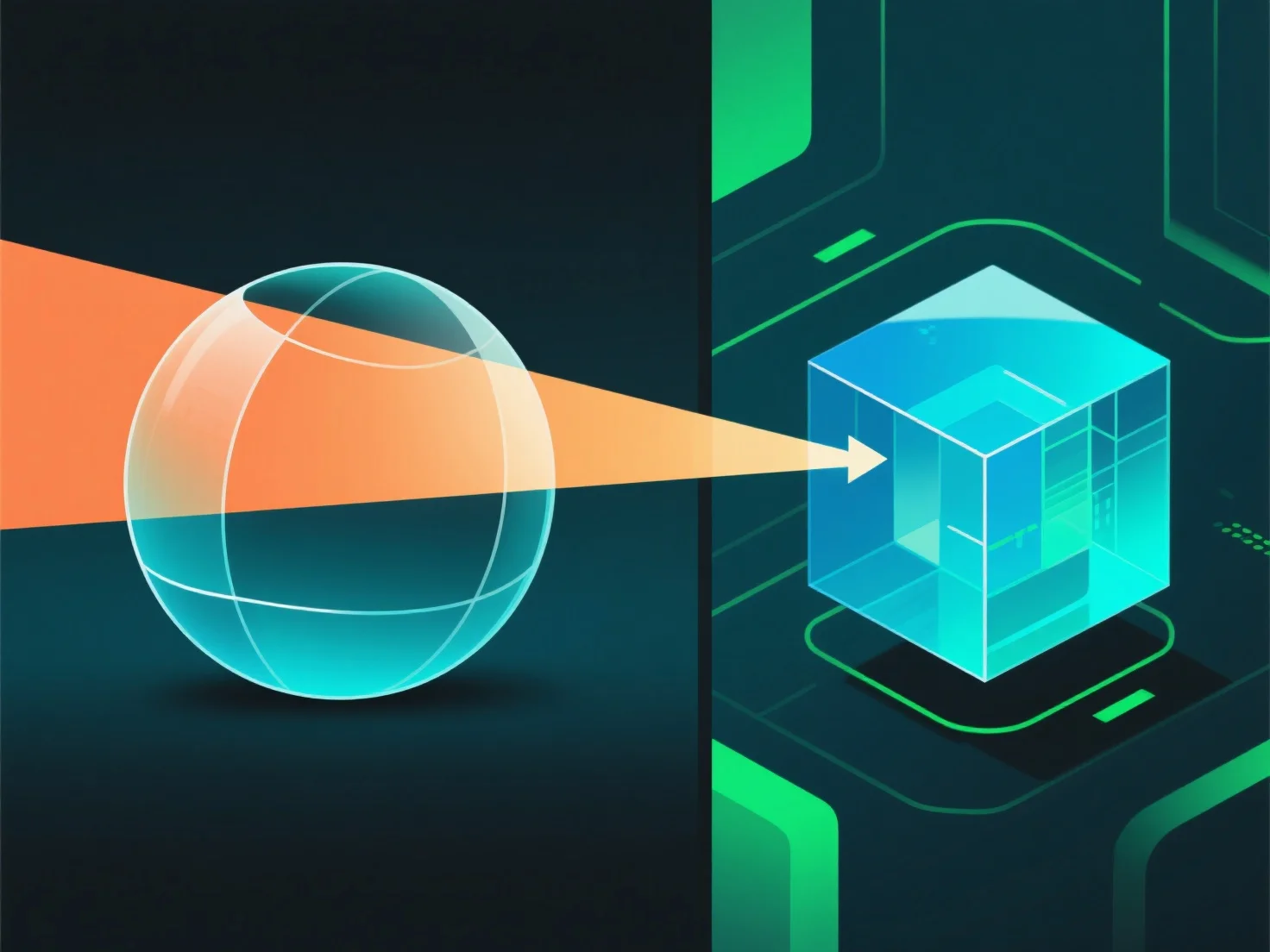
Na renderização 3D, a transparência nos materiais funciona simulando a interação da luz, incluindo transmissão, absorção e reflexão, para replicar os efeitos visuais do mundo real.
- **Opacidade**: Controla a transmissão de luz. A alta opacidade bloqueia a maior parte da luz (por exemplo, plástico opaco), enquanto a baixa opacidade permite que a luz passe (por exemplo, vidro transparente). - **Refração**: Dobre a luz à medida que entra no material, distorcendo os objetos por trás (por exemplo, uma palha que parece dobrada na água). - **Reflexão na superfície**: Parte da luz salta da superfície. Mesmo os materiais transparentes têm reflexos subtis.
Estes parâmetros combinam-se para imitar a forma como a luz se comporta, criando efeitos transparentes convincentes.