


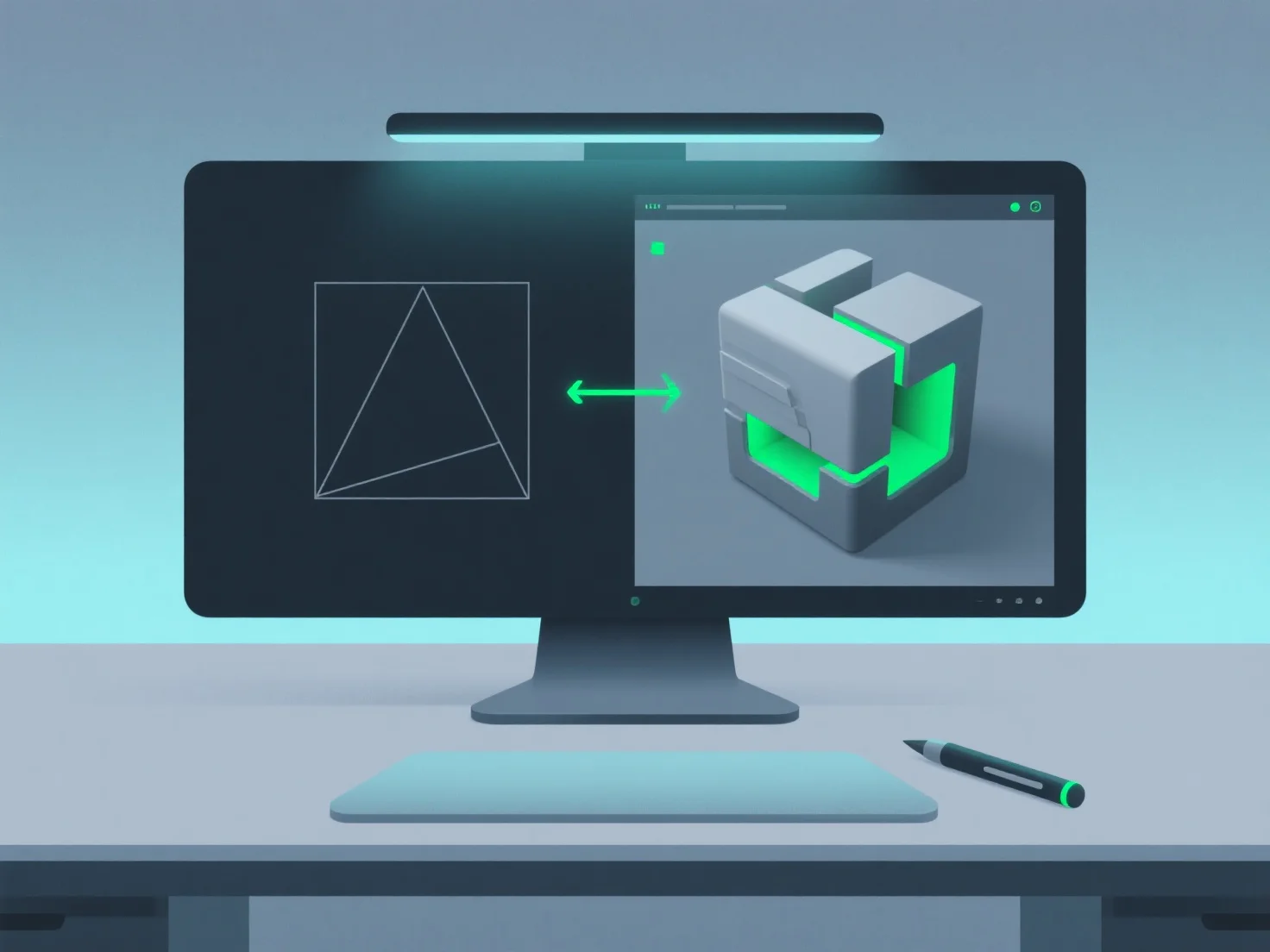
Um modelador 3D lida com alterações ou revisões, primeiramente clarificando os requisitos, avaliando os impactos e ajustando de forma eficiente, muitas vezes usando ferramentas para acompanhar o progresso.
- **Esclarecer detalhes da revisão**: Discuta com os clientes ou a equipa para definir o âmbito, os objetivos e as prioridades das alterações, garantindo o alinhamento com as expectativas. - **Avaliar o impacto**: Avalie como as revisões afetam os elementos existentes, como geometria, texturas, rigging ou animações, para identificar quais partes precisam de modificação. - **Ajuste eficiente**: Modifique os ficheiros do modelo de forma incremental, concentrando-se apenas nas áreas afetadas para minimizar o trabalho de revisão e poupar tempo. - **Utilize o controlo de versão**: Acompanhe as alterações com ferramentas.
Esta abordagem estruturada garante que as revisões se alinhem com os objetivos do projeto, mantendo os fluxos de trabalho eficientes.