


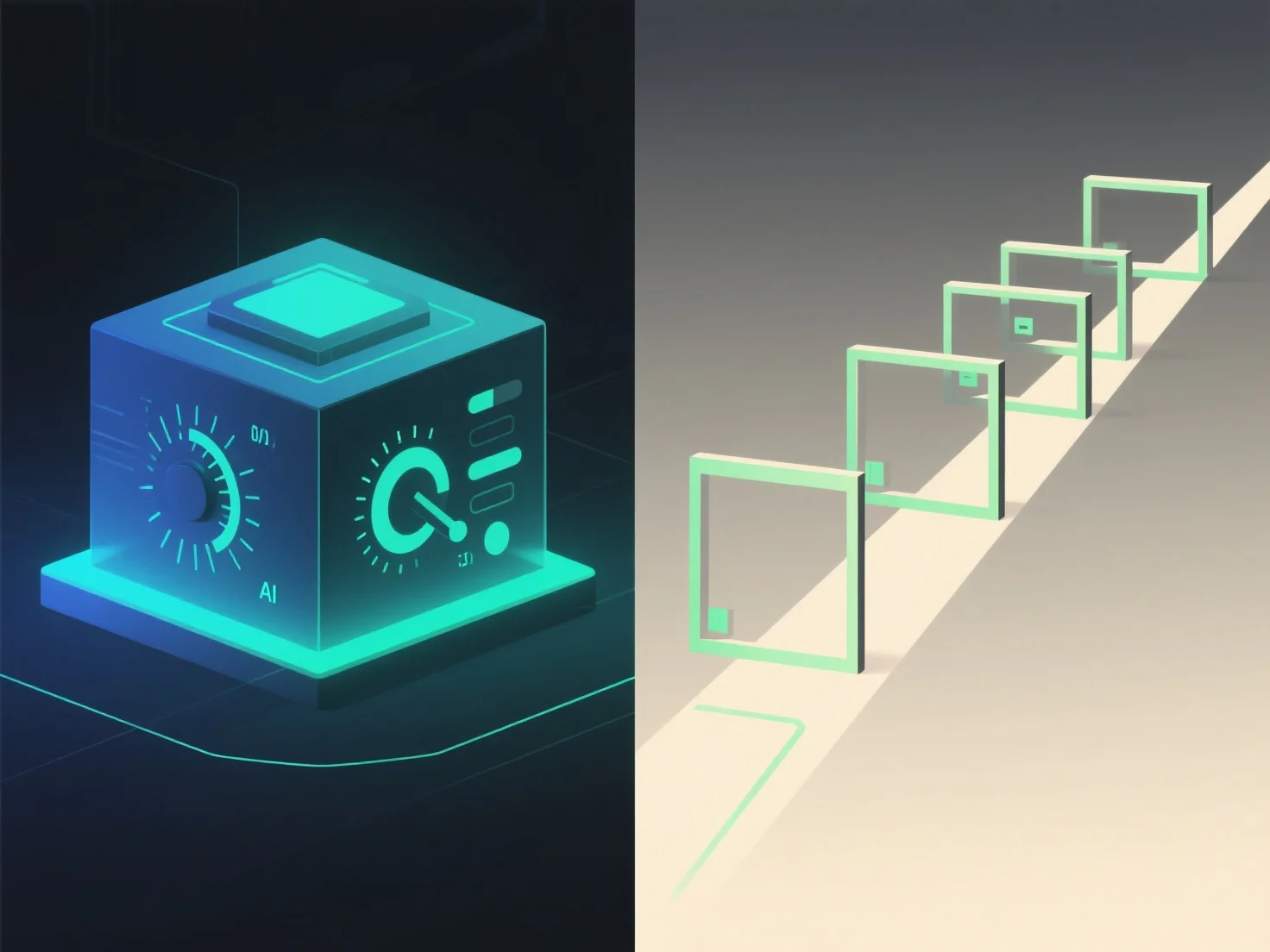
As apresentações 3D com controlo do utilizador e as apresentações guiadas diferem principalmente na interatividade e no controlo da experiência. As 3D controladas pelo utilizador permitem aos espetadores navegar, rodar ou ampliar o conteúdo 3D de forma independente, enquanto as apresentações guiadas seguem uma sequência predefinida, liderada pelo apresentador.
Nível de interatividade: O controlo do utilizador permite aos espetadores explorar ao seu próprio ritmo, concentrando-se nas áreas de interesse. Ideal para inspeções detalhadas ou aprendizagem personalizada. As apresentações guiadas, por outro lado, mantêm um fluxo estruturado, garantindo que as mensagens-chave são transmitidas numa ordem específica.
Aplicações ideais: Cenários de trajes 3D controlados pelo utilizador, como demonstrações de produtos.
Em suma, os 3D controlados pelo utilizador oferecem liberdade exploratória, enquanto as apresentações guiadas asseguram uma comunicação estruturada e intencional.