


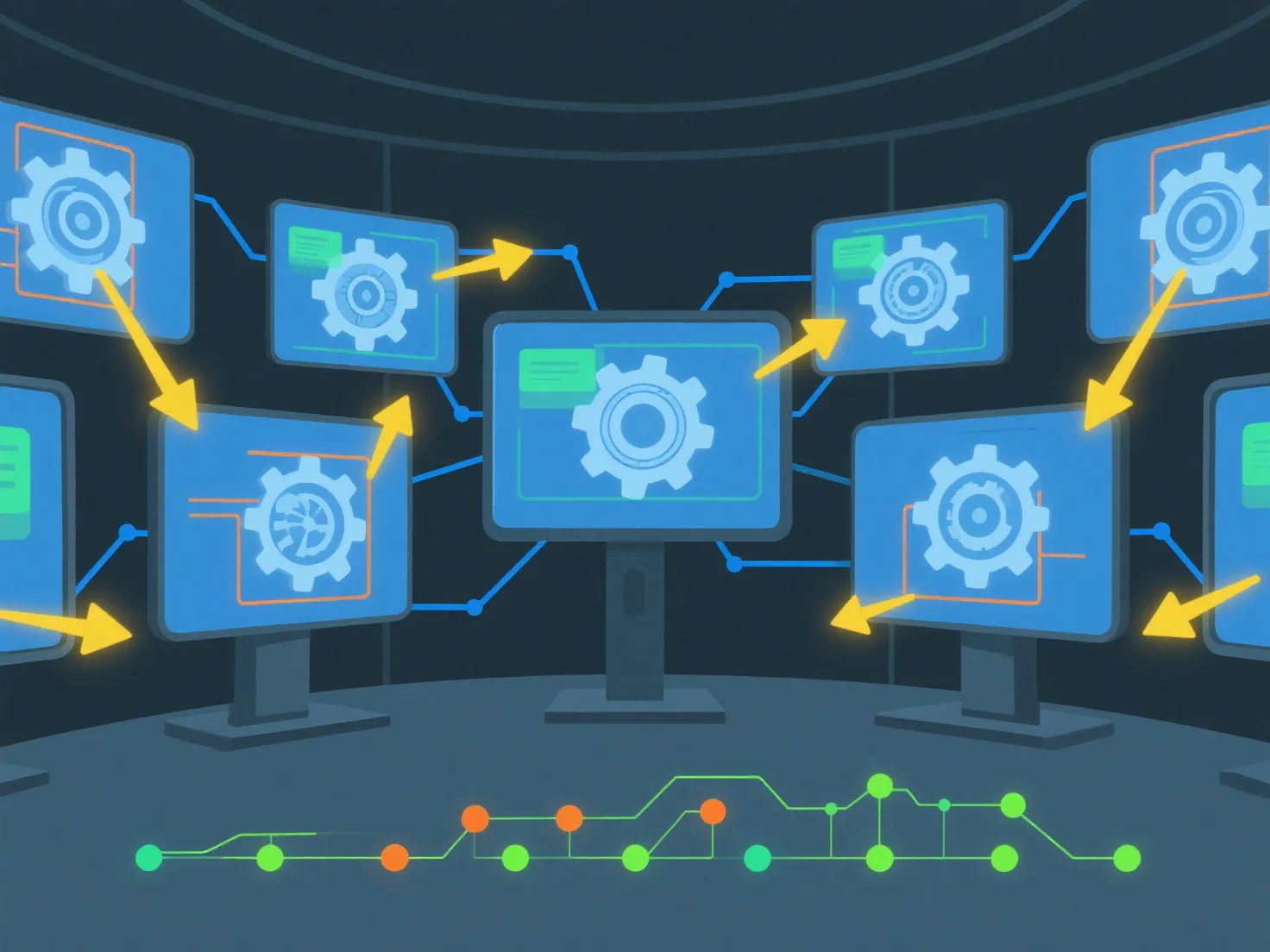
Para partilhar recursos 3D e acompanhar alterações em tempo real utilizando software colaborativo, comece por carregar ficheiros 3D para um espaço de trabalho partilhado na nuvem e configurar as permissões de acesso da equipa. Esta configuração permite a visualização/edição simultânea e regista automaticamente o histórico de alterações para maior transparência.
Primeiro, carregue e configure o acesso: Adicione ficheiros 3D.
Em seguida, ative a colaboração em tempo real: utilize ferramentas com sincronização em tempo real para permitir que vários utilizadores trabalhem no mesmo recurso simultaneamente, evitando conflitos de versão.
Por fim, acompanhe as alterações automaticamente: o software regista as edições com o utilizador, a marca de tempo e os detalhes da modificação, para que as equipas possam rever o histórico ou reverter versões facilmente.
Isso garante uma partilha sem problemas, atualizações em tempo real e uma rastreabilidade clara das alterações para um trabalho em equipa eficiente de ativos 3D.