


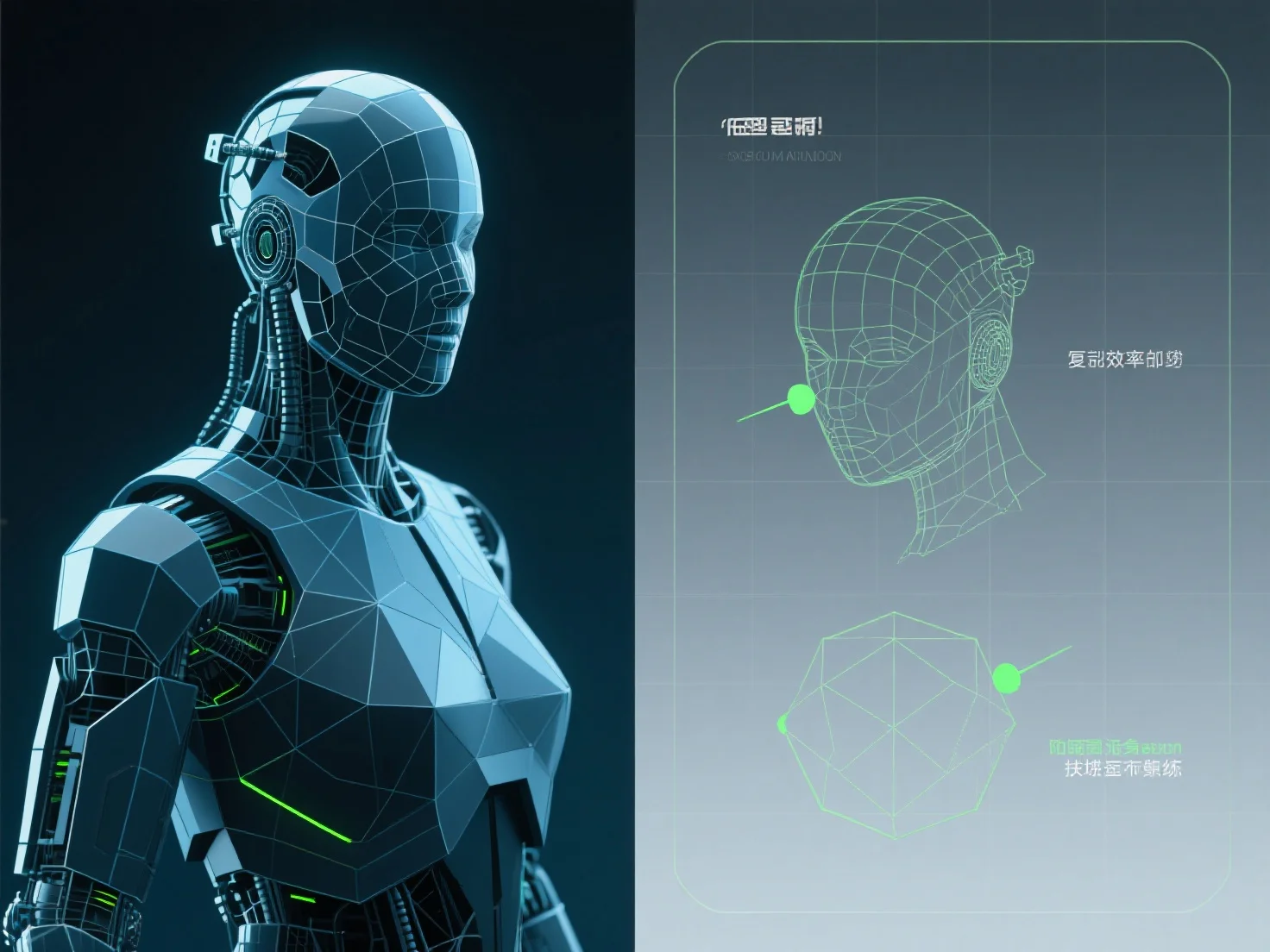
A otimização de modelos 3D para renderização de jogos em tempo real envolve principalmente reduzir a contagem de polígonos, comprimir texturas e implementar sistemas de Nível de Detalhe (LOD) para equilibrar a qualidade visual e o desempenho.
Reduzir a contagem de polígonos: Simplificar a complexidade da malha, removendo vértices não essenciais.
Compressão de texturas: Use formatos como DXT, ASTC ou BCn para reduzir o tamanho do ficheiro de textura e a utilização de memória sem perda significativa de qualidade; combine texturas pequenas em atlas para minimizar as chamadas de desenho.
Sistemas LOD: Implemente várias versões de modelos com diferentes níveis de detalhe. Os modelos com maior detalhe são renderizados perto da câmara, enquanto os de menor detalhe (menos polígonos, texturas mais simples) são ativados à distância, reduzindo as exigências de renderização.
Para iniciantes, comece com ferramentas automatizadas para redução de polígonos e atlas de texturas para agilizar os esforços iniciais de otimização.