


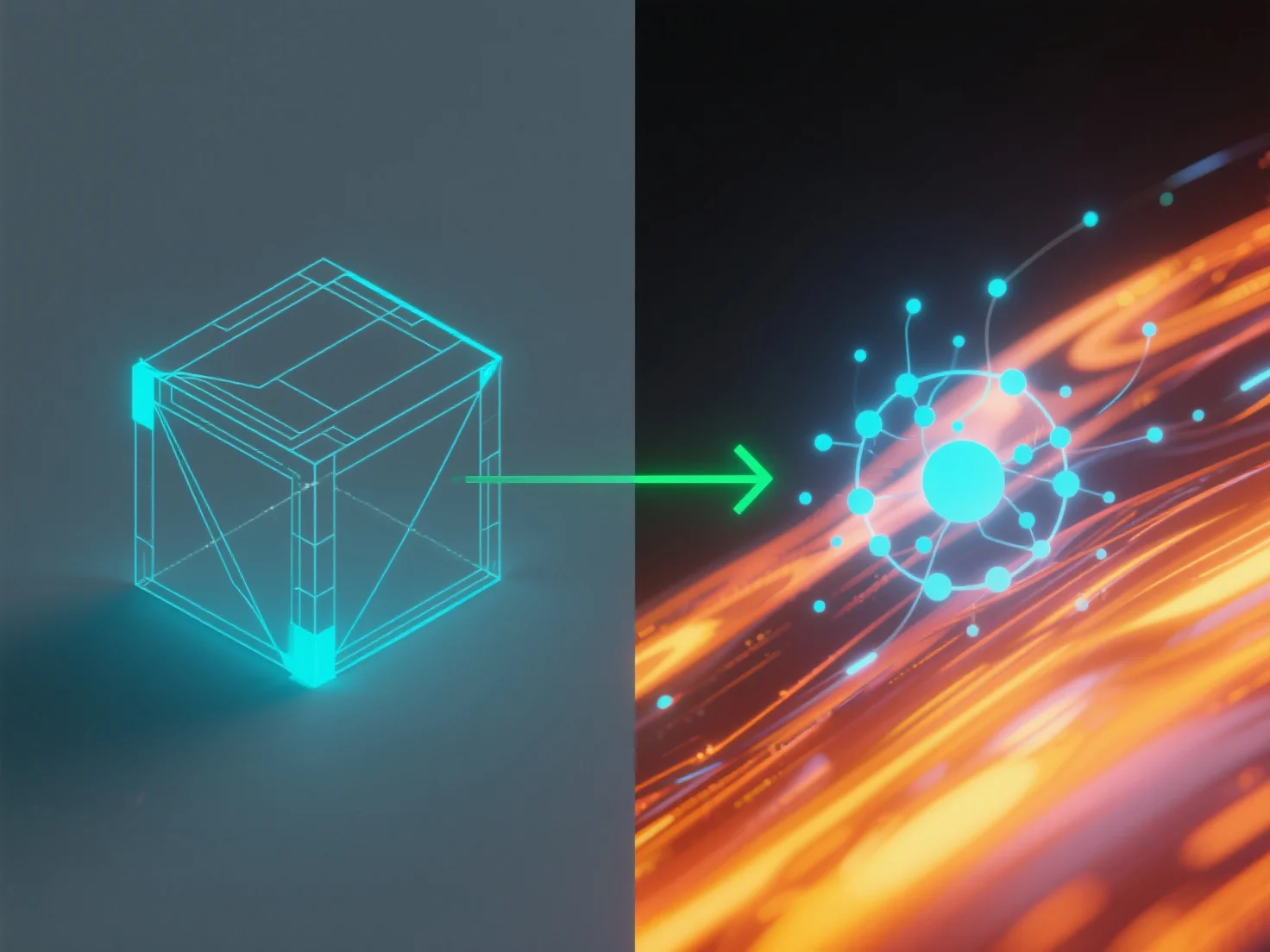
Integrar ferramentas de simulação com software de modelagem para física do mundo real envolve conectá-las através de métodos de transferência de dados compatíveis para aplicar as leis físicas do mundo real.
Os principais passos de integração incluem: - **Transferência de dados**: Utilize formatos de ficheiro padrão (por exemplo, FBX, STEP) ou APIs para partilhar a geometria e as propriedades do modelo entre ferramentas. - **Aplicação de física**: As ferramentas de simulação aplicam motores físicos ao modelo, calculando dinâmicas como trajectórias de movimento ou carga estrutural.
Casos de uso comuns: engenharia (testes de durabilidade), jogos (animações realistas), arquitetura (análise de estabilidade). Para iniciantes, software com motores integrados.