


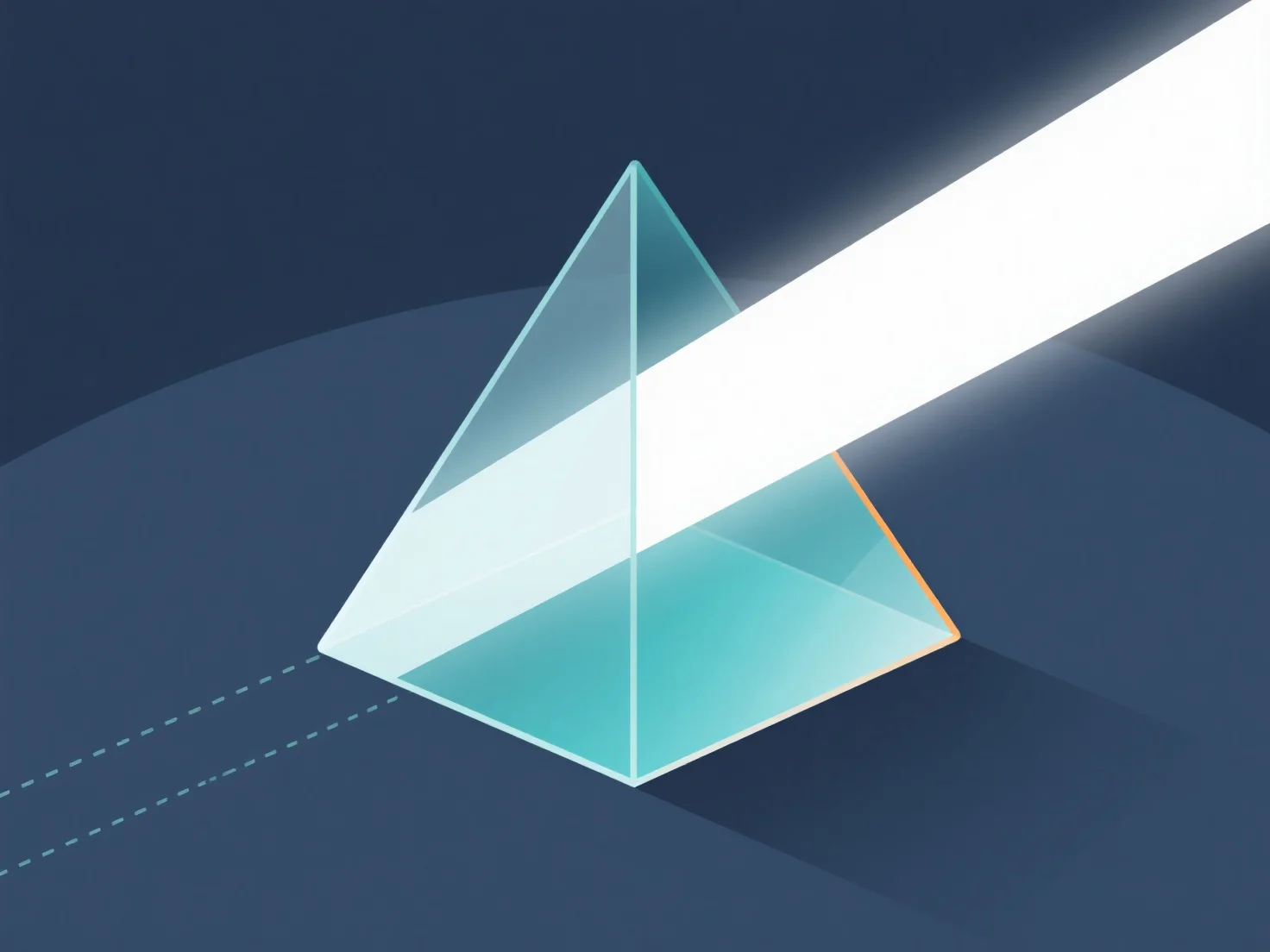
O manuseamento da refração da luz através de materiais em modelos 3D é feito principalmente através da definição das propriedades do material.
- **Definir índice de refração (IR):** O IR determina o ângulo de curvatura da luz. Valores comuns: vidro ~1.5, água ~1.33, ar ~1.0. Atribua o IR nas configurações do material para definir a força da refração. - **Utilizar técnicas de renderização:** O ray-tracing traça os caminhos da luz através dos materiais; o PBR aproveita a física do mundo real. Ambos permitem uma simulação precisa da refração. - **Ajustar as configurações do software:** Nas ferramentas 3D, ative a refração nas configurações de renderização, atribua o IR ao material e ajuste o brilho/opacidade para refinar os efeitos.
Este processo imita o comportamento da luz no mundo real, criando efeitos realistas de materiais transparentes/translúcidos em modelos 3D.