


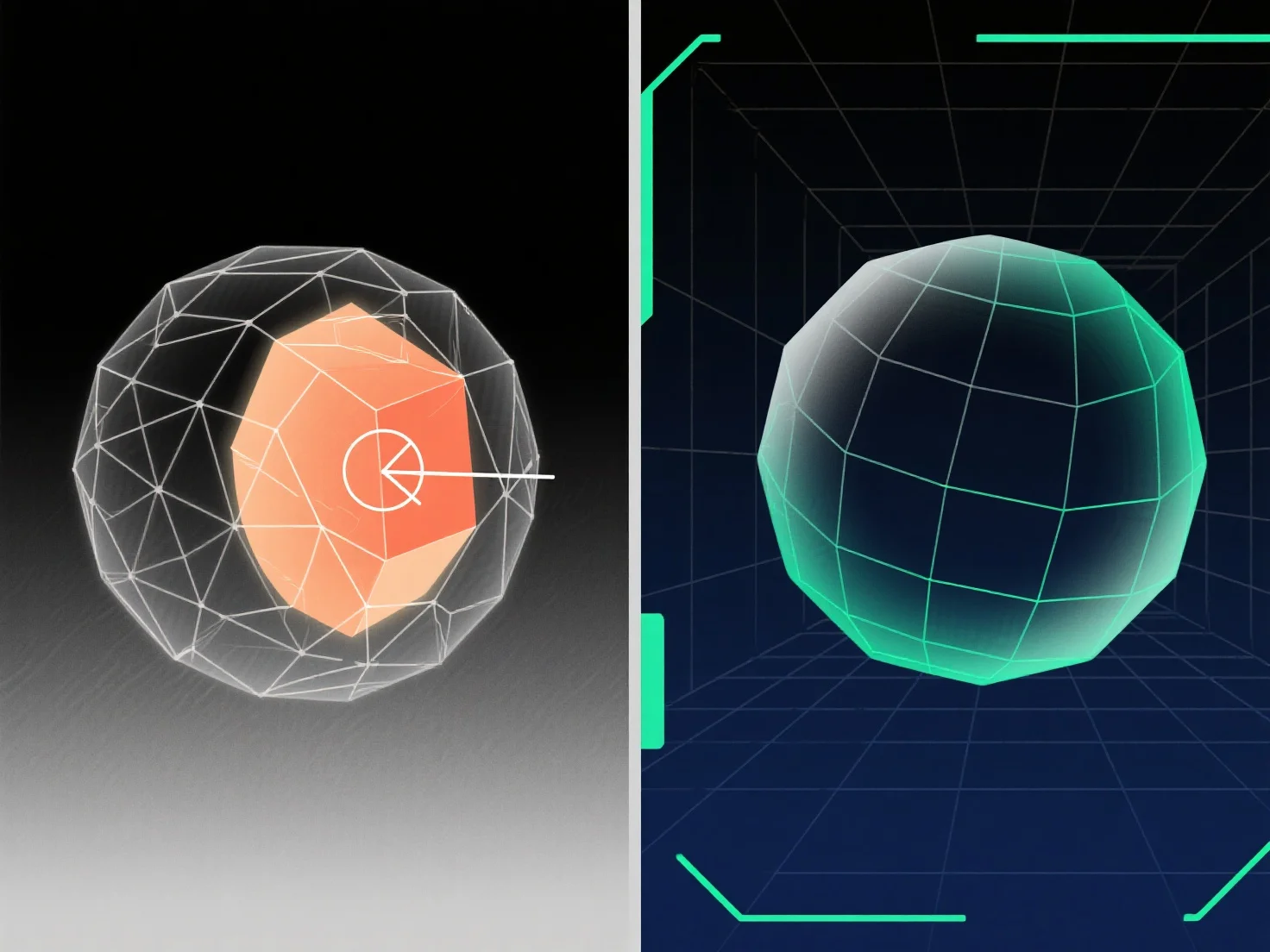
Para lidar com geometria sobreposta na modelagem 3D, as principais soluções incluem a utilização de operações booleanas, a limpeza de vértices/faces redundantes e a aplicação de ferramentas de reparação de malha.
Geometria sobreposta. Quando superfícies, arestas ou vértices ocupam o mesmo espaço 3D. Ocorre frequentemente durante a fusão de modelos, erros booleanos ou duplicação, levando a problemas de renderização, problemas de desempacotamento de UV ou falhas de exportação; resolvê-lo envolve identificar sobreposições e remover, fundir ou separar elementos conflitantes.
Métodos comuns: - Operações booleanas: Use "União", "Diferença" ou "Interseção" para fundir ou subtrair volumes sobrepostos, simplificando a malha. - Limpeza de vértices/faces: Elimine duplicados, funda vértices sobrepostos ou remova faces redundantes para eliminar sobreposições espaciais. - Ferramentas de reparação de malha: Utilize as funcionalidades do software.
Para sobreposições difíceis de detectar, ative a vista de arame ou utilize a seleção baseada na distância; para modelos complexos, isole as partes para resolver os problemas passo a passo.